Cast Phone to TV, Miracasting

Cast Phone to TV, Miracasting Summary
Cast Phone to TV, Miracasting is a with in-app purchases iOS app in Photo And Video by SoftAppsTechnology Ltd. Released in Jun 2023 (2 years ago). It has 259 ratings with a 4.13★ (good) average. Store metadata: updated Jul 9, 2024.
Data tracking: SDKs and third-party integrations were last analyzed on Feb 10, 2025.
Store info: Last updated on App Store on Jul 9, 2024 .
4.13★
Ratings: 259
Screenshots
App Description
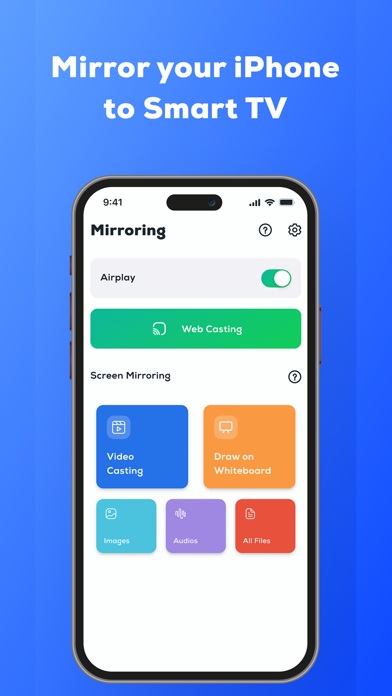
Share your mobile or tablet screen with a smart TV through a wireless connection and enjoy a screencast experience. Cast to TV screen mirroring allows you to easily display a screencast on a smart TV with a simple connection. Ensure your smart TV and phone are connected to the same Wi-Fi network while using Cast to TV screen mirroring.
Key Features of Cast to TV Screen Mirroring:
• Wireless display of phone to TV
• Screencast compatible with all TV models
• Cast for Chromecast and cast to TV
• Easy connection and casting of phone to TV
• Enjoy videos, web videos, and music quickly
• Webcast and web video cast
• Mirror share screen for TV
• TV cast for Chromecast
• Cast to TV screen mirroring
• Miracast Screen mirroring
Miracast Screen Mirroring and Screencast
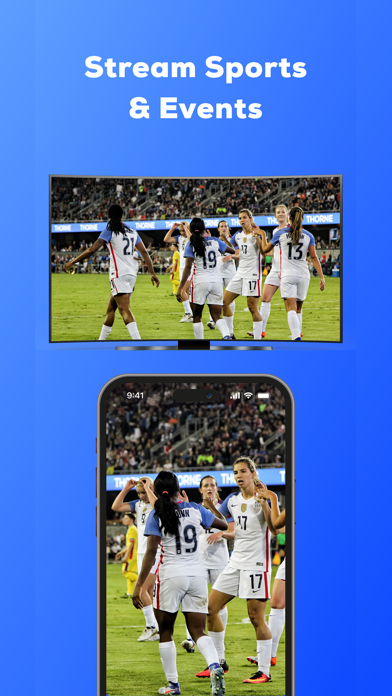
TV cast for Chromecast enables screen sharing, streaming videos, movies, photos, and playing mobile games on a smart TV. Chromecast allows you to share your device's screen with a smart TV. you can enjoy cricket, football, or any sports channel or live streaming on a smart TV.
Web Video Cast and Web Cast
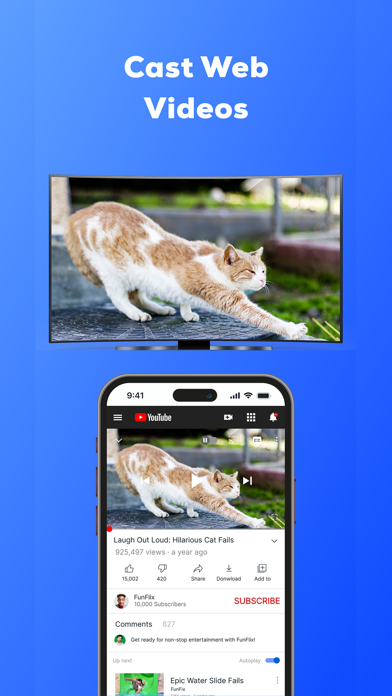
Present any type of file, including videos, images, documents, and PowerPoint presentations in the offices using Cast to TV Screen Mirroring. Connect your phone to the TV and enjoy screen casting with the web video cast. Web Video Cast provides a drawing feature in the Smart TV cast, allowing you to draw or sign on the Smart TV screen.
TV Cast for Chromecast and Screen Mirroring
Connect a smart TV with a mobile device and protect your eyes from mobile rays and eye strain while using Cast to TV screen mirroring. Use a TV cast for Chromecast to enjoy movies on a Smart TV screen. Phone to TV allows a wireless display without connecting wires to a Smart TV. TV cast for Chromecast for every mobile user, not only for watching movies on a Smart TV but also for office use.
Cast to TV Screen Mirroring
Watch your favorite shows and movies on TV! Cast to TV screen share of your phone or tablet to your TV. Smart View shows your phone screen on TV too. You can use Cast to TV for a movie night and Smart View for screen sharing. It's easy and fun! Miracast and Smart View make watching together with anyone a breeze.
How to Use Cast to TV Screen Mirroring?
• Download from the App Store.
• Connect your phone and Smart TV to the same Wi-Fi network.
• Enable Wireless Display.