My Notes - Notebook, Notepad

My Notes - Notebook, Notepad Summary
My Notes - Notebook, Notepad is a ad-supported, with in-app purchases iOS app in Productivity by Ascendik. Released in Aug 2023 (2 years ago). It has 13 ratings with a 4.54★ (excellent) average. Based on AppGoblin estimates, it reaches roughly 31 monthly active users and generates around $<10K monthly revenue (23% IAP / 77% ads). Store metadata: updated Dec 2, 2025.
Store info: Last updated on App Store on Dec 2, 2025 .
4.54★
Ratings: 13
Screenshots


App Description
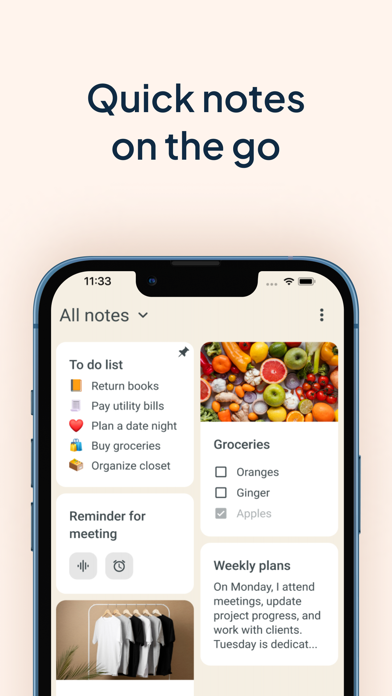
Get ready to experience the power of efficient note taking and task management with My Notes - Notebook, Notepad. This app is designed to be your go-to tool for capturing and managing all your ideas, thoughts, and important information in one place. This notebook with calendar will revolutionize the way you write down things and keep a log of your tasks. No need to wonder how to stay organized any longer!
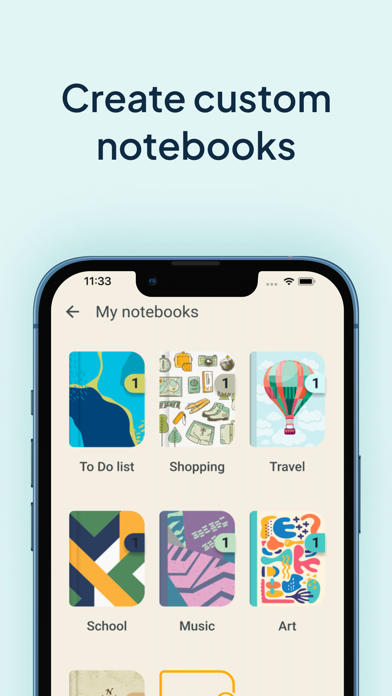
With My Notes - Notebook, Notepad, you can create separate notebooks for different subjects or projects, ensuring a well-organized workspace for lists or audio notes. Take advantage of its useful features such as daily checklists, drawing capabilities, text formatting, lovely backgrounds and themes, and a convenient widget that allows you to access your quick notes with ease. Also bear in mind that protection is important so you can keep your secrets safe with the built-in codelock feature. Say hello to a digital memo notepad that enhances your productivity and creativity!
REDEFINING THE ART OF TAKING NOTES:
Create separate notebooks for different purposes, keeping your writings organized and easily accessible.
Use the checklists option to manage your tasks list and to-do lists efficiently, ensuring that nothing falls through the cracks.
Capture your thoughts and ideas effortlessly with the ability to type, draw, or even record audio notes.
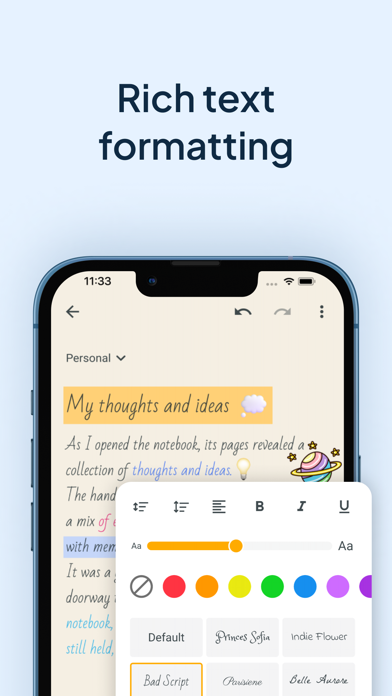
Enhance your notebook with rich text formatting options, including bold, italic, underline, and bullet points.
Archive writings that you no longer need but still want to keep for future reference. The archive feature helps you maintain a clean and organized color notes app.
CUSTOMIZATION THAT SETS YOUR NOTEBOOKS APP APART:
Choose from a wide range of attractive backgrounds and themes to personalize your notes taking experience.
Adjust font sizes, colors, and styles to make your notes visually appealing and easy to read.
Access your memo notes with ease using the convenient widget shown on your device's home screen just like sticky notes.
MULTIMEDIA TO VISUALIZE YOUR IDEAS:
Unleash your creativity and sketch or draw notes to illustrate your thoughts visually.
Insert photos, images, and videos to create multimedia-rich entries that bring your memories and concepts to life.
Record notes to capture lectures, interviews, or important discussions, ensuring you never miss a detail.
PROTECT AND SECURE YOUR NOTE WRITER:
Safe