Avatar Animator: Export Video

Avatar Animator: Export Video Summary
Avatar Animator: Export Video is a with in-app purchases iOS app in Photo And Video by 江 邱. Released in Jul 2023 (2 years ago). It has 28 ratings with a 4.00★ (good) average. Based on AppGoblin estimates, it reaches roughly 12 monthly active users and generates around $<10K monthly revenue (100% IAP / 0% ads). Store metadata: updated Jan 6, 2026.
Store info: Last updated on App Store on Jan 6, 2026 .
4★
Ratings: 28
Screenshots

App Description
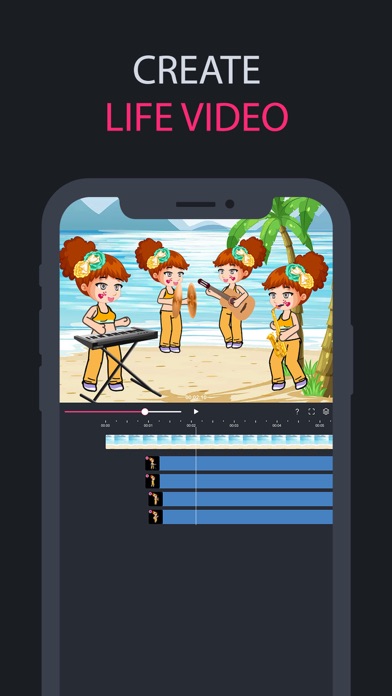
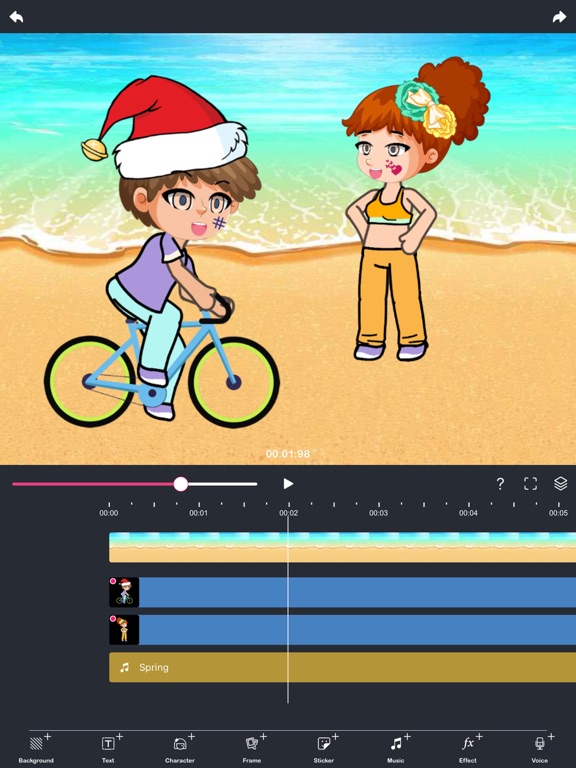
Create amazing comic videos and animations without any expertise!
Avatar Animator is a tool for creating the animations and video using the BONE.
- CREATE OWN CHARACTER
• Changing hair, eye, eyebrow and mouth
• Changing clothes
• Adding your face with erasing and cropping
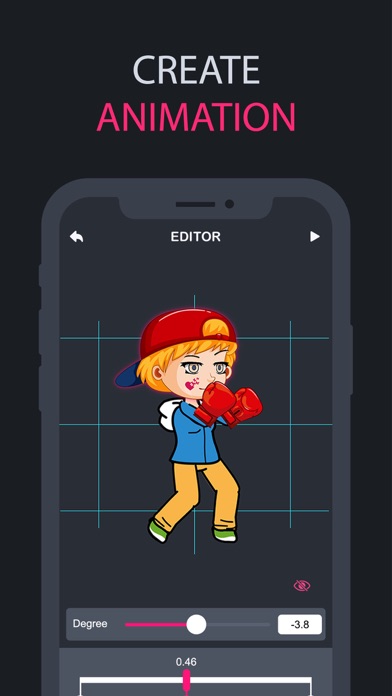
- CREATE ANIMATION
• Animation timeline according to bones
• Adjust bone's rotate
• Add eye and mouth animation
• Animation action management (copy, paste , remove)
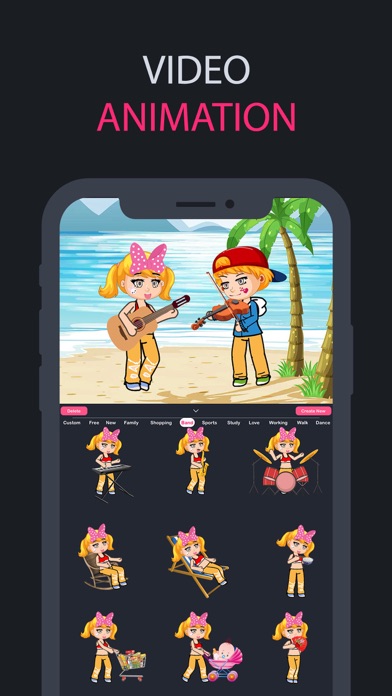
• Change characters and animations
• Adjust the speed of animation
- EXPORT AND SHARE
• Exporting animation to video with mask
• Exporting animation to GIF
• Share animated videos and gifs through social networks
UNLIMITED ACCESS MEMBERSHIP SUBSCRIPTION:
- You can subscribe for unlimited access to all features and content offered for purchase within Avatar Animator.
- Subscriptions are billed weekly or annually at the rate selected depending on the subscription plan. Alternatively, a one-time payment plan is available (this is not a subscription).
- Subscriptions auto-renew at the cost of the chosen package, unless cancelled 24-hours in advance prior to the end of the current period. The subscription fee is charged to your iTunes
account at confirmation of purchase. You may manage your subscription and turn off auto-renewal by going to your Account Settings after purchase. Per Apple policy, no cancellation of the current subscription is allowed during active subscription period. Once purchased, refunds will not be provided for any unused portion of the term.
Terms of use: https://www.thinkingskillsapps.com/TermsOfUse.html
Privacy policy: http://www.thinkingskillsapps.com/PrivacyPolicy.html