AR Tracing: Drawing by Tayasui

AR Tracing: Drawing by Tayasui Summary
AR Tracing: Drawing by Tayasui is a free, ad-supported, with in-app purchases iOS app in Art And Design by SKETCHES SRL. Released in Jul 2023 (3 years ago). It has 14.2K ratings with a 4.24★ (good) average. Based on AppGoblin estimates, it reaches roughly 38.9K monthly active users and generates around $<10K monthly revenue (32% IAP / 68% ads). Store last updated Feb 12, 2026
Recent activity: 19 new ratings this week View trends →
AR Tracing: Drawing by Tayasui SDKs Summary
App not yet scanned for SDKs.
4.24★
Ratings: 14.2K
Screenshots


App Description
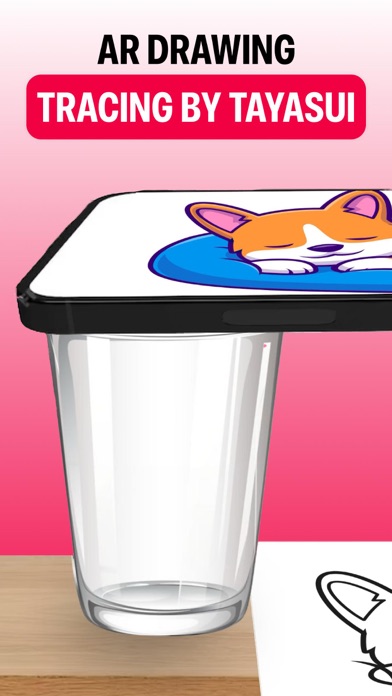
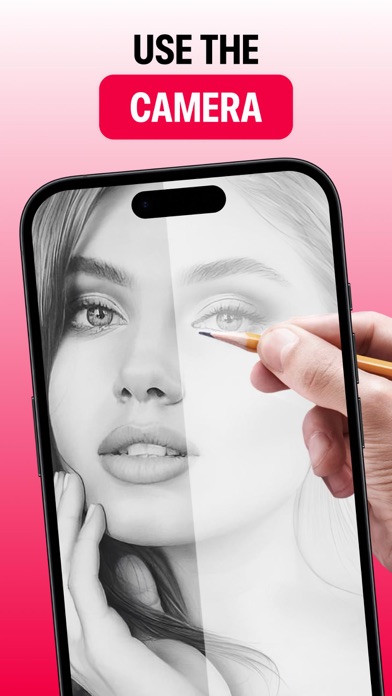
The AR Drawing by Tayasui app is an invaluable tool for artists looking to trace and sketch various designs. It provides an efficient and user-friendly platform for creating drawing and sketch art. With its step-by-step drawing lessons and the ability to trace selected images using tracing paper under the camera, it's an excellent resource for learning and practicing the art of tracing. Transforming sketches into art is made easy by using AR Drawing by Tayasui app to trace images, whether it's cartoons, buildings, objects, or eyes, onto tracing paper.
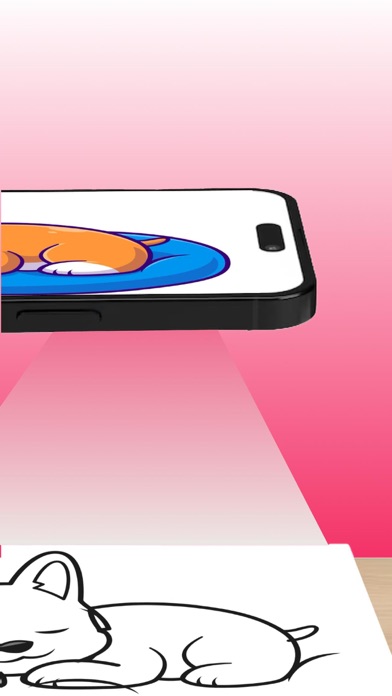
Using this you may learn and practice drawing. Also make tracing an image easy. Just select an image from the app or gallery apply filter to create image traceable. The image will appear on screen with camera open. Place phone about 1feet above and look into the phone and draw on paper.
The user can adjust the thickness and style of their lines, as well as use the eraser tool to correct any mistakes. They can also add additional elements or details to their sketch if desired. Once the user has finished their sketch, they can save it or share it with others. The app may also have features such as filters or color adjustments to further enhance the finished sketch.
Subscribe to access to premium app features; subscription details are the following:
- Length: weekly, yearly
- Your payment will be charged to your iTunes Account as soon as you confirm your purchase
- You can manage your subscriptions and turn off auto-renewal from your Account Settings after the purchase
- Your subscription will renew automatically, unless you turn off auto-renew at least 24 hours before the end of the current period
- The cost of renewal will be charged to your account in the 24 hours prior to the end of the current period
- When canceling a subscription, your subscription will stay active until the end of the period. Auto-renewal will be disabled, but the current subscription will not be refunded
- Any unused portion of a free trial period, if offered, will be forfeited when purchasing a subscription
Terms of Use: https://www.apple.com/legal/internet-services/itunes/dev/stdeula/