Teleprompter for Video ۬

Teleprompter for Video ۬ Summary
Teleprompter for Video ۬ is a free, with in-app purchases iOS app in Photo And Video by AppQ Technology. Released in Jul 2023 (3 years ago). It has 308 ratings with a 4.55★ (excellent) average. Based on AppGoblin estimates, it reaches roughly 128 monthly active users and generates around $<10K monthly revenue (100% IAP / 0% ads). Store last updated Sep 10, 2024
Teleprompter for Video ۬ SDKs Summary
App not yet scanned for SDKs.
4.55★
Ratings: 308
Screenshots


App Description
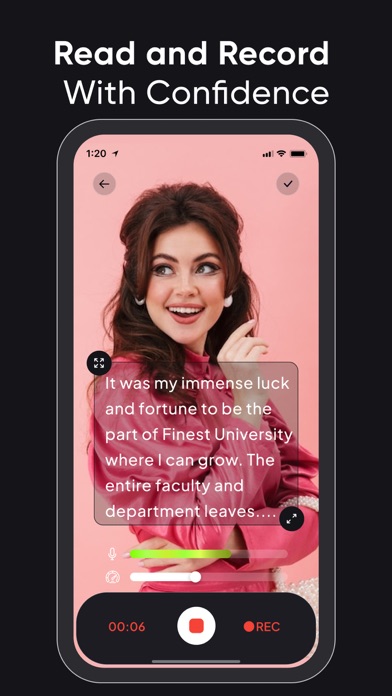
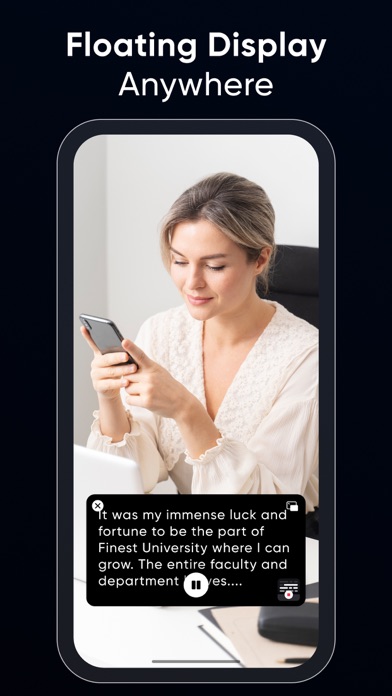
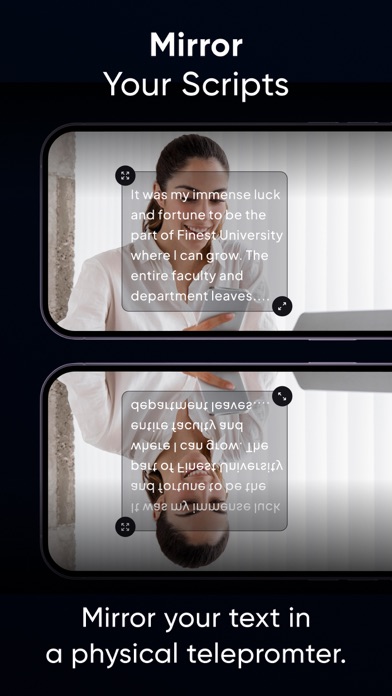
Teleprompter Pro is yet another video teleprompter app that allows you to display your text script on your phone’s video recording screen, so you can always be sure of what you’re going to say.
Whether you’re an influencer who wants to share your trip journey or makeup routine with your followers or are a teacher who is recording lessons for their students or needs a prompter for your public speaking sessions. The Teleprompter Pro app helps you look more confident and professional in your videos.
Some salient features of Teleprompter Pro:
• Record videos in multiple sizes: Teleprompter Pro supports the following aspect ratios: 16:9, 9:6, 4:5, 1:1, 9:4 which almost work for different social media platforms.
• Optimize Teleprompt Text: Unlike other Teleprompter apps that just display the text on the recording screen, Teleprompter Pro actually allows you to change text alignment, style (bold, italic, underline) & increase/decrease font-size as per requirements.
• Trim video: No video is perfect, in case you’ve made a blunder at a certain part, then you can actually trim your video and remove the unwanted part.
• Multiple scripts: You can as many scripts as you want. However, adding more than 1 script is available for the Teleprompter Premium subscribers only.
• Add Captions: Once your video is recorded and is finally ready, you can add captions for users who have hearing issues or anyone who prefers captions.
Benefits of using Teleprompter Pro:
• You’ll look more confident and your videos will feel professional.
• You’ll know what you’re going to say.
• People won’t feel like you’re reading text from elsewhere (which shall make you feel even more trustworthy and knowledgeable)
• You’ll be able to avoid mistakes.
• Your video will look live and engaging.
• You'll be able to speak clearly and articulately.
• You’ll be able to add captions to your videos and even optimize them as per the timing.
If you're looking to improve your video presentations, a teleprompter for video is a great option. It's easy to use and can make a big difference in the quality of your videos.
Here are some tips for using a teleprompter app:
• Practice reading from the teleprompter before you record your video.
• Make sure the text is large enough for you to read easily.
• Use a slow and steady pace.
• Look directly into the ca