FlutterFlow - Build Different

FlutterFlow - Build Different Summary
FlutterFlow - Build Different is a with in-app purchases iOS app in Developer Tools by FlutterFlow. Released in Sep 2023 (2 years ago). It has 61 ratings with a 4.21★ (good) average. Based on AppGoblin estimates, it reaches roughly 239 monthly active users and generates around $<10K monthly revenue (100% IAP / 0% ads). Store metadata: updated Mar 31, 2026.
Store info: Last updated on App Store on Mar 31, 2026 .
4.21★
Ratings: 61
Screenshots
App Description
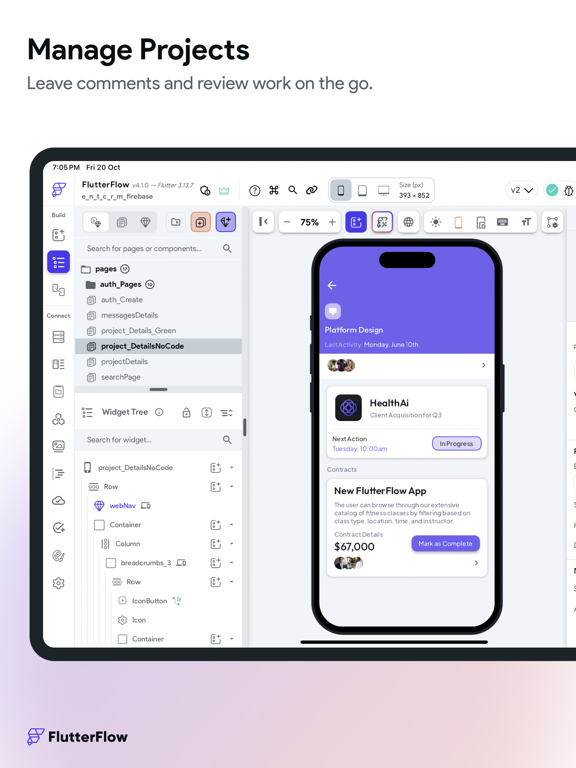
FlutterFlow is a low-code platform for building beautiful cross-platform apps. Create beautiful UI, generate clean code, and deploy to the app stores or web in one click. Fully extensible with custom code. Unlike other no-code tools, FlutterFlow makes it easy to view and export Flutter code that can be customized.
Key Features:
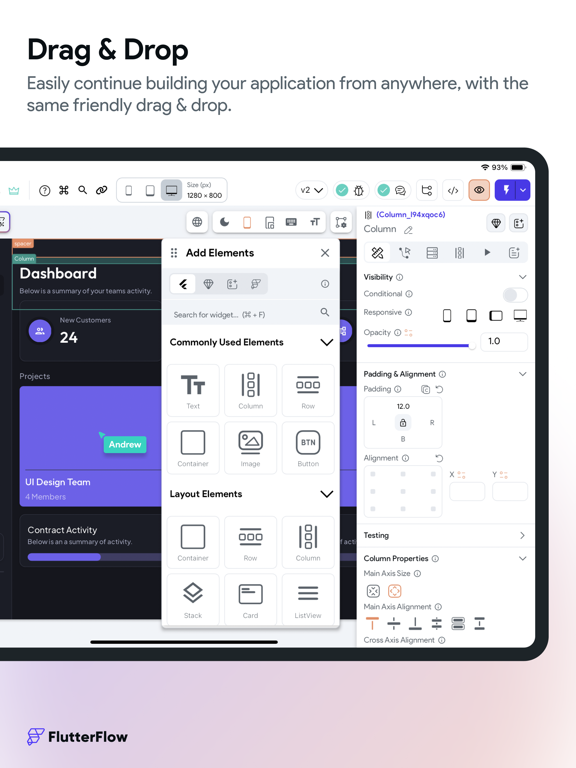
1. Visual Builder: Create beautiful and responsive user interfaces with our drag-and-drop designer. Choose from a wide selection of pre-built widgets or create your own custom components.
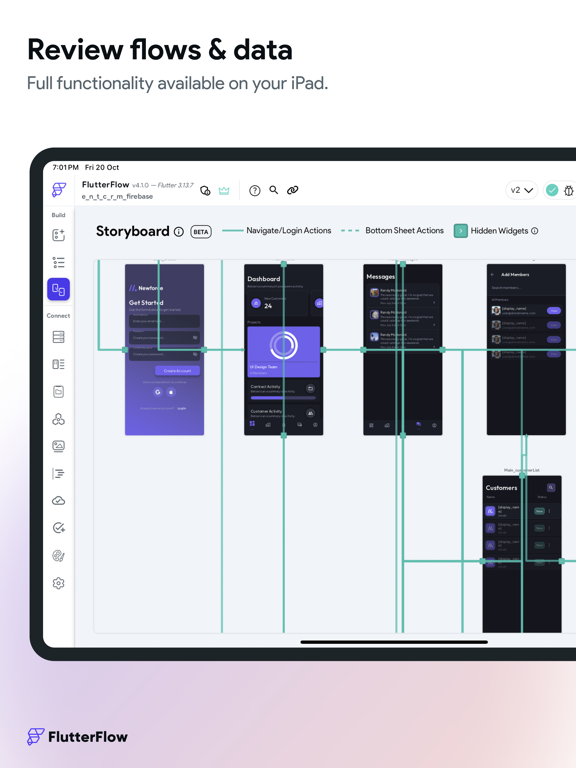
2. Powerful Backend: FlutterFlow provides easy integration with Firebase, Supabase, or REST APIs. No need to write complex server-side code – we've got you covered!
3. Deploy to Mobile App Stores and Web: With FlutterFlow, you can streamline the process of getting your app to the users. You even have the ability to use custom domains for your web applications, scaling to professional-grade web apps out of the box.
4. 170+ Prebuilt Components: Drag and drop cards, user profiles, list items, and other pre-designed components to help build your app. We are adding more every week!
5. Custom Code: Add advanced functionality without downloading and modifying the code! Add Flutter and Dart code inside FlutterFlow by creating Custom Functions, Widgets, and Actions.
6. Download Code: As you build in FlutterFlow, we automatically create the code for your app. With one click, you can download your entire source code!
7. 3rd Party Integrations: Algolia to power search, Braintree/PayPal to process payments, and a lot more in store!
8. Github Integration: Use our integration with GitHub to easily deploy the latest changes to your repository.
Design system:
Our new Themes V2 feature gives you the power to take advantage of default widget styling, robust color system, typographic styles, and design libraries all within FlutterFlow.
• Manage Theme Colors like a Pro: Import theme colors and font styles from Figma or easily create and manage them within FlutterFlow.
• Typographic Styles: Implement proper typographic styles so that your designs remain consistent across device sizes.
• Atomic Level Styling: With our default widget styling, control different variations of widgets like buttons, textfields, containers, and choice chips to keep consistent styling across your applications.
• Save & Share Design Libraries: Easily share design systems acro