Allowance
Allowance Summary
Allowance is a mobile iOS app in Finance by James Kokoska. Released in Oct 2023 (2 years ago). It has 2.00 ratings with a 5.00★ (excellent) average. Based on AppGoblin estimates, it reaches roughly 17 monthly active users . Store metadata: updated Oct 12, 2023.
Store info: Last updated on App Store on Oct 12, 2023 .
5★
Ratings: 2.00
Screenshots


App Description
Do you struggle to keep track of your spending? Are you tired of constantly overspending and not knowing where your money goes?
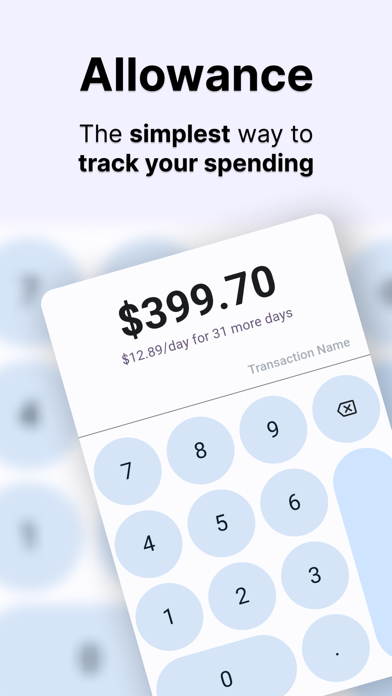
Introducing Allowance, the app that helps you take control of your finances. With Allowance, you can set a budget and term length for your spending, and track your transactions to make sure you stay within your budget.
Here's how it works:
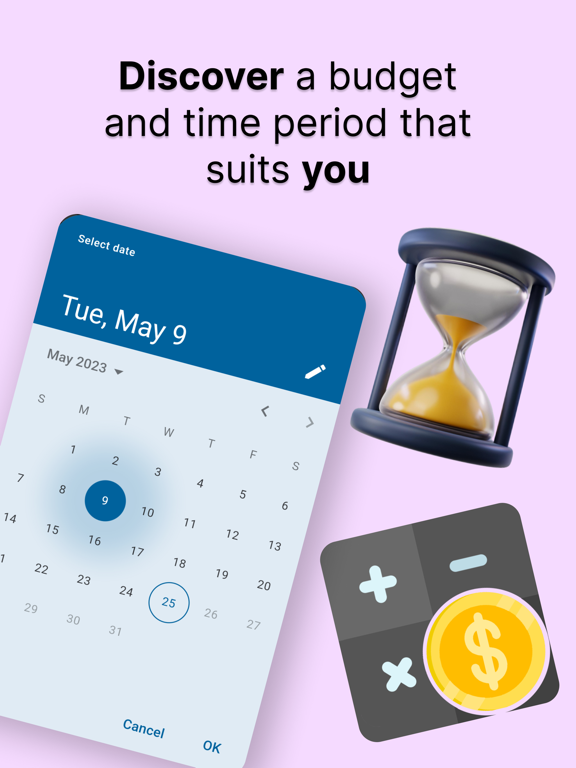
1. Set your budget: Choose the amount of money you want to spend in the next term. This can be a week, a month, or any other period of time that suits you.
2. Set your term length: Choose the length of your budget term. This is the amount of time your budget will last for, and can be adjusted to suit your needs.
3. Track your spending: Every time you make a transaction, enter the amount in the app. Allowance will deduct it from your budget and show you how much you have left to spend.
4. Stay on track: With Allowance, you'll always know how much you can afford to spend. You can check your remaining balance at any time, and see how much you've spent over the course of the term.
5. Reset and adjust: Reflect and reset your budget to adjust for an amount that suits your spending goals.
Take control of your finances and start managing your money better with Allowance. Download now and start your financial journey today.
Privacy Policy: https://docs.google.com/document/d/11aLF5yTi7oGAc0p69tcA2I3d0whQEThRsYTr1Q1Fz6M/edit?pli=1#heading=h.sqyldmridf41
EULA: https://www.apple.com/legal/internet-services/itunes/dev/stdeula/