Projector: Mirroring & Remote

Projector: Mirroring & Remote Summary
Projector: Mirroring & Remote is a free, ad-supported, with in-app purchases iOS app in Tools by Anamika Kumari. Released in Sep 2023 (3 years ago). It has 10 ratings with a 4.20★ (good) average. Based on AppGoblin estimates, it reaches roughly 27 monthly active users and generates around $<10K monthly revenue (27% IAP / 73% ads). Store last updated Mar 17, 2026
Projector: Mirroring & Remote SDKs Summary
App not yet scanned for SDKs.
4.2★
Ratings: 10
Screenshots




App Description
Projector – Screen Mirroring & Cast to TV
Turn your phone into a powerful entertainment hub with Projector – Screen Mirroring & Cast to TV. This all-in-one app helps you mirror your screen, cast media, and control your TV with ease. Whether you want to share photos, stream videos, or display apps on a bigger screen, Projector makes screen casting simple and convenient.
Designed for everyday use, Projector allows you to cast to TV, enjoy smooth screen mirroring, and use a universal TV remote — all from one app.
Screen Mirroring Made Simple
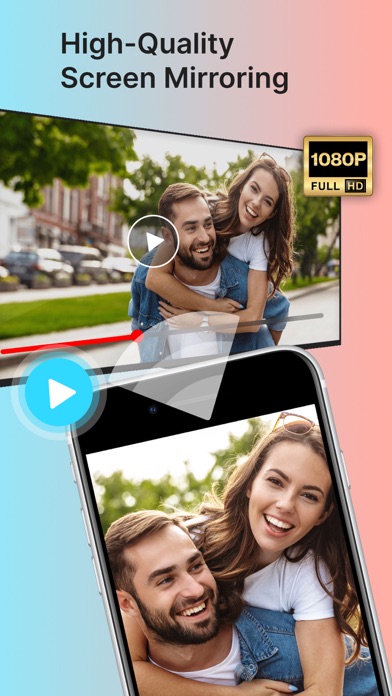
With Projector, you can mirror your phone screen to your TV in just a few steps. Watch videos, view photos, or display apps on a larger screen for a more immersive experience. Screen mirroring works best when both devices are connected to the same Wi-Fi network.
You can continue using your phone while the screen mirroring or casting runs smoothly in the background.
Cast to TV in High Quality
Projector supports screen casting and TV casting for photos, videos, and audio. Enjoy clear visuals and smooth playback when sharing your content on compatible smart TVs.
Whether it’s a movie night, family slideshow, or presentation, Cast to TV helps bring your content to life on the big screen.
Works with Multiple Devices & TVs
Projector is designed for broad compatibility and works with many modern TVs and display devices.
You can:
Cast to compatible smart TVs
Cast to streaming devices that support screen casting
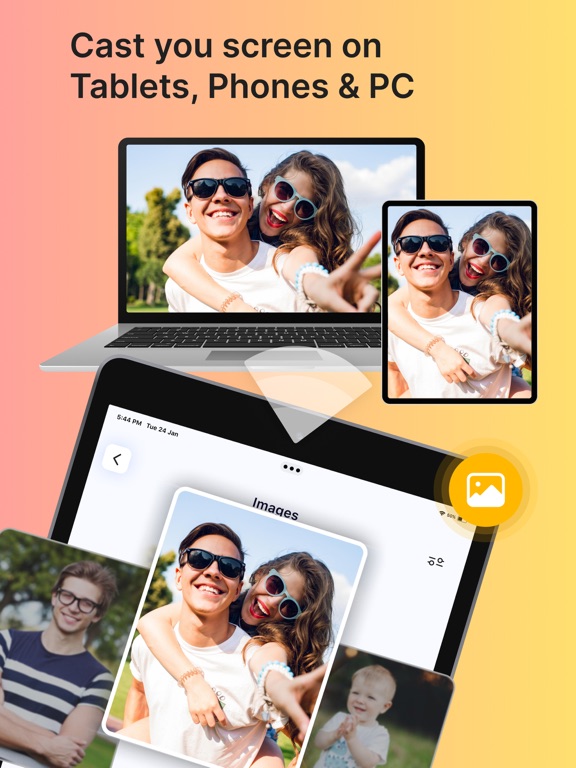
Share your screen on tablets, monitors, laptops, or other phones using a secure connection
This flexibility makes Projector a reliable screen cast app for home or personal use.
Universal TV Remote Control
Projector also includes a universal TV remote feature. Control your TV directly from your phone without needing a physical remote.
With the TV remote, you can:
Navigate channels and menu
Launch supported apps
Manage volume and playback
Create a personalized list of favorite channels
This makes your phone a convenient replacement for your TV remote.
Easy Setup & User-Friendly Design
Getting started is simple:
Connect your phone and TV to the same Wi-Fi network
Select your TV from the device list
Start screen mirroring or casting instantly
The app is designed with a clean interface, making screen mirroring, screen casting, and TV control easy for all users.
Why Choose Projector – Screen Mirroring?
Easy