PawAI: AI Pet Cartoon Filter
PawAI: AI Pet Cartoon Filter Summary
PawAI: AI Pet Cartoon Filter is a with in-app purchases iOS app in Entertainment by ProxGlobal Inc. Released in Oct 2023 (2 years ago). It has 47 ratings with a 3.26★ (mixed) average. Based on AppGoblin estimates, it reaches roughly 21 monthly active users and generates around $<10K monthly revenue (100% IAP / 0% ads). Store metadata: updated Feb 4, 2025.
Store info: Last updated on App Store on Feb 4, 2025 .
3.26★
Ratings: 47
Screenshots


App Description
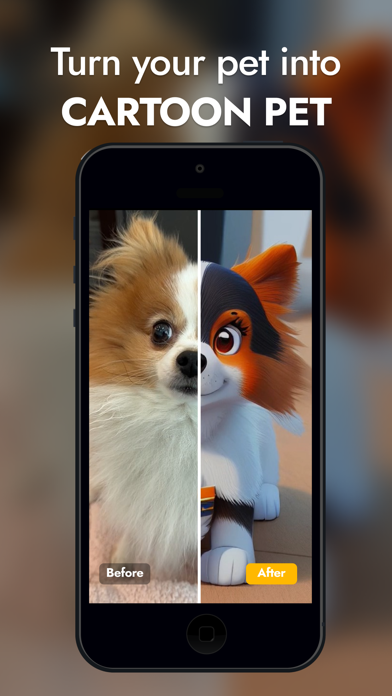
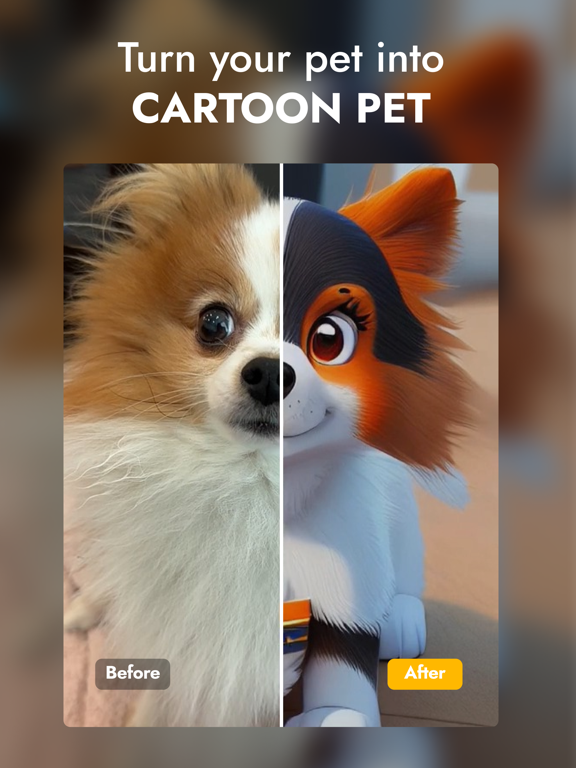
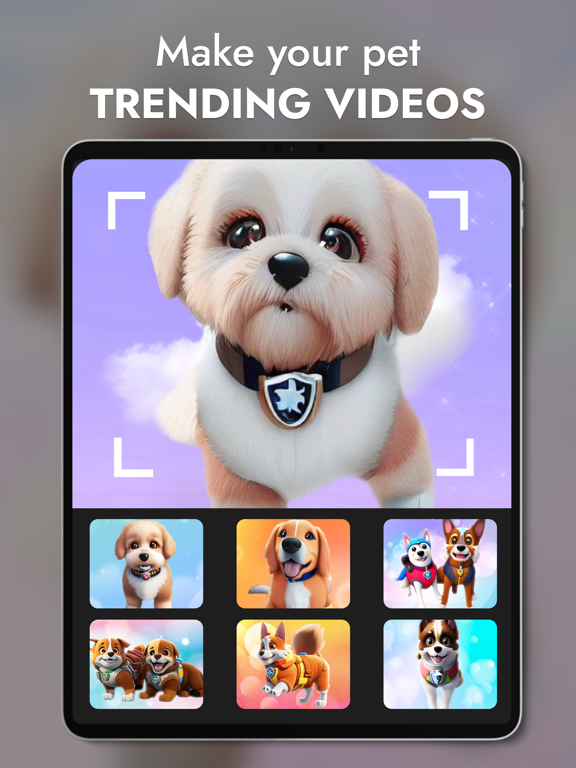
Let's turn your pets into adorable cartoon series characters with AI technology.
Some highlight features:
- Generate amazing 2D cartoon photos with AI
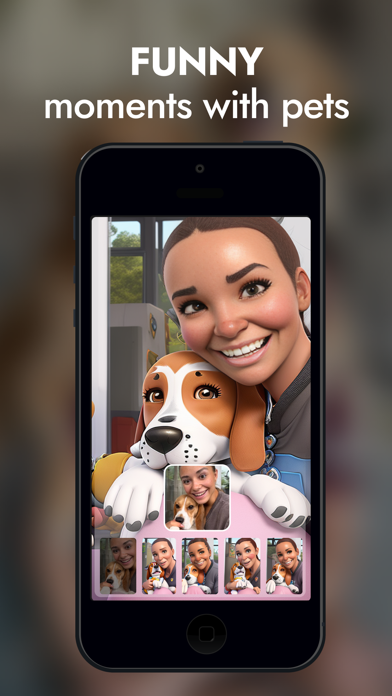
- Turn you and your pets into adorable cats & pups photos inspired by Cartoon Characters
- Easily create & save your memorable videos to the gallery, and showcase the creations on social media
How to use:
Step 1: Click the ""Create"" button.
Step 2: Adjust the background music. There are many trending songs which you can choose from.
Step 3: Using photos from your phone gallery to generate or you can directly generate with AI by clicking the start button.
Step 4: Your memorable moments of you and your pets will be capture and shown in a few minute.
Now, let’s accompany your pets to join the cinematic Pet Cartoon adventures. Let’s get more fun filters and rescue the Filter World with PawAI!
Disclaimer:
- We always uphold the issue of protecting user information. User information is absolutely confidential.
- All the contents & images generated from this app are created by AI and not relevant to any movie & TV series’ characters. We are not responsible for any issues related to the images copyright.
Term of use: https://www.apple.com/legal/internet-services/itunes/dev/stdeula/