JPEG to PDF Converter
JPEG to PDF Converter Summary
JPEG to PDF Converter is a with in-app purchases iOS app in Tools by Daniel Triay Pons. Released in Sep 2023 (2 years ago). It has 19 ratings with a 4.68★ (excellent) average. Based on AppGoblin estimates, it reaches roughly 73 monthly active users and generates around $<10K monthly revenue (100% IAP / 0% ads). Store metadata: updated Mar 19, 2024.
Store info: Last updated on App Store on Mar 19, 2024 .
4.68★
Ratings: 19
Screenshots


App Description
Image Converter - Your All-in-One Image Format Solution
Are you tired of struggling with incompatible image formats? Need to convert images quickly and hassle-free? Look no further! Introducing Image Converter, the ultimate app for all your image format conversion needs. Say goodbye to format limitations and hello to seamless image conversion at your fingertips.
Key Features:
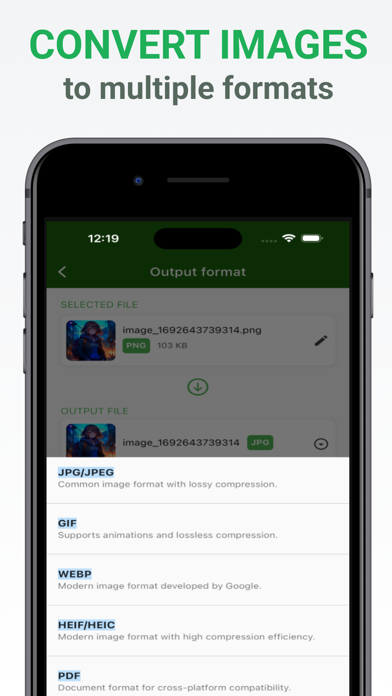
Wide Range of Supported Formats: Image Converter supports a comprehensive list of image formats, including PNG, JPG, JPEG, TIFF, BMP, GIF, WebP, HEIC, and HEIF. Whether you're working with photos, illustrations, or graphics, we've got you covered.
Local Conversion: Your privacy matters to us! Image Converter ensures that all your image conversions happen right on your device. We do not upload your images to external servers, guaranteeing the security of your valuable files.
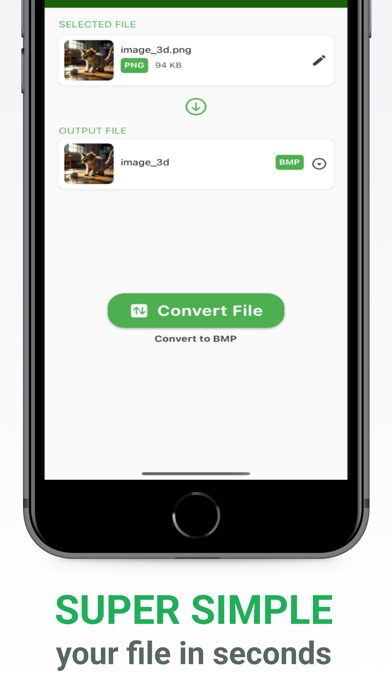
Easy-to-Use Interface: Our user-friendly interface is designed for simplicity and efficiency. You don't need to be a tech wizard to use Image Converter. Just select your files, choose the output format, and let the app handle the rest.
File Renaming: Customize your files with ease. Before converting, you have the option to rename your images to make them more organized and meaningful.
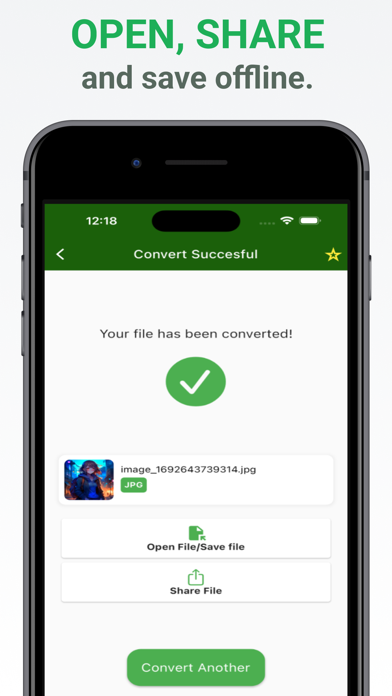
Share with Ease: Once your images are converted, you can easily share them with friends, family, or colleagues. No need to fumble with complex sharing options; Image Converter streamlines the process.
Batch Conversion: Save time by converting multiple images at once. Our batch conversion feature lets you process several files simultaneously, making it ideal for larger projects.
File Management: Image Converter includes a built-in file manager, allowing you to organize your converted images effortlessly. Sort, view, and manage your files conveniently.
Privacy and Security: We take your privacy seriously. Your images are never stored or transmitted to external servers. Image Converter operates locally on your device, ensuring complete data privacy.
Use Cases:
- Convert high-resolution images to smaller formats for easy sharing via email or social media.
- Change image formats to fit specific application requirements.
- Convert scanned documents into various formats for improved accessibility.
- Rename and organize photos for better file management.
With Image Converter, the possibilities are endless. Whether you're a prof