Office 7: Word, Sheets, PDF

Office 7: Word, Sheets, PDF Summary
Office 7: Word, Sheets, PDF is a free, with in-app purchases iOS app in Business by SMM service, s.r.o.. Released in Mar 2024 (2 years ago). It has 7.4K ratings with a 4.52★ (excellent) average. Based on AppGoblin estimates, it reaches roughly 49K monthly active users and generates around $<10K monthly revenue (100% IAP / 0% ads). Store last updated Jun 8, 2026
Recent activity: 98 new ratings this week View trends →
SDK intelligence: AppGoblin detected 4 development tools(e.g. Google), 2 ad networks, 1 analytics: attribution,and 1 analytics: product integrated into Office 7: Word, Sheets, PDF. View full SDK list →
Office 7: Word, Sheets, PDF SDKs Summary
Office 7: Word, Sheets, PDF was last scanned for SDKs on 2026-08-25. Below is the overview of third-party companies detected in the app. The full list of SDKs, permissions and unknowns is available here.
 Google
 AdMob
AdMob nanopb
 Alamofire
 SDWebImage
 AppsFlyer
 Firebase
4.52★
Ratings: 7.4K
Screenshots


App Description
Office 7 is your go-to app for office tasks. Office 7 lets you create, edit, and share documents, spreadsheets, presentations, and PDF files. Compatible with major formats like Microsoft Office, Google Docs, and Adobe PDF, it's versatile and user-friendly.
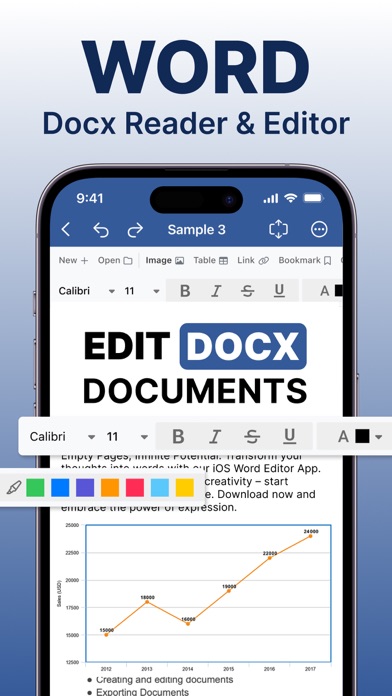
Documents:
- Full support for Microsoft Word formats (.doc, .docx, .docm) along with .rtf and .txt.
- An extensive font library featuring over 70 fonts.
- Advanced text and paragraph formatting capabilities.
- Capabilities to insert tables, images, text boxes, shapes, bookmarks, and symbols.
- Tools for creating and editing notes, headers, footers, footnotes, and page numbers.
- Comprehensive page setup and printing options.
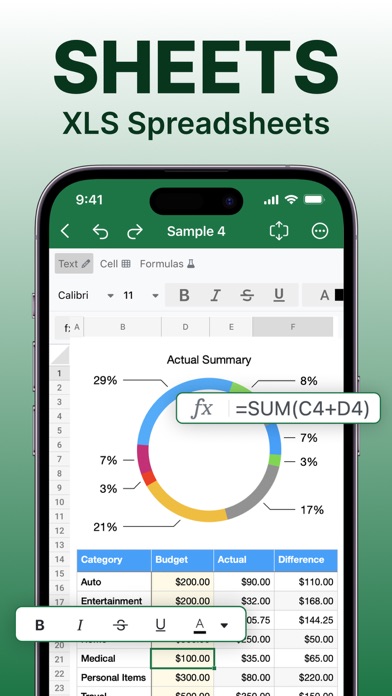
Spreadsheets:
- Full compatibility with Microsoft Excel formats (.XLS, .XLSX, .XLSM) plus .CSV.
- Access to over 250 functions and formula editing.
- Advanced chart creation and editing tools.
- Data filtering, sorting, and validation features.
- Options to freeze panes and adjust rows & columns visibility.
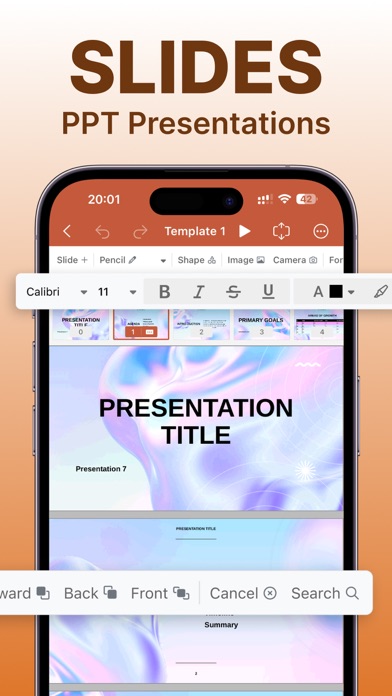
Presentations:
- Support for Microsoft PowerPoint formats for comprehensive presentation creation and editing.
- Insertion of charts, tables, images, and more to slides.
- Customizable themes, layouts, and backgrounds.
- Presenter mode for delivering impactful presentations.
- Slide transition management tools.
PDFs:
- Open, annotate, and manage PDF files with ease.
- Various reading modes for enhanced user experience.
- Access to tables of contents and annotations.
Privacy Policy: https://www.team2swift.com/privacy-office
Terms of Use: https://www.team2swift.com/terms-office
For any questions or requests, please use our customer support form at: https://www.team2swift.com/support