Fizz Wi-Fi

Fizz Wi-Fi Summary
Fizz Wi-Fi is a free iOS app in Tools by Mobile & Internet Fizz inc. Released in Oct 2023 (3 years ago). It has 1.4K ratings with a 3.89★ (average) average. Based on AppGoblin estimates, it reaches roughly 4.2K monthly active users . Store last updated Jun 15, 2026
SDK intelligence: AppGoblin detected 8 development tools(e.g. Google), 1 ad networks,and 1 analytics: product integrated into Fizz Wi-Fi. View full SDK list →
Fizz Wi-Fi SDKs Summary
Fizz Wi-Fi was last scanned for SDKs on 2026-07-04. Below is the overview of third-party companies detected in the app. The full list of SDKs, permissions and unknowns is available here.
 Google
 Sentry.io
 Flutter
 nanopb
 Facebook
 Firebase
3.89★
Ratings: 1.4K
Screenshots


App Description
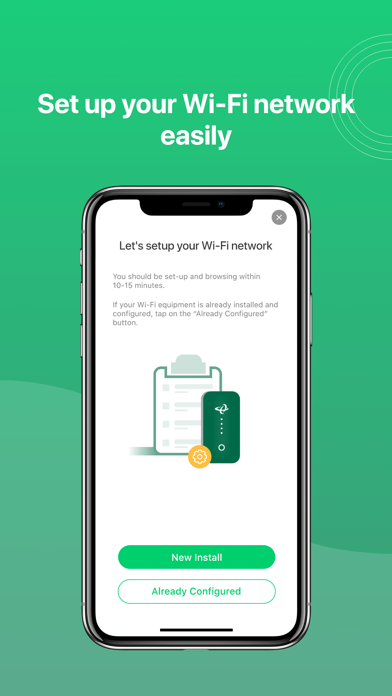
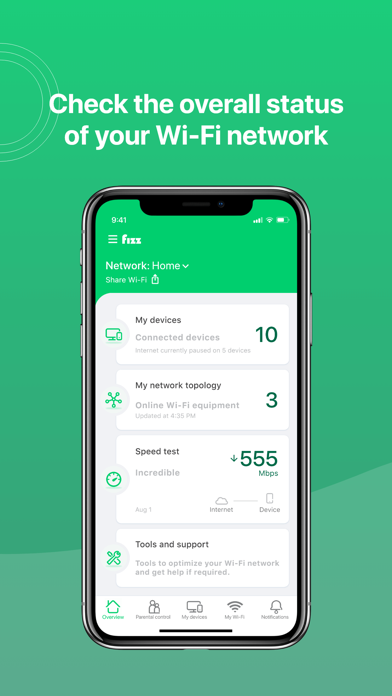
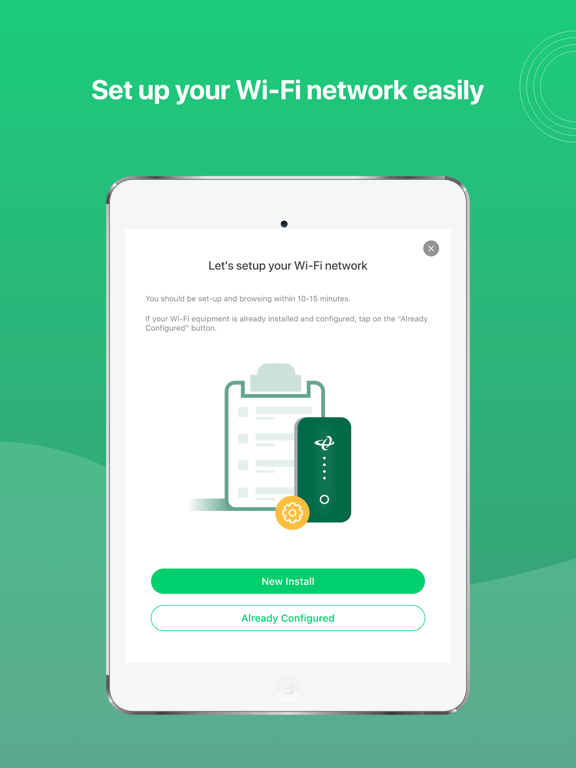
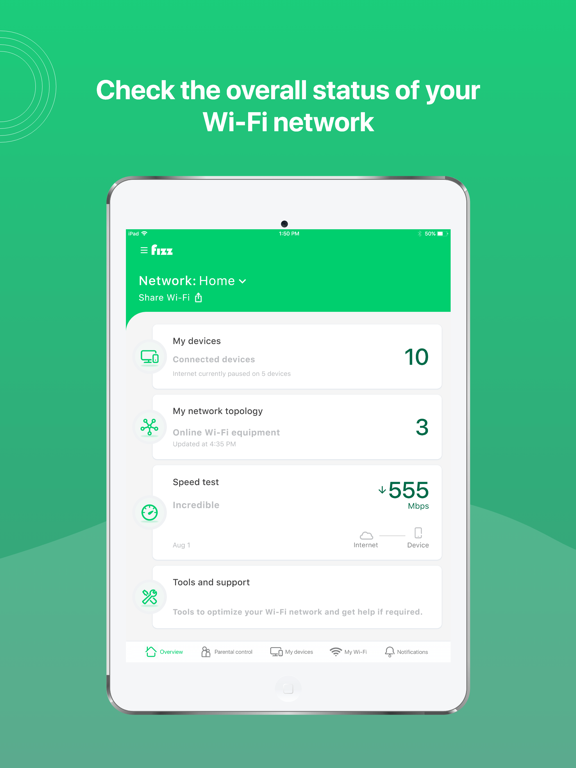
App to manage your Fizz Home Internet service and have your Wi-Fi network at your fingertips, whether you’re at home or not. View important details such as connected devices and troubleshooting alerts. Diagnose and optimize your home Wi-Fi network easily directly from your smart device.
IMPORTANT
• For Fizz Home Internet members only, when connected to their Fizz Wi-Fi network
• Requires a Hitron CODA modem model
• App available in English and French (for smart device use only)
With the Fizz Wi-Fi app, you can:
• Manage your Fizz Wi-Fi network from anywhere.
• See all the devices connected to your Fizz Wi-Fi network.
• Control online access for kids with automatic Wi-Fi off bedtime schedules.
• Pause or block Internet access for devices you choose.
• Easily reset or share your Wi-Fi password.
• Create a separate, secure network for your guests.
• Perform speed tests to validate the speed of your broadband connection, as well as the one to your device to determine for example the cause of a slowdown.
• Troubleshoot to maximize your Wi-Fi signal and security;
• Chat with tech support if you are stuck.
Getting Started:
- Download and install the Fizz Wi-Fi app on your smartphone.
- Connect your smartphone to your Fizz Wi-Fi network.
- Launch the app and sign in using the same credentials as your Fizz account.