Forms for Google Drive
Forms for Google Drive Summary
Forms for Google Drive is a with in-app purchases iOS app in Productivity by BurningFlower INC. Released in Dec 2023 (2 years ago). It has 998 ratings with a 4.54★ (excellent) average. Based on AppGoblin estimates, it reaches roughly 3K monthly active users and generates around $<10K monthly revenue (100% IAP / 0% ads). Store metadata: updated Apr 9, 2026, version 1.
Recent activity: 1.00 new ratings this week View trends →
Data tracking: SDKs and third-party integrations were last analyzed on Jun 21, 2026.
Store info: Last updated on App Store on Apr 9, 2026 (version 1).
SDKs, Trackers & Permissions
Forms for Google Drive was last scanned for SDKs 2026-06-21. Below is the overview of third party companies detected in the app. The full list of raw SDKs, app permissions and unknown SDKs is available here.
 OpenID
 nanopb
 Google
 Alamofire
 Facebook
 Snap
Snap Firebase
App Details
App Store
Ads & App-Ads.txt
AppGoblin SDK Scans
4.54★
Ratings: 998
Screenshots


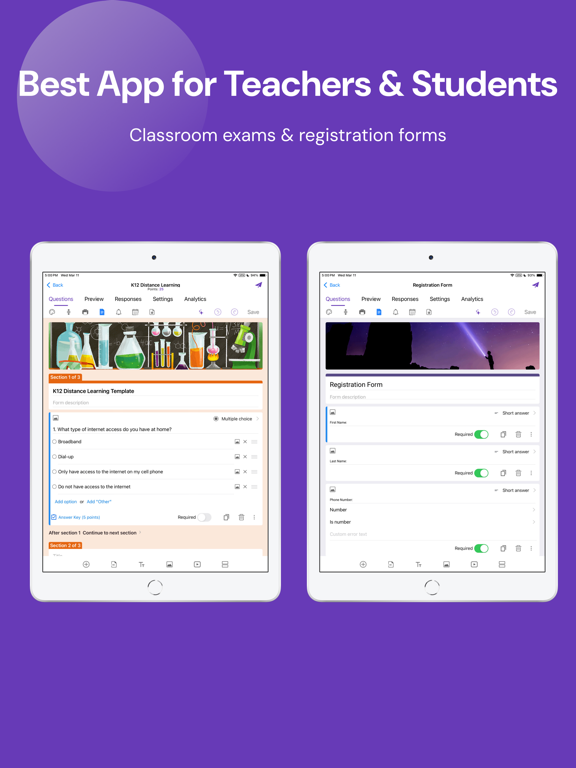
App Description
Managing Google Forms on iPhone has never been easier.
Whether you're a teacher building a classroom quiz, a business owner collecting customer feedback, or an event organizer tracking registrations — Forms for Google Drive puts the full power of form creation right in your pocket.
Create forms anywhere, anytime
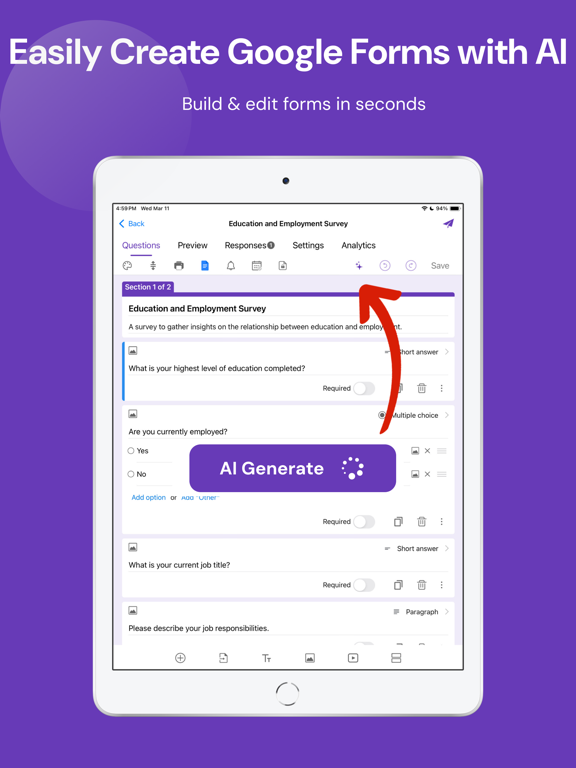
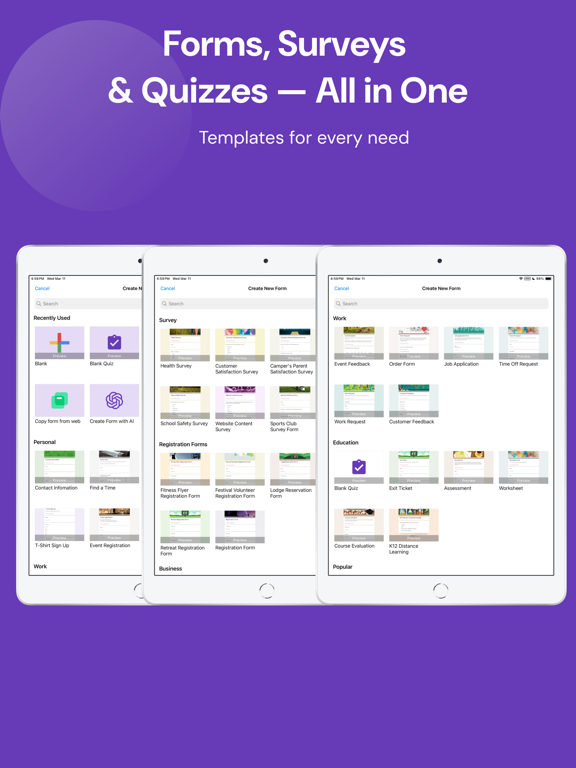
Stop being chained to your laptop. With Forms for Google Drive, you can create a brand new form directly from your iPhone in minutes. Choose from a wide range of templates for surveys, quizzes, polls, order forms, event sign-ups, feedback forms, and more. Edit questions, reorder sections, add images, and customize themes — all without opening a browser.
Built for teachers and students
Running a classroom quiz or end-of-term exam? Need students to fill out a registration or attendance form? Forms for Google Drive is designed with educators in mind. Create multiple-choice quizzes, assign point values, set correct answers, and review student responses — all from your Phone. Share forms instantly via QR code or link so students can respond from any device.
Perfect for teams and businesses
Collecting employee feedback, running a workplace survey, or managing event registrations? Forms for Google Drive makes it simple to build professional forms and distribute them to your entire team. Assign collaborators, track who has responded, and get notified the moment a new submission comes in. No more waiting until you're back at your desk to stay on top of responses.
Real-time responses, beautiful insights
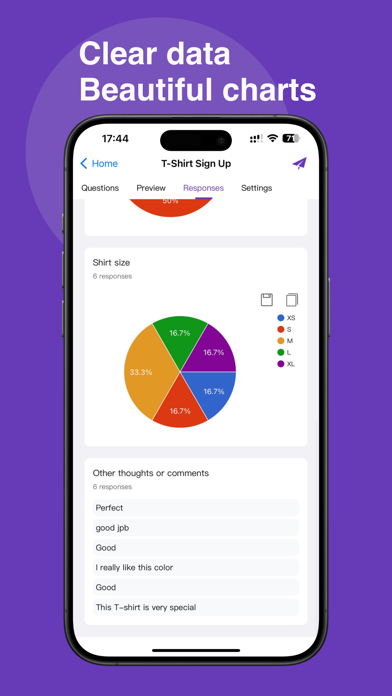
The moment someone fills out your form, you'll know. Real-time push notifications alert you to every new submission. Open the app to see responses visualized in clear, intuitive charts and graphs — broken down by question, by individual, or as an overall summary. Filter responses by date, email, or score to find exactly what you're looking for.
Export and share with ease
Need to dig deeper into your data? Export responses directly to Google Sheets for advanced analysis, or download as CSV or Excel for use in any spreadsheet tool. Share your form via email, WhatsApp, Slack, Facebook, LinkedIn, iMessage, or any other platform — or generate a custom QR code that anyone can scan to jump straight to your form.
Seamlessly connected to Google
Forms for Google Drive works in harmony with your entire Google Workspace. Your forms sync instantly with Google Dri