XMirror - Screen Mirror

XMirror - Screen Mirror Summary
XMirror - Screen Mirror is a free, with in-app purchases iOS app in Tools by Nero AG. Released in Nov 2023 (2 years ago). It has 15 ratings with a 3.13★ (mixed) average. Based on AppGoblin estimates, it reaches roughly 34 monthly active users and generates around $<10K monthly revenue (100% IAP / 0% ads). Store last updated Jul 30, 2026
XMirror - Screen Mirror SDKs Summary
App not yet scanned for SDKs.
3.13★
Ratings: 15
Screenshots


App Description
XMirror - Your Ultimate iOS Screen Mirroring Solution for Car with Audio.
Key features:
1. Audio Support: Enjoy your favorite content on the car screen with full audio support.
2. Screen Orientation: XMirror supports both portrait and landscape orientations.
3. Cable-Free: Connect your devices wirelessly for mirroring.
4. Privacy Guarantee: Your data is always secure. XMirror transmits data exclusively via your local network.
5. No Internet Traffic Needed: The app's mirroring traffic stays on local network of your iOS device's Personal Hotspot.
Steps:
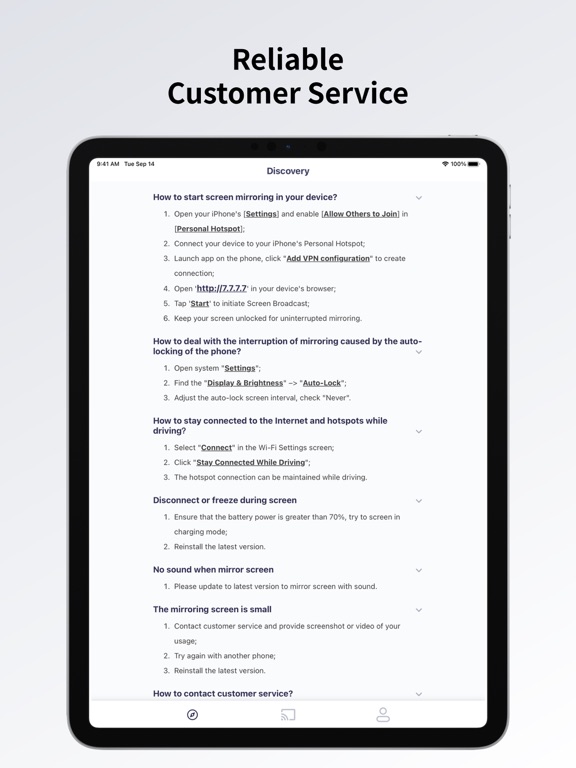
1. Open your iPhone's [Settings] and enable [Allow Others to Join] in [Personal Hotspot].
2. Connect your car to your iPhone's Personal Hotspot.
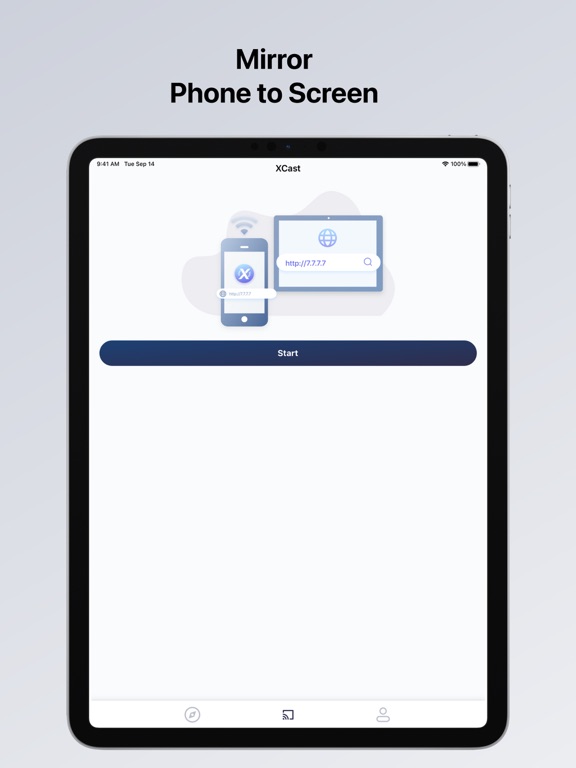
3. Launch XMirror and tap 'Start' to initiate Screen Broadcast.
4. Open http://7.7.7.7:8000 in your car's browser.
5. Keep your screen unlocked for uninterrupted mirroring.
Feedback:
Your satisfaction is our priority. Please feel free to share your thoughts and experiences with us at 1001tvs@nero.com or visit our official website: https://1001tvs.com.
Notes:
Some cars block all private LAN access, so we use a VPN to build a tunnel between your phone and browser. Unlike standard VPNs, ours is specifically for screen mirroring, keeping data within your local LAN and never uploading it to the internet. This ensures your privacy and security.