Screen Mirroring · TV Cast

Screen Mirroring · TV Cast Summary
Screen Mirroring · TV Cast is a free, ad-supported, with in-app purchases iOS app in Tools by Pol Nadal Serra. Released in Oct 2023 (2 years ago). It has 14K ratings with a 4.48★ (good) average. Based on AppGoblin estimates, it reaches roughly 41K monthly active users and generates around $<10K monthly revenue (36% IAP / 64% ads). Store last updated Apr 3, 2026
Recent activity: 18 new ratings this week View trends →
SDK intelligence: AppGoblin detected 2 ad networks(e.g. Google), 2 development tools,and 1 analytics: product integrated into Screen Mirroring · TV Cast. View full SDK list →
Screen Mirroring · TV Cast SDKs Summary
Screen Mirroring · TV Cast was last scanned for SDKs on 2026-08-27. Below is the overview of third-party companies detected in the app. The full list of SDKs, permissions and unknowns is available here.
 Google
 AdMob
AdMob nanopb
 Firebase
4.48★
Ratings: 14K
Screenshots

App Description
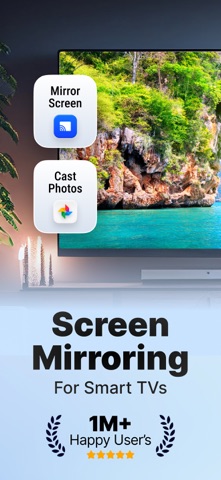
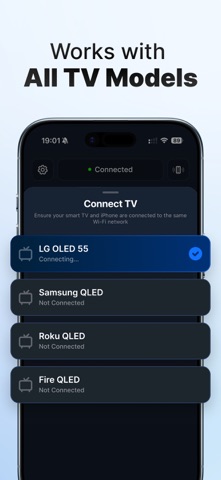
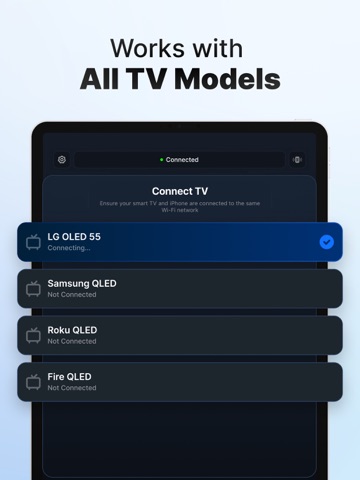
Pair with any AirPlay Devices and Smart TV Brands via wifi connection. Roku, Samsung, Chromecast, and more! Screencast, screen sharing, and mirroring from your own phone!
TV Cast - Screen Mirroring allows you to effortlessly pair your iPhone with various Smart TV brands through a simple Wi-Fi connection. This versatile app is compatible with Roku, Samsung, Chromecast, and more, making it an ideal choice for screencasting, screen sharing, and mirroring directly from your phone.
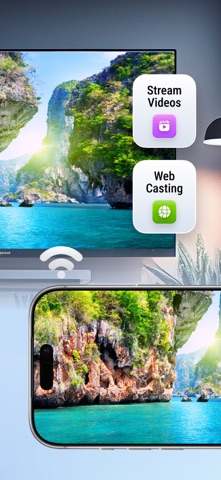
With just a few taps, you can mirror your iPhone screen to your Smart TV, sending your favorite media, including photos and videos, directly to your TV. The setup and connection process is quick and hassle-free, ensuring a seamless experience.
To establish the connection, ensure that both your Smart TV and your device are connected to the same Wi-Fi network. This app is compatible with devices supporting DLNA/UPNP, such as Roku, Samsung, Sony, LG, Philips, Toshiba, and Panasonic Smart TVs. Enjoy the convenience and versatility of TV Cast for all your screen mirroring and media sharing needs.
DISCLAIMER: This is not an official application. We are not affiliated with any brand mentioned in any way.
SUBSCRIPTION INFO
- Choose between Weekly and Yearly plans.
- Your subscription will be charged to your iTunes Account upon confirmation of purchase and will be renewed automatically at the original price 24 hours before the end of the subscription period, unless auto-renew is turned off at least 24 hours prior to the end of the current period.
- You can manage your subscription or turn off auto-renew anytime through your iTunes Account settings. No refunds are available for unused portions of the subscription period.
- If applicable, any unused portion of a free trial will be forfeited upon purchasing a subscription.
By using our app, you agree to our Terms of Use, Privacy Policy & EULA
Terms of Use: https://blastly.es/legal.php?app_id=11&doc=terms
Privacy Policy: https://blastly.es/legal.php?app_id=11&doc=privacy
EULA: https://blastly.es/legal.php?app_id=11&doc=eula
If you have any enquire? Contact us: support@blastlystudio.com