Photo to PDF - PDF Converter

Photo to PDF - PDF Converter Summary
Photo to PDF - PDF Converter is a with in-app purchases iOS app in Productivity by Multiverse. Released in Apr 2024 (2 years ago). It has 3.00 ratings with a 5.00★ (excellent) average. Based on AppGoblin estimates, it reaches roughly 16 monthly active users and generates around $<10K monthly revenue (100% IAP / 0% ads). Store metadata: updated May 2, 2024.
Store info: Last updated on App Store on May 2, 2024 .
5★
Ratings: 3.00
Screenshots


App Description
Are you tired of different complex PDF converter apps?
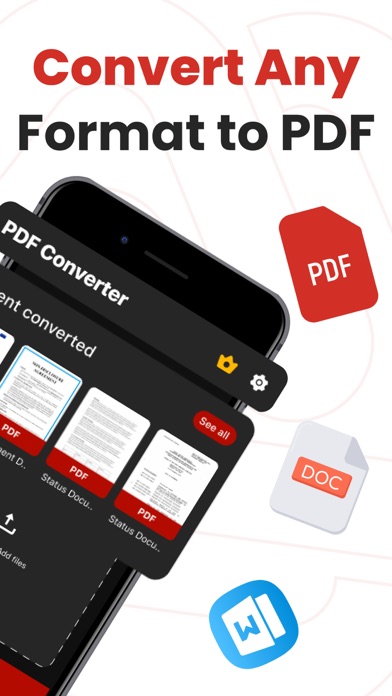
The effortless document converter is here to help which enables you to convert any type of file into a PDF file. Our app is designed with a user-friendly interface making it easy to use and navigate for users of all levels of expertise. This is as simple as it sounds in just a few seconds you can convert any type of file whether it is a Word file a photo or any other into a PDF file with a few clicks using this app.
Convert your file in just three steps:
Open the app.
Select the file you wish to convert.
Click on the convert button.
Features:
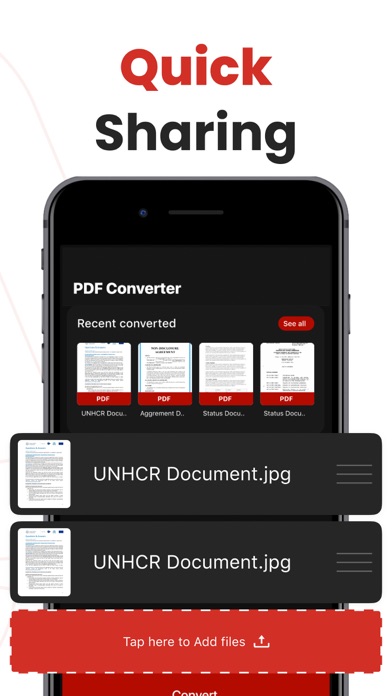
Share Converted Files: Share the converted pdf files from the app. Send via Message, Open in other apps, Print or save it to Files app on iPhone.
Supported Formats:The app support the formats like pdf, jpg, png, doc, docx, rtf, ppt, pptx, xls, xlsx, txt, heic, xps, odt and more to come.
Limitless Conversions: Break free from the restricted number of conversions and convert as many as files you like without limitation or any other hurdle.
Unlimited Sharing: Share your documents anywhere you like. Our premium features allow you to share your PDF-converted files without any restriction across different platforms making it easy for you to collaborate and share documents.
Support:You can help us by reporting bugs and requesting features via
There are a lot of other new features to come.
Email:support@multiversetech.com
Terms of use: https://multiverseapps.org/terms.html
Privacy Policy: https://multiverseapps.org/privacy-policy.html