Templates for PDF apps

Templates for PDF apps Summary
Templates for PDF apps is a free, with in-app purchases iOS app in Business by Kairoos Solutions SL. Released in Nov 2023 (2 years ago). Store last updated May 7, 2024
Templates for PDF apps SDKs Summary
App not yet scanned for SDKs.
0★
Ratings: 0
Screenshots
App Description
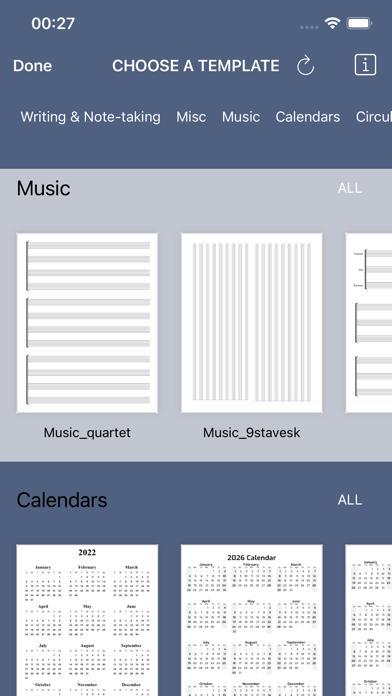
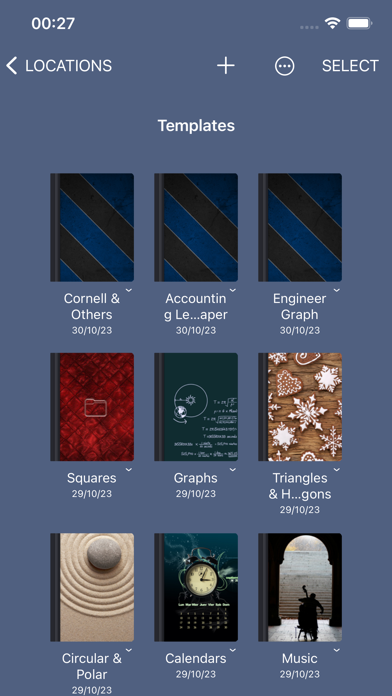
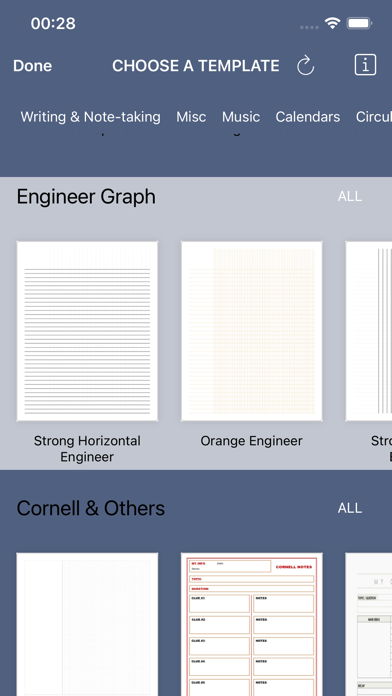
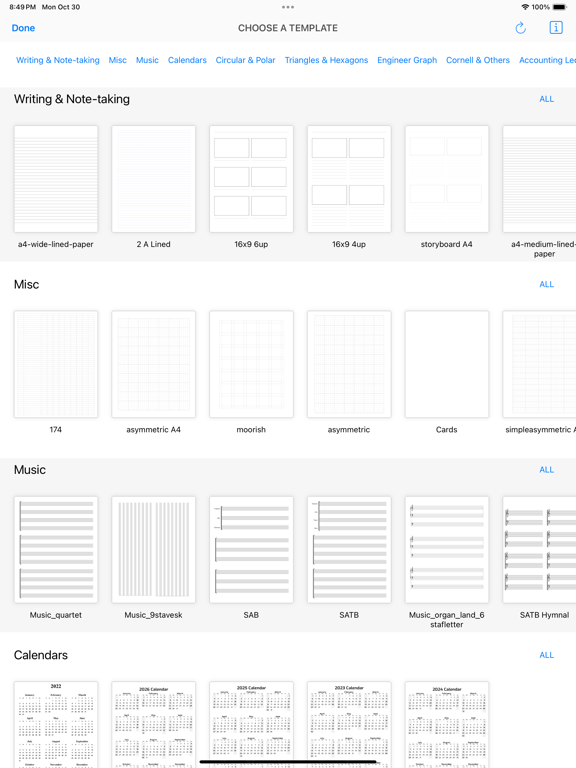
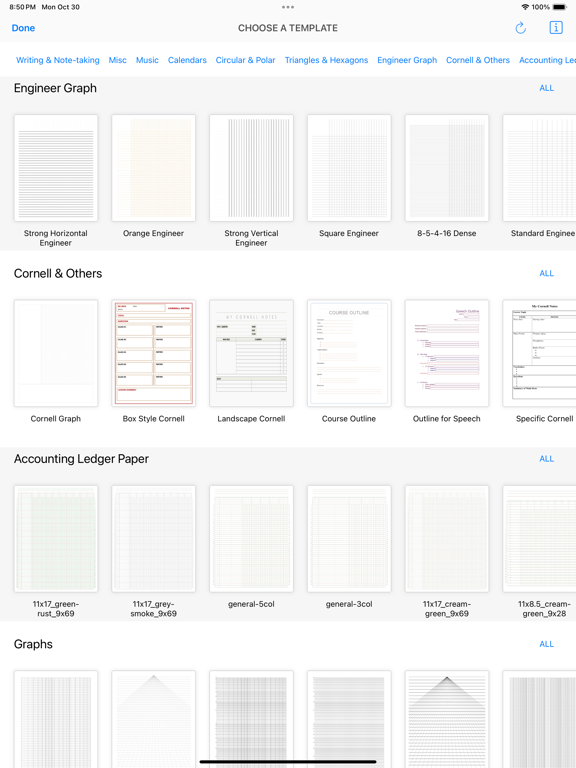
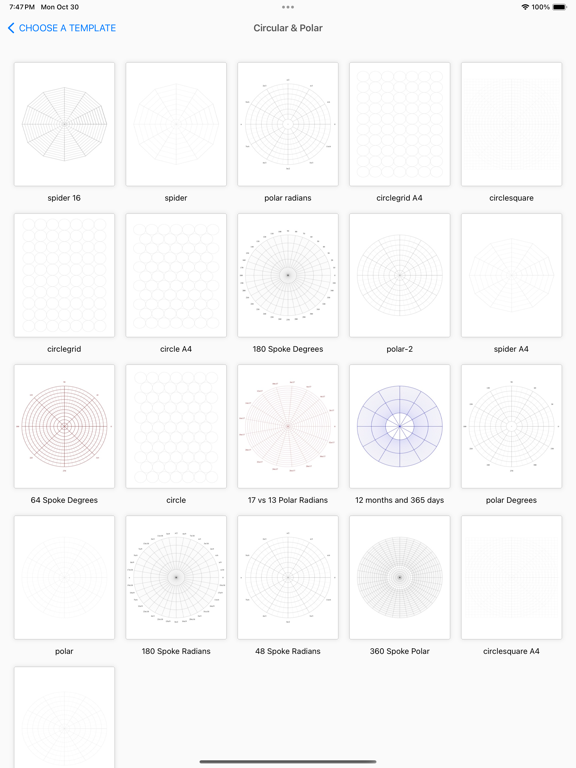
We've got a whole stack of paper types at your fingertips - whether you're after lined, square grid, music, calendars, circles, polar, triangles, hexagons, engineering graph, Cornell, accounting ledger, or anything in between. Want a fancy lined paper to sketch on or grid sheets for note-taking? No problem, we've got a bunch for you to choose from.
Here's how you get things moving:
1. Hit the "+" button, then click on "Choose Template". Select any template you fancy.
2. Click on "Share" for the app you like using, such as Notability, Onenote amongst others.
3. Your app will start up and bring up the template. Just like that, you're good to go.
Plus, you can even create your own PDF and Text templates with our handy PDF editor and Text word processor. Turn your text documents into PDFs and use them as funky new templates.
Start exploring PDF Templates now, it's free to try!
Privacy Policy
http://www.noteswriter.com/Kairoos_Privacy_Policy.html
EULA
https://www.apple.com/legal/internet-services/itunes/dev/stdeula/