NetaData

NetaData Summary
NetaData is a free, with in-app purchases iOS app in Productivity by 勇 崔. Released in Dec 2023 (2 years ago). Store last updated Oct 15, 2024
NetaData SDKs Summary
App not yet scanned for SDKs.
0★
Ratings: 0
Screenshots


App Description
===Definition data===:
A class of data is described by defining multiple properties.
Support basic properties (integer, double, string, date) and data properties (text, picture, movie).
One property of the data class corresponds to one column of multi row and multi column data.
One object of the data class corresponds to one row of multi row and multi column data.
===Edit Data===:
You can add and edit objects, modify its basic properties or data properties.
import and export objects in CSV format.
Objects can be imported from CSV files exported from Number or Excel apps.
Or objects can be exported to CSV files to be imported into Number or Excel apps.
Importing also supports Json format.
===Import Data===:
Copy text or files in CSV or JSON format and paste them into the application.
Or collecting data by accessing a configured URL with CSV or JSON content every n seconds.
Basic properties in CSV or JSON are provided as values.
Data properties in CSV or JSON are provided as urls which contain the data.
===Export Data===:
Support exporting basic properties in CSV format.
Generate text in CSV format for the basic properties, then export(copy or save it as a CSV file).
Group summaries can also be exported as CSV.
===Group, Filter and Sort Data in List and Charts===:
You can filter, group, sort, and display the objects of the data class according to any five properties of the data class.
Support three different filtering and display settings to help you view data from different perspectives.
Support quick search on the filtered objects per keywords.
Filtering supports multiple conditions (text contain, contained in some text, greater than, less than, equal-to, and not-equal).
Sorting supports ascending or descending order.
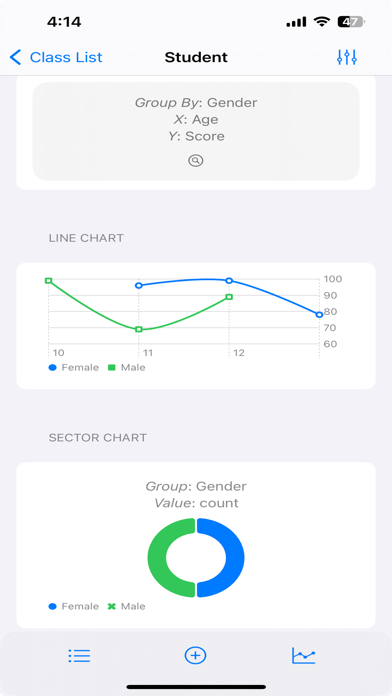
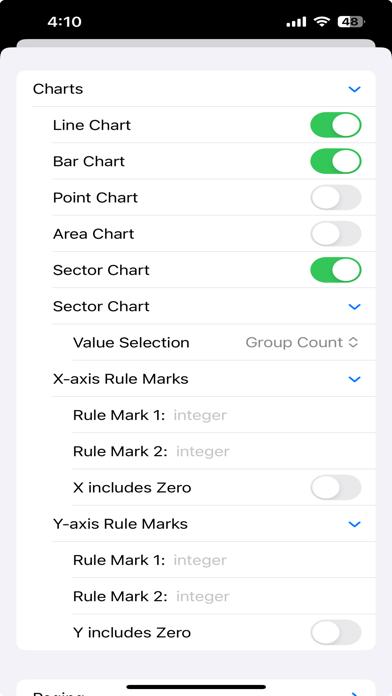
Display supports list display and kinds of chart display.
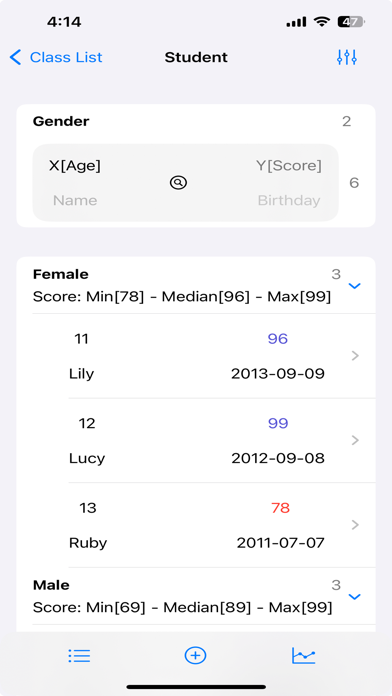
One grouping property and the other four properties you selected will be displayed in the list.
You can set the aggregation type for each property of the four properties.
Filter conditions, display color and precision can be set for each of the five properties.
The list group header displays the value of the group property and the aggregation information (count, sum, median, average etc.) of the group.
Each row of the list displays four properties of the object according to four importance levels.
The precision settings are used for grouping, filtering, and displa