Scanner: Scan To PDF

Scanner: Scan To PDF Summary
Scanner: Scan To PDF is a ad-supported iOS app in Tools by Krushit Sachapara. Released in Dec 2023 (2 years ago). It has 1.00 ratings with a 5.00★ (excellent) average. Based on AppGoblin estimates, it reaches roughly 3.00 monthly active users and generates around $<10K monthly revenue (0% IAP / 100% ads). Store metadata: updated Jan 26, 2025.
Store info: Last updated on App Store on Jan 26, 2025 .
5★
Ratings: 1.00
Screenshots


App Description
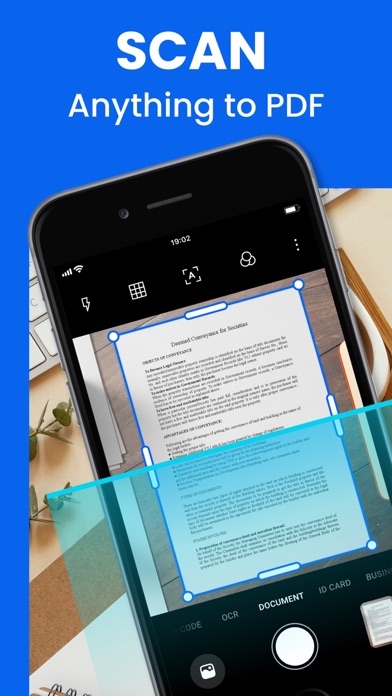
Scanner: Scan To PDF is free to download and turns your mobile device into a powerful scanner that recognises text automatically (OCR) and allows you to create, save, and organise your paper documents as a digital file.
Scan anything — receipts, notes, ID cards, recipes, photos, business cards, whiteboards — and turn them into PDF or JPEG files you can work with on your smartphone, tablet, or computer.
HOW IT WORKS
• Scan any document and convert to PDF or photo.
• Get perfect scans of book and magazine pages with Straighten in Book Mode.
• Quickly scan and save your important documents to Dropbox or Google Drive so you can access and share them wherever you are.
• Adjust the brightness and contrast of your scans in just a few taps.
DOCUMENT SCANNER
• This tiny yet powerful free scanner app is a must-have for students and anyone involved in a small business: accountants, realtors, managers, or lawyers. Scan anything you need, including receipts, contracts, paper notes, fax papers, books, and store your scans as multipage PDF or JPG files.
CAPTURE
• Scan anything with precision with this mobile PDF scanner.
• Advanced image technology automatically detects borders, sharpens scanned content, and recognises text (OCR).
ENHANCE
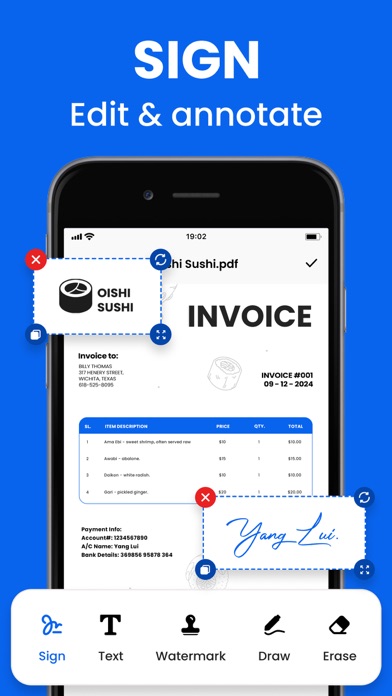
• NEW: Edit in Scan feature allows you to edit your scans.
• Preview, reorder, crop, rotate, resize, and adjust color in PDF or photo scans.
• Remove and edit imperfections, erase stains, marks, creases, even handwriting.
INNOVATIVE PDF SCANNER
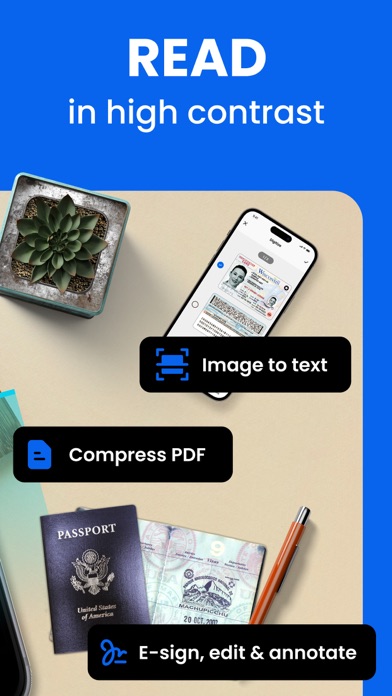
• Scan documents and photos to PDF, JPG, or TXT
• Easily scan multiple pages into one document
• Recognize text from any scannable object with OCR
• Put your electronic signature on documents
HANDY DOCUMENT EDITOR \ FILE MANAGER
• Edit scans using color correction and noise removing features
• Use file manager with folders, drag \ drop, and document editing features
• Protect your confidential scans by locking folders and files with PIN
ORGANISE
• Capture forms, receipts, notes, ID cards, health documents, and business cards and organise into custom folders so they are easy to access and find.
• Contact information will be automatically extracted so you can quickly add to your device contacts — no typing needed. You can even highlight expenses on tax receipts with ease.
QUICKLY FIND DOCUMENTS IN PHOTO LIBRARY
• This powerful scanner app autom