AR Draw to Sketch Photo

AR Draw to Sketch Photo Summary
AR Draw to Sketch Photo is a ad-supported, with in-app purchases iOS app in Tools by Hoang Hang. Released in Jan 2024 (2 years ago). It has 6.6K ratings with a 3.90★ (average) average. Based on AppGoblin estimates, it reaches roughly 12.8K monthly active users and generates around $<10K monthly revenue (29% IAP / 71% ads). Store metadata: updated Jul 10, 2024.
Recent activity: 3.00 new ratings this week View trends →
Data tracking: SDKs and third-party integrations were last analyzed on Apr 27, 2024.
Store info: Last updated on App Store on Jul 10, 2024 .
3.9★
Ratings: 6.6K
Screenshots


App Description
Use the camera on your device to put things from the real world into your sketches. So easy with our app!
What is Sketch (Camera Sketch)?
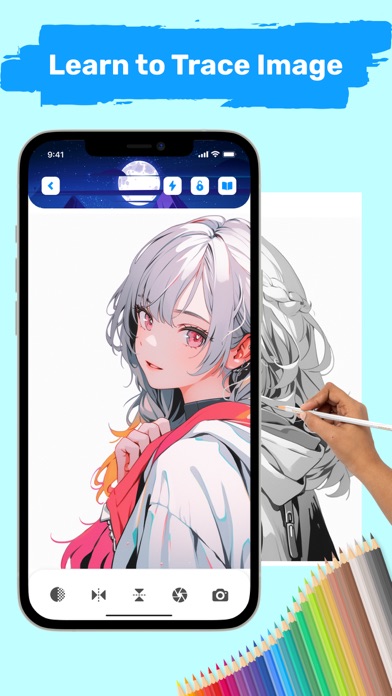
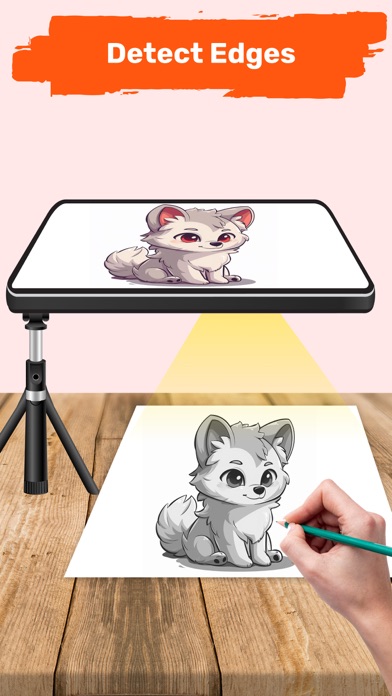
- Utilize your phone's camera to create freehand artwork from real-life images. Draw by tapping on the screen, enabling you to produce unique pieces from photos.
How to begin sketching:
- Open the app
- Choose an object from the collection or your gallery/camera.
- Adjust the object to your liking. Adjust Grid, Edge and Opacity
- Record and start sketching the images line by line, easily transferring the object onto the paper.
With the app, you can draw anything you want on any surface.
The main features in app:
- Draw and sketch photo with AR technology
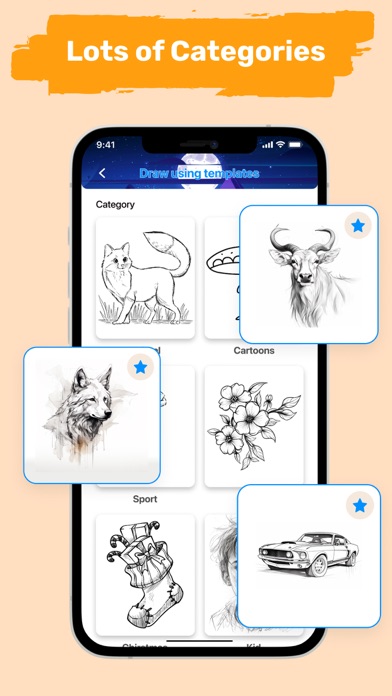
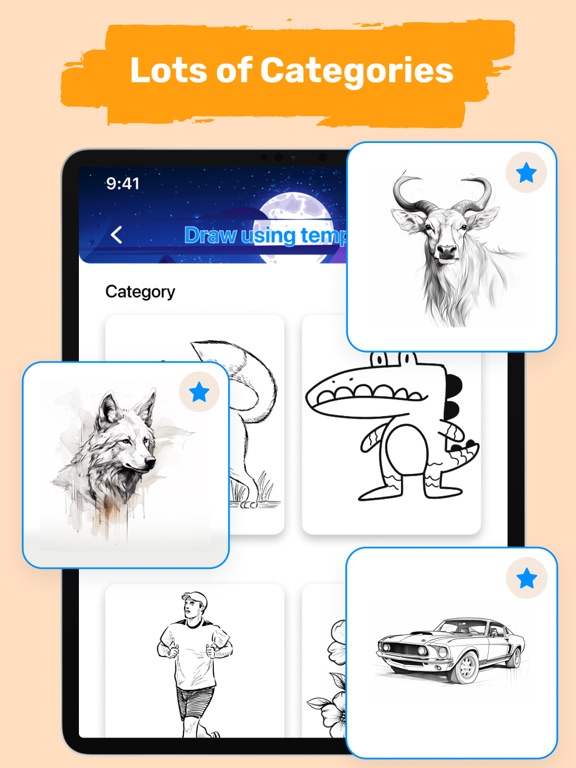
- Many categories to sketch: Christmas, anime, flowers, car, food...
- Record when sketching and painting processes
- Handy tools: lock screen, rotate image, adjust brightness, and flashlight.
- Save your drawing in the gallery
A simple way to start learning drawing using your phone camera to draw. Try the app today and learn to draw like never before.
Need Help? Have Questions? Please contact us. Hope you have a nice day with the app.
Policy: https://hoanghangstudio.netlify.app/policy
Term of use: https://hoanghangstudio.netlify.app/terms