Dark Table - Presets for LR

Dark Table - Presets for LR Summary
Dark Table - Presets for LR is a free, ad-supported, with in-app purchases iOS app in Art And Design by Sohel Ibna Saad. Released in Feb 2024 (2 years ago). It has 426 ratings with a 4.59★ (excellent) average. Based on AppGoblin estimates, it reaches roughly 1.1K monthly active users and generates around $<10K monthly revenue (32% IAP / 68% ads). Store last updated Nov 18, 2025
Recent activity: 1.00 new ratings this week View trends →
Dark Table - Presets for LR SDKs Summary
App not yet scanned for SDKs.
4.59★
Ratings: 426
Screenshots
App Description
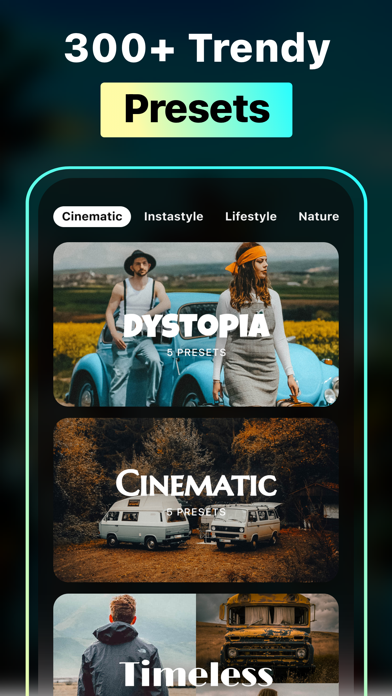
Enhance your photos with the best presets for Lightroom by LRPT - a one-stop solution for editing stock images. Its 300+ Lightroom presets for iPhone include Portrait, Cinematic, Natural, Retro, Instastyle, and many more preset filters to redesign unique pictures straight from your library.
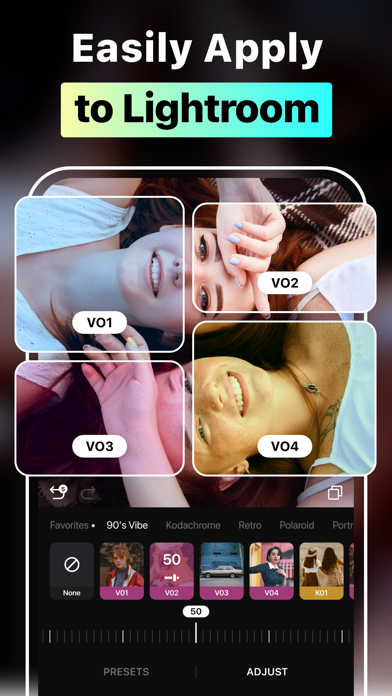
Apply and work on a preset instantly, or take it to Lightroom; the choice of creativity is yours. Choose from different categories that house multitudes of preset collections. Preview your favorite picture with different presets for Lightroom mobile and personalize the way you want before sharing it on social media.
Key features of Presets for Lightroom - LRPT
• Import photos from the library and apply effects with one tap
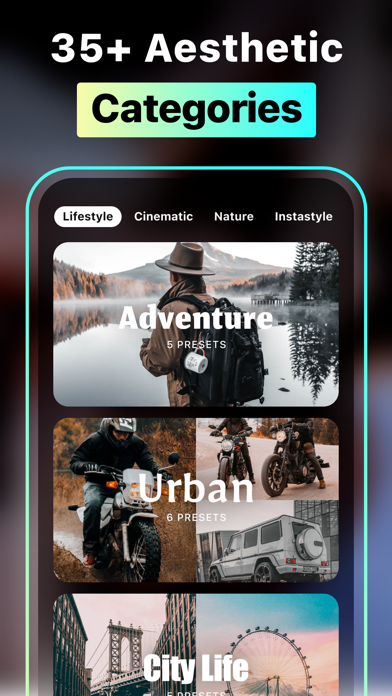
• Explore 300+ Lightroom mobile presets with different categories and tags
• Adjust the preset intensity to achieve the perfect look
• Customize exposure, highlights, contrast, brightness, saturation, etc., to make your photos more professional
• Mark your favorite presets for quick access anytime
• Export presets to Lightroom and edit with ease
Rich Categories of Lightroom Filter Presets
Spanning from Lifestyle to Instastyle, LRPT boasts a versatile collection of effects for Lightroom. Each effect is categorized with collections and tags so you can find the perfect iPhone photo presets without hassle. You don’t even have to head anywhere; simply find the best Lightroom presets for your portraits, landscapes, sports, or travel photography and directly preview the unique touch LRPT provides. Preset Filter categories: Cinematic, Instastyle, Lifestyle, Nature, Portrait, Retro, Season, Travel
Professional Photo Adjustment Tools
Edit like a pro using the ultimate photo editing tools of the Presets for Lightroom - LRPT app. Combining precision and creativity, take the best Lightroom presets for professional photographers and make them your own. For instance, experiment with exposure and highlights to adjust the lighting in your photo or play with brightness and contrast to make it more realistic. Fine-tune shadows, saturation, sharpness, or vibrance in your image to shape it how you see fit.
Export Presets to Lightroom Mobile
Wondering how to add presets to the Lightroom app on your iPhone? With the LRPT app, all you need is to choose your preferred effects for Lightroom. Be it aesthetic, natural, fall or spring, black and white, cinematic,