PDF Compressor - Reduce Size
PDF Compressor - Reduce Size Summary
PDF Compressor - Reduce Size is a with in-app purchases iOS app in Tools by NextPixel apps. Released in Jan 2024 (2 years ago). It has 116 ratings with a 4.37★ (good) average. Based on AppGoblin estimates, it reaches roughly 354 monthly active users and generates around $<10K monthly revenue (100% IAP / 0% ads). Store metadata: updated Apr 29, 2026.
Recent activity: 1.00 new ratings this week View trends →
Store info: Last updated on App Store on Apr 29, 2026 .
4.37★
Ratings: 116
Screenshots


App Description
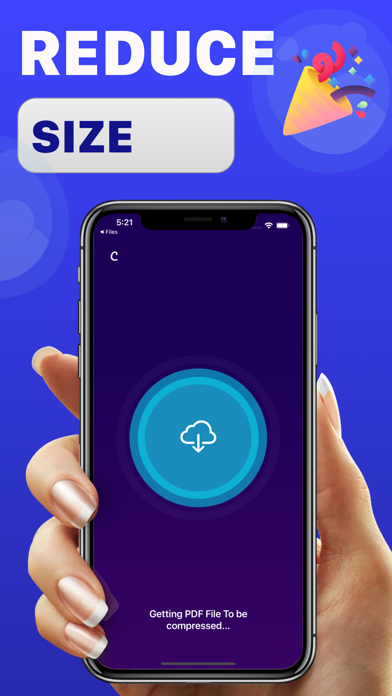
Unlock the full potential of your PDF files with our powerful PDF Compressor app! Seamlessly reduce the size of your PDF documents without compromising on quality. Whether you need to save storage space on your device, share files more efficiently, or simply optimize your PDFs for faster loading, our app has you covered.
Key Features:
Efficient Compression:
Our advanced compression algorithms ensure that your PDF files are reduced to the smallest possible size without sacrificing quality. Experience faster file transfers, quicker uploads, and more efficient storage utilization.
Retain Quality:
Rest assured that your document's quality remains intact throughout the compression process. Our app maintains the integrity of text, images, and formatting to ensure your content looks as good as ever.
File Management:
Organize and manage your compressed PDF files effortlessly. Access a user-friendly file manager to rename, delete, or share your optimized documents with ease.
Share Anywhere:
Compressed PDFs are perfect for sharing via email, messaging apps, or cloud storage. Share your files hassle-free with colleagues, clients, or friends, knowing they'll receive a lightweight yet high-quality document.
Subscription Policy
- Subscriptions are billed weekly or monthly at the rate selected depending on the subscription plan.
- Payment will be charged to iTunes Account at confirmation of purchase
- Account will be charged for renewal within 24-hours prior to the end of the current period, and identify the cost of the renewal
- Subscriptions auto-renew at the cost of the chosen package, unless cancelled 24-hours in advance prior to the end of the current period. Subscriptions may be managed by going to your iTunes Account Settings after purchase.
You may manage your subscription and turn off auto-renewal by going to your Account Settings after purchase.
Privacy Policy - https://sites.google.com/view/pdfcompress/projects
Service Terms - https://sites.google.com/view/pdfcompress/terms