Free TV Remote™ for LG TVs

Free TV Remote™ for LG TVs Summary
Free TV Remote™ for LG TVs is a free, with in-app purchases iOS app in Tools by Zhengzhou Zhijian Intelligence Technology Co., Ltd.. Released in Mar 2024 (2 years ago). It has 712 ratings with a 4.27★ (good) average. Based on AppGoblin estimates, it reaches roughly 2.2K monthly active users and generates around $<10K monthly revenue (100% IAP / 0% ads). Store last updated Nov 19, 2025
Recent activity: 5.00 new ratings this week View trends →
Free TV Remote™ for LG TVs SDKs Summary
App not yet scanned for SDKs.
4.27★
Ratings: 712
Screenshots
App Description
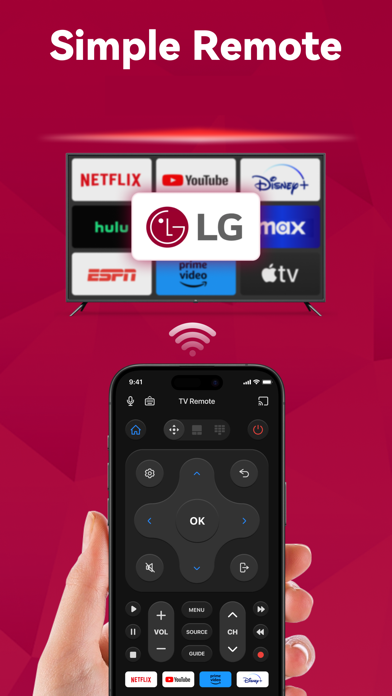
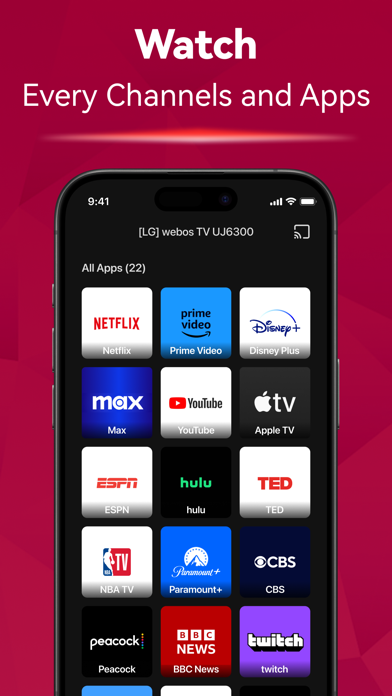
Can't find your remote again? Introducing the TV Remote app! Say goodbye to the hassle of searching for your remote. Simply connect it to the same Wi-Fi network as your TV, you can effortlessly turn the TV on/off, switch channels, adjust the volume and manage content playback - just like a typical physical remote control. It even has a touchpad and voice input for added convenience. Enhance your TV experience with the TV Remote app today!
Here are the guidelines for using the TV Remote:
1. Download and install the universal TV Remote app.
2. Select a TV that is connected to the same WiFi network.
3. Tap to connect.
4. Voila! The TV Remote control is now all set up.
Enjoy seamless control of your TV with these simple steps!
With the TV Remote app, you'll enjoy a range of convenient features:
- Automatic detection of TVs on the same WiFi network makes setup a breeze.
- Rapid TV control gives you instant access to volume adjustment, reverse, and fast forward functions.
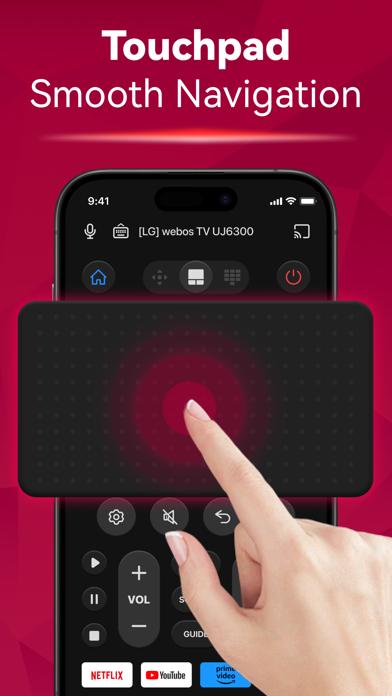
- Experience smooth and efficient TV control with the touchpad feature.
- Swift text input and search functionality help you find your favorite shows and movies quickly.
- Power on/off your TV directly from your device including LED, OLED, 4K etc.
- Take advantage of voice search functionality for hands-free control.
- Just like a standard remote like AKB series, or Magic Remote
Enjoy the functionalities and features of the app at your own discretion.
For troubleshooting:
- The app can only connect to the same WiFi network as your TV device.
- For connection failure with TV, app reinstallation and TV reboot are suggested to resolve most issues.
Privacy Policy: https://sites.google.com/view/tv-remote-ios-privacy-policy
Terms of Use: https://sites.google.com/view/tv-remote-ios-terms-of-use