Gesture / Figure Drawing

Gesture / Figure Drawing Summary
Gesture / Figure Drawing is a with in-app purchases iOS app in Education by Avinash Kumawat. Released in May 2024 (2 years ago). Store metadata: updated Jul 28, 2024.
Store info: Last updated on App Store on Jul 28, 2024 .
0★
Ratings:
Screenshots
App Description
Discover the Ultimate Mobile Studio for Gesture Drawing – Perfect for Artists of All Levels!
Welcome to Gesture Drawing Practice, the definitive app designed to support artists in mastering the art of gesture drawing directly from their mobile devices. With our user-friendly app, you can practice, learn, and refine your drawing skills anytime, anywhere.
Why Choose Gesture Drawing Practice?
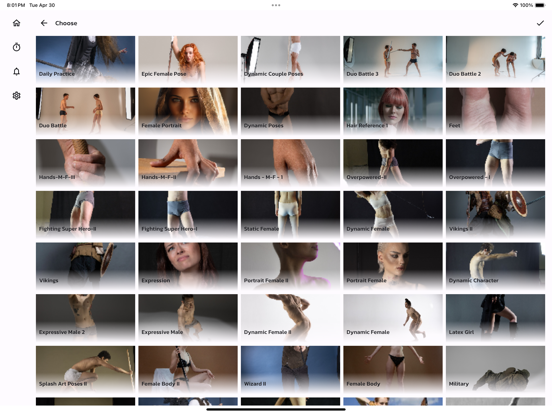
Extensive Pose Library: Our comprehensive library features a wide range of dynamic poses, suitable for beginners to advanced artists. Each pose is carefully selected to challenge your skills and help you understand human anatomy in various actions and perspectives.
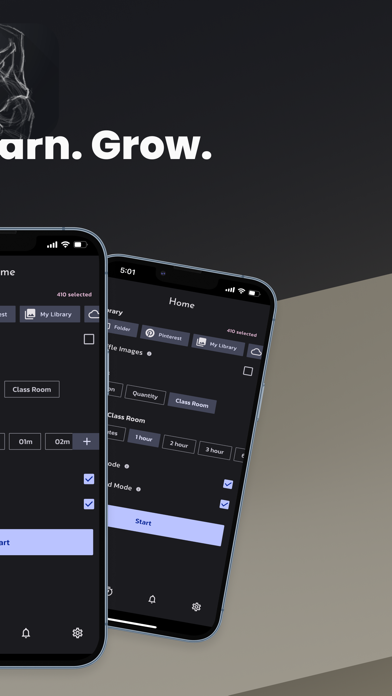
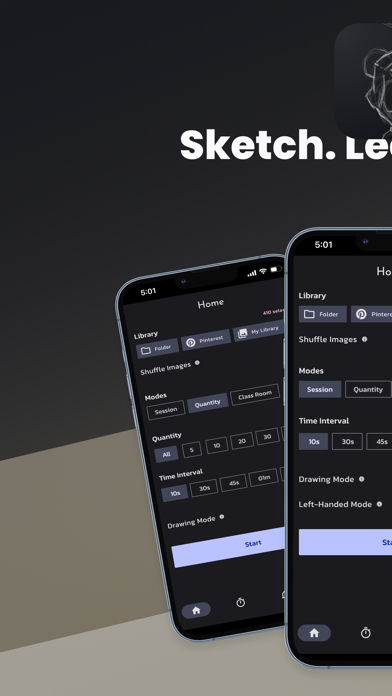
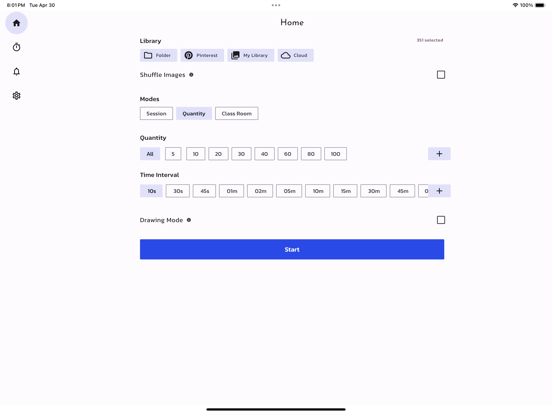
Customizable Practice Sessions: Tailor your drawing sessions to match your individual pace and skill level. Set time limits, choose poses, and create routines that fit your daily schedule, making it easy to practice regularly and effectively.
Intuitive Drawing Tools: With tools that mimic real-life drawing experiences, our app offers multiple colors and adjustable sizes. Whether you’re sketching quick studies or detailed figures, our tools provide the flexibility you need.
Portable Studio Experience: Transform your phone or tablet into a portable art studio! Perfect for artists on the go, our app allows you to practice your drawing without needing physical materials or a large workspace.
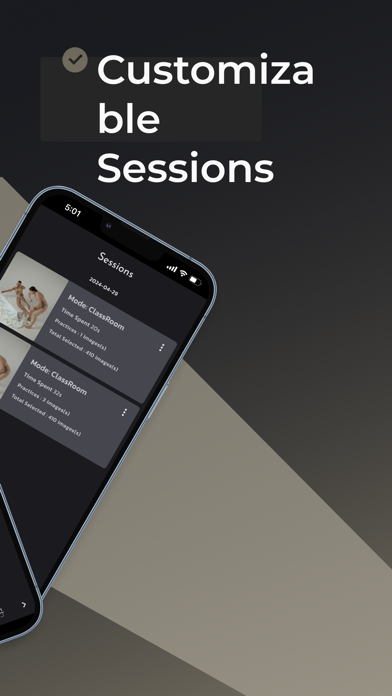
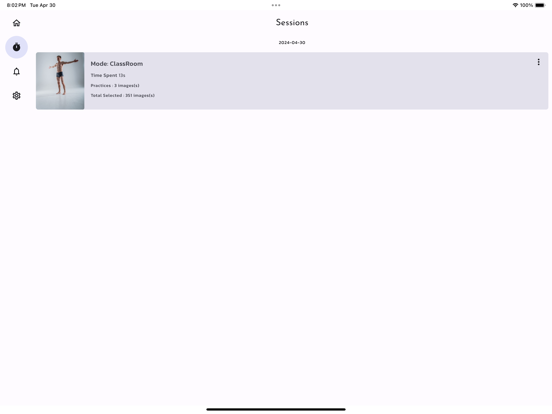
Progress Tracking: Easily monitor your improvement with an in-app feature that tracks your progress. Review past drawings, see your advancement over time, and stay motivated by witnessing your own development.
For All Skill Levels: Whether you’re a seasoned artist looking to polish your skills or a beginner taking the first step towards mastering gesture drawing, our app is designed to support and challenge all users.
Key Features:
Vast Pose Library – Access a diverse range of human poses.
Custom Sessions – Personalize duration, difficulty, and more.
Drawing Interface – Enjoy a realistic and user-friendly drawing environment.
Progress Tracker – Keep track of your learning journey.
Ideal for Daily Practice:
Incorporate gesture drawing into your daily routine with ease. Whether you have five minutes or an hour, our app adapts to your schedule, providing the perfect platform to practice and improve swiftly.
Download Gesture Drawing Practice Today!
Join thousands of artists who are enhancing their skills with Ge