Cam Scanner - Photo to PDF

Cam Scanner - Photo to PDF Summary
Cam Scanner - Photo to PDF is a ad-supported, with in-app purchases iOS app in Business by ZipoApps. Released in May 2024 (1 year ago). It has 182 ratings with a 4.58★ (excellent) average. Based on AppGoblin estimates, it reaches roughly 814 monthly active users and generates around $<10K monthly revenue (23% IAP / 77% ads). Store metadata: updated Feb 22, 2026.
Recent activity: -1 new ratings this week View trends →
Data tracking: SDKs and third-party integrations were last analyzed on Nov 5, 2024.
Store info: Last updated on App Store on Feb 22, 2026 .
4.58★
Ratings: 182
Screenshots


App Description
Looking for best and reliable document scanner?
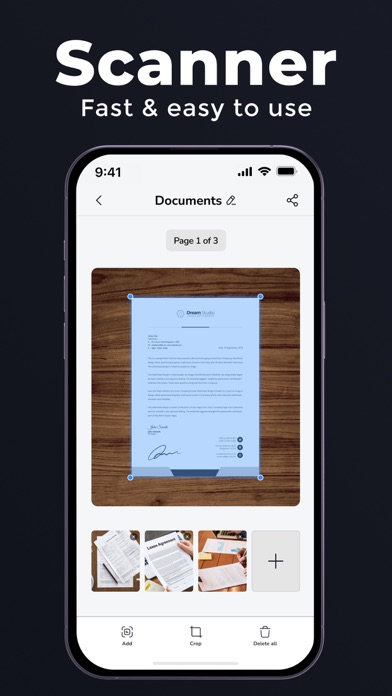
Doc Scanner is scanner app and PDF maker tool that makes it easy and efficient to create PRO documents using your mobile phone camera. PDF scanner allows you to work and study anywhere, even if you don't have access to a laptop or scanning and printing machine. Scan PDF app will boost your document management efficiency : a mobile scanner for your smartphone, to change paper into PDF, or photo to pdf, while saving both time and storage. Image to PDF supports image processing and can transform, rotate, sharpen your images, for best document quality, combined with Scanner PDF's top edge OCR engine.
Features:
- High resolution scans that preserve most of the original paper document details
- Built with OCR technology
- Manage documents into folders
- Multiple page PDF support
- Access and manage PDF files anytime.
- Modify, delete pages
- Straighten scan pages and get rid of curves and skews using our PDF Editor.
- Image processing engine that allows you to change contrast, enhance, sharpen for the perfect document quality!
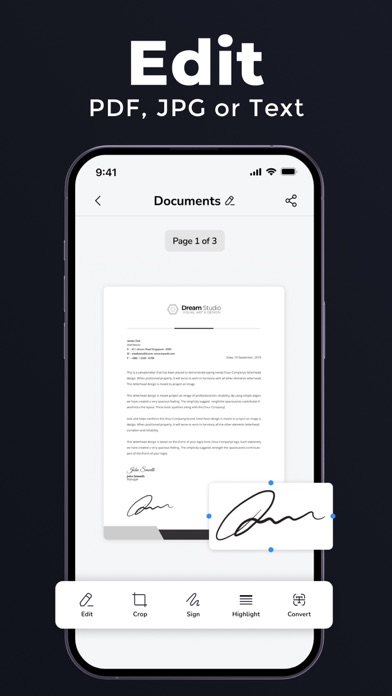
- Sign your scans manually or add a signature from an image.
- Easily scan passport, scan id cards, scan driving license, scan documents,
- add watermarks using this scanner app.
– Organize your documents easily with the file manager with folders and drag & drop.
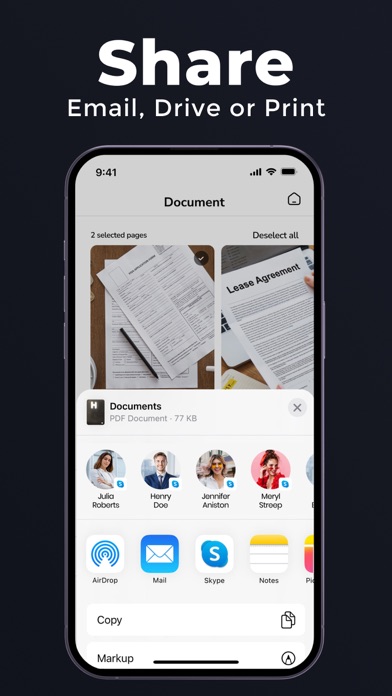
- Share data with friends, with just a few taps
Privacy Policy: https://zipoapps.com/documentscannerios/privacy
Terms of Use: https://zipoapps.com/documentscannerios/terms