GBWT Version - 2024

GBWT Version - 2024 Summary
GBWT Version - 2024 is a free, ad-supported, with in-app purchases iOS app in Social Networking by Rinkesh Patel. Released in Jun 2024 (2 years ago). It has 42 ratings with a 4.64★ (excellent) average. Based on AppGoblin estimates, it reaches roughly 96 monthly active users and generates around $<10K monthly revenue (34% IAP / 66% ads). Store last updated Sep 13, 2024
GBWT Version - 2024 SDKs Summary
App not yet scanned for SDKs.
4.64★
Ratings: 42
Screenshots
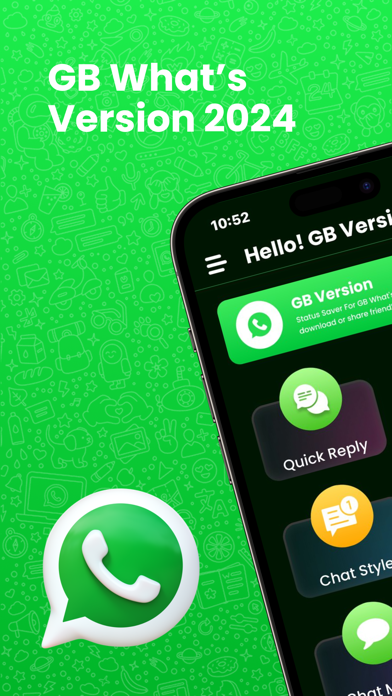
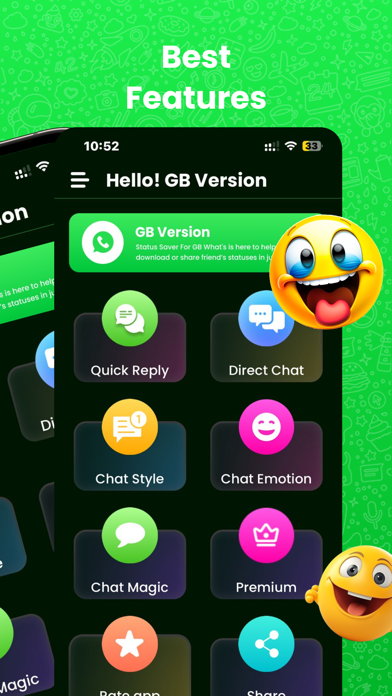

App Description
Enjoy the GB Version - 2024
GB Version - 2024 is an app designed to enhance the customer experience using WhatsApp tools. This specially designed toolkit brings numerous exciting pro features, including:
• Direct Chat: Chat directly with WhatsApp users without saving their names in your contacts.
• Text Repeater: Repeat a text message multiple times in seconds and share it on WhatsApp.
• Full Access to Chat Style Features: Use the latest Whatsweb app to get full access to all chat style features.
Stylish Font and Text to Emoji Converter
With the Text to Emoji Converter, you can write your messages using emoji designs. The Stylish Font feature helps you apply over 50 styles to your messages.
• Stylish Text and Art: Write stylish text and art and share them in your favorite chat app or any other app that supports text editing to impress everyone.
• Limitless Possibilities: Generate stylish text, blue text, text decoration, emoji text style, stylish messages with emoji, fancy text generator, and fancy text.
To give style to your text, type your message in the first text field. Your text will be converted into different fancy text styles in the below fields. Simply click the copy button of the text
You can type messages in cool fonts with the selected font and copy them. Then, paste the copied text into any WhatsApp app.
Features
• Stylish text.
• Huge collection of chat styles.
• Very easy to use.
• After typing, choose the text style you like.
Privacy Policy - https://sites.google.com/view/wa-web-whatsscan-privacy
Terms & Conditions - https://sites.google.com/view/wawebwhatsscan-terms
EULA - https://sites.google.com/view/wa-web-whatsscan-eula