3D AR Draw Learn Steps by Step

3D AR Draw Learn Steps by Step Summary
3D AR Draw Learn Steps by Step is a free, ad-supported, with in-app purchases iOS app in Art And Design by dipen narola. Released in Jul 2024 (2 years ago). Store last updated Aug 27, 2024
3D AR Draw Learn Steps by Step SDKs Summary
App not yet scanned for SDKs.
0★
Ratings: 0
Screenshots



App Description
Master the Art of Drawing with 3D AR Draw
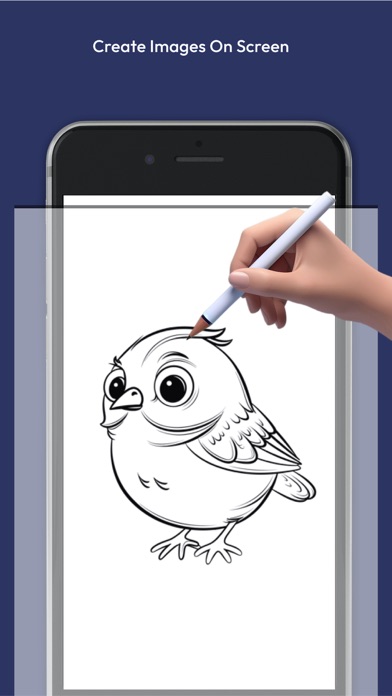
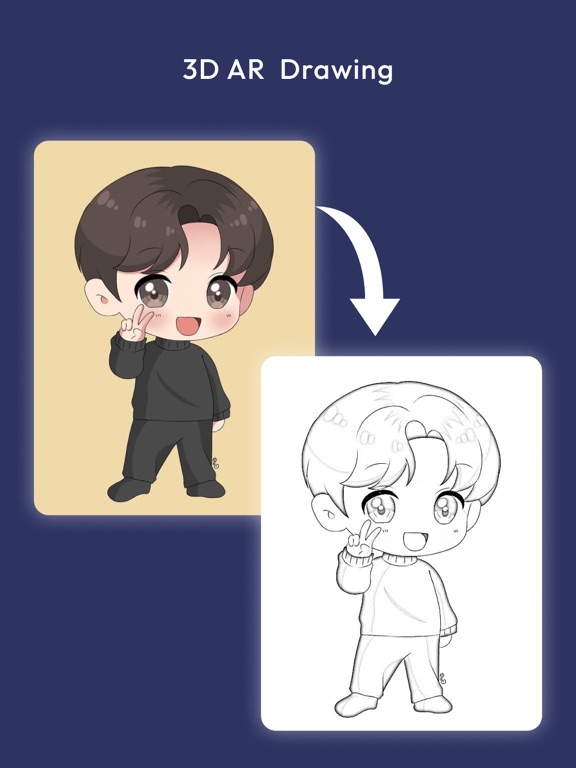
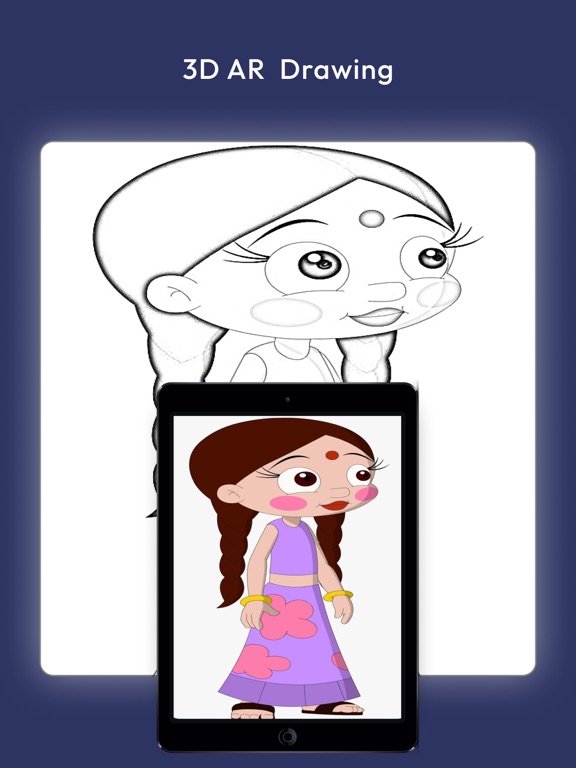
Unlock your creative potential with 3D AR Draw, the ultimate app for learning how to draw in an interactive, step-by-step manner. Whether you’re a beginner or an experienced artist, our app provides you with the tools and guidance you need to create stunning 3D drawings using augmented reality.
Key Features:
1. Step-by-Step Drawing Tutorials
Learn to draw at your own pace with our detailed, step-by-step tutorials. Each lesson breaks down complex drawings into manageable steps, making it easy for anyone to follow along and improve their skills.
2. Wide Range of Drawing Categories
Explore a vast library of tutorials across various categories:
Animals: Learn to draw realistic and cartoon animals.
Portraits: Master the art of drawing human faces and expressions.
Nature: Capture the beauty of trees, flowers, and landscapes.
Vehicles: Draw detailed cars, bikes, and other modes of transportation.
Fantasy: Bring your imagination to life with mythical creatures and fantasy scenes.
Objects: Perfect your skills by drawing everyday objects with precision.
3. Interactive Drawing Tools
Use a variety of digital drawing tools designed to enhance your learning experience. Our app includes pencils, brushes, erasers, and more, allowing you to experiment with different techniques and styles.
4. Progress Tracking
Keep track of your progress with our built-in tracking system. See how your skills improve over time and revisit lessons to practice and perfect your drawings.
5. Share Your Artwork
Showcase your creations with friends and family by sharing directly from the app to social media platforms like Instagram, Facebook, and Twitter. Inspire others and get feedback on your work.
6. Offline Mode
Learn to draw anytime, anywhere with our offline mode. Download your favorite tutorials and practice even without an internet connection.
Why Choose 3D AR Draw?
User-Friendly Interface: Designed for users of all ages and skill levels, our app is easy to navigate and fun to use.
Regular Updates: We continuously update the app with new tutorials and features to keep your drawing experience fresh and exciting.
High-Quality Tutorials: Our lessons are created by professional artists to ensure you receive the best instruction possible.
Engaging and Fun: Drawing with augmented reality makes learning more interactive and enjoyable.
How to Get