Network Toolbox Net security

Network Toolbox Net security Summary
Network Toolbox Net security is a free, ad-supported, with in-app purchases iOS app in Productivity by WHATSTICKER APPS SRL. Released in Jun 2013 (13 years ago). It has 5.9K ratings with a 4.55★ (excellent) average. Based on AppGoblin estimates, it reaches roughly 12K monthly active users and generates around $<10K monthly revenue (31% IAP / 69% ads). Store last updated Dec 16, 2024
Recent activity: 8.00 new ratings this week View trends →
Network Toolbox Net security SDKs Summary
App not yet scanned for SDKs.
4.55★
Ratings: 5.9K
Screenshots

App Description
*** THE ORIGINAL - NetworkToolbox ***
Read the Manual at: https://www.networktoolbox.de/ios-manual/
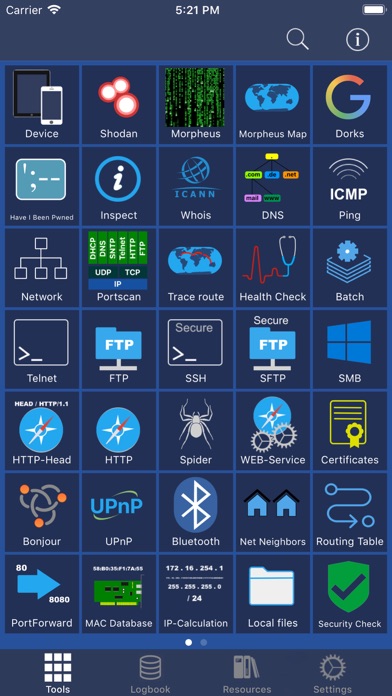
This App with its 50+ individual Tools helps to analyse local or public networks for security issues or wrong configurations.
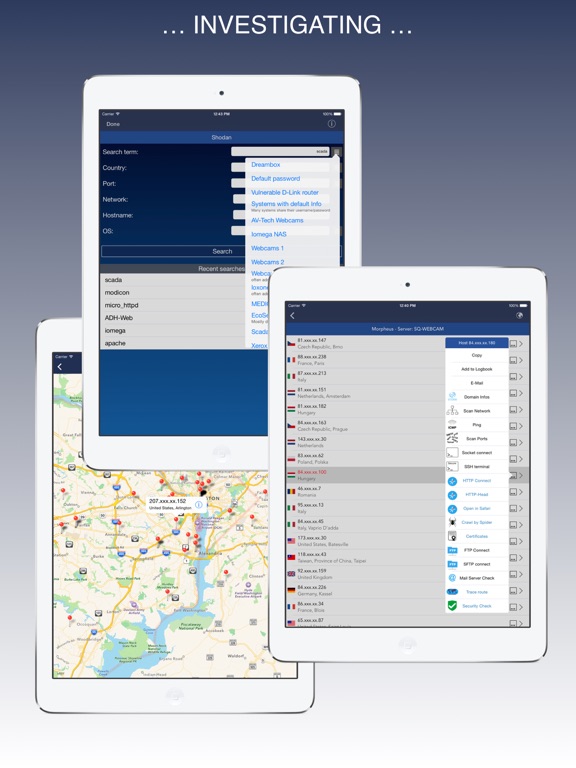
It provides various scanning options such as WiFi Network IP scanning, Port scanning and integrates the SHODAN scan engine, Security exploit tests and more.
Feature summary:
DEVICE INFORMATION
■ Device and public IP Address
■ Network interfaces (WiFi, 3G/4G)
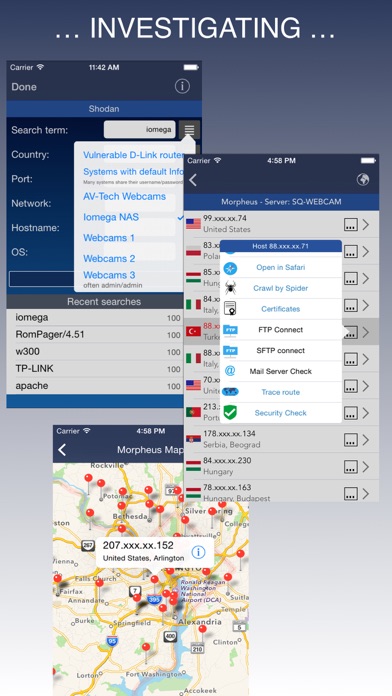
SHODAN AND MORPHEUS SEARCH
■ Expose online devices
■ Search by keyword, country, port, network, hostname
MAP SEARCH
■ Search and expose online devices for on a given location
NS-LOOKUP with DOMAIN INFORMATION
■ Provides information for a certain domain or ip
■ Provide information about the number of attacks (ISC)
■ Location of IP or Host display on a map
■ DNS records such as MX, A, TXT etc.
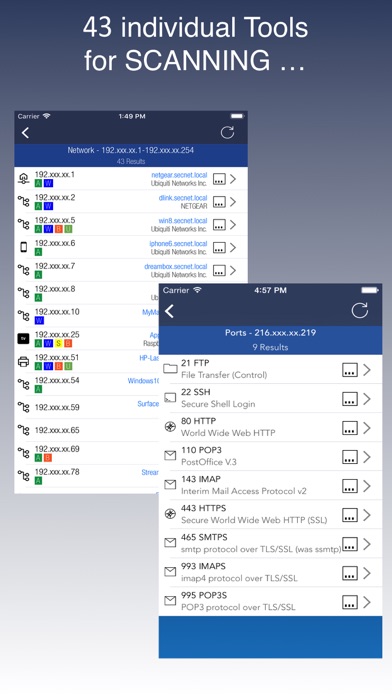
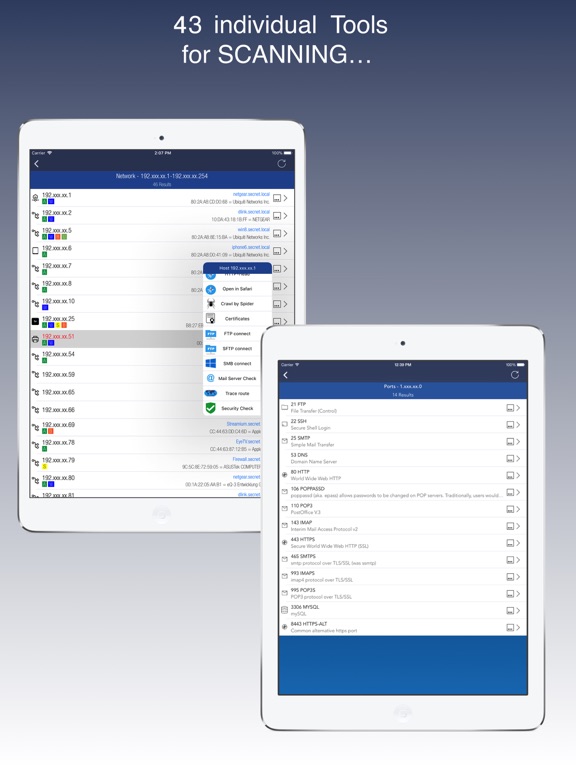
WIFI NETWORK SCAN
■ Discover all devices on your network
■ Including IP, MAC, Vendor, Network Name
PING
■ Ping IP or domain
■ Show Errors and RTT
■ Display results graphically
WHOIS
■ Find out who is behind a certain domain
DNS
■ Query ANY! DNS Server
■ See DNS record information such as A,TXT,CNAME,MX,SOA etc.
■ See and compare DNS Server response times
VISUAL TRACEROUTE
■ Analyze how packets get to their destination
SOCKETS
■ Socket analysis and terminal tool
■ Predefined protocols for Telnet, FTP, HTTP, POP3 and IMAP
■ Inspect server responses
■ Send arbitrarily data to the server
FTP and SFTP CLIENT
■ Browse remote directory tree
■ Direct file viewing
■ File and directory operations
■ Upload and download of multiple files to device
■ Default password list check of FTP server
■ Public / Private Key support (New!)
SSH CLIENT
■ Terminal client for SSL
■ Default password list check of server
SFTP CLIENT
■ Same functionality as FTP
MAC ADDRESS DB
■ Find out which vendor is responsible for which MAC address and v/v
IP CALCULATION
■ Calculate net-masks, first-,last- addresses etc.
HTTP BROWSER
■ Site Default password check
■ Possibility to select user agents from Blackberry over Firefox, IE, Safari and iOS
■ Display source code, plain text or hirachically browse XML
SPIDER
■ Crawl website and collect all contained links
■ Analyze robots.txt
■ Both, websites and disallows robots content can be further