ShareMe - All File Sharing

ShareMe - All File Sharing Summary
ShareMe - All File Sharing is a ad-supported, with in-app purchases iOS app in Productivity by Abhijith Jishankar. Released in Aug 2024 (1 year ago). It has 1.00 ratings with a 1.00★ (poor) average. Based on AppGoblin estimates, it reaches roughly 3.00 monthly active users and generates around $<10K monthly revenue (27% IAP / 73% ads). Store metadata: updated Aug 27, 2024.
Store info: Last updated on App Store on Aug 27, 2024 .
1★
Ratings: 1.00
Screenshots



App Description
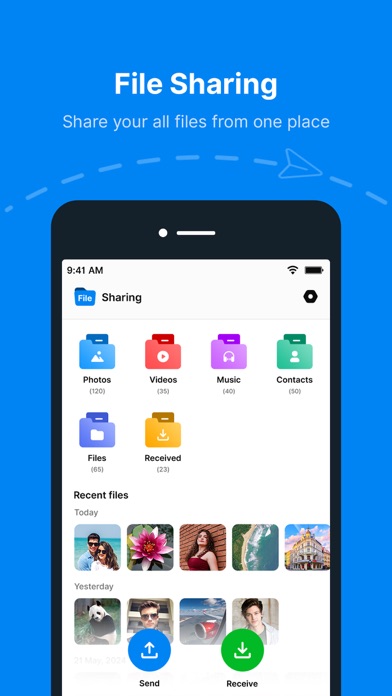
All File Sharing: Seamless Sharing, Simplified
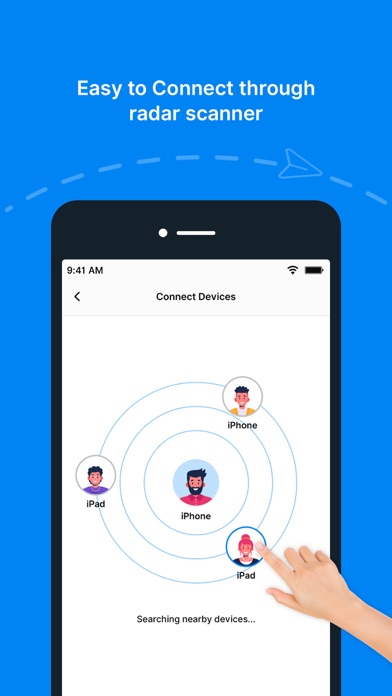
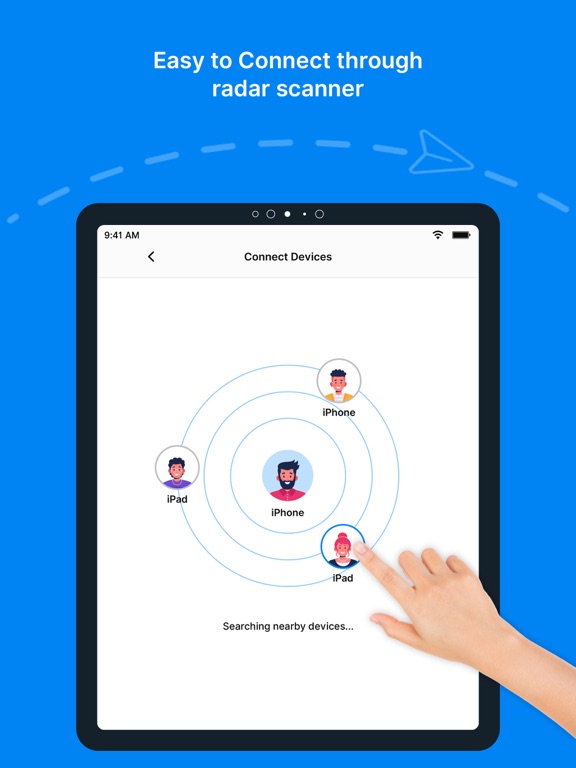
ShareMe is the ultimate sharing app designed for phone users, enabling effortless transfer of files, photos, videos, and more across devices. With its intuitive interface and robust features, ShareMe ensures a smooth and efficient sharing experience, whether you are transferring files between your own devices or sharing with friends, family, or colleagues.
Key Features:
1. Easy File Transfer:
- Cross-Platform Compatibility: Share files between your device and other platforms effortlessly.
- Wide File Type Support: Transfer photos, videos, documents, music, and apps.
- Fast Transfer Speeds: Enjoy high-speed file transfers without compromising quality.
Intuitive User Interface:
- Simple Navigation: User-friendly design for quick and easy file selection and transfer.
- Drag and Drop:** Easily drag and drop files for instant sharing.
- Preview Files: View photos, videos, and documents within the app before sharing.
3. Secure and Private:
- End-to-End Encryption: Ensure your files are protected during transfer.
- No Data Usage: Transfers occur without using your mobile data.
- Password Protection: Option to password-protect your transfers for added security.
4. Connectivity Options:
- Wi-Fi Direct: Share files without needing an internet connection.
- Bluetooth Support: Utilize Bluetooth for quick and convenient sharing.
- QR Code Sharing: Generate QR codes for hassle-free sharing with nearby devices.
5. Group Sharing:
- Create Groups: Form groups for easier sharing with multiple people at once.
- Broadcast Sharing: Send files to multiple recipients simultaneously.
6. Storage Management:
- File Organization: Keep your files organized with in-app folders and categories.
- Cloud Integration: Sync with cloud storage services like iCloud, Google Drive, and Dropbox for seamless access and backup.
7. Additional Features:
- History Log: Keep track of your past transfers with a detailed history log.
- Offline Mode: Access and share files even when you're offline.
- Customization: Personalize your app experience with themes and settings.
Use Cases:
- Personal Use: Easily share photos, videos, and documents with friends and family.
- Professional Use: Transfer important files and presentations with colleagues efficiently.
- Educational Use: Share study materials, projects, and resources with classmates and teachers.