Caldwell Precision Chronograph

Caldwell Precision Chronograph Summary
Caldwell Precision Chronograph is a free iOS app in Sports by Battenfeld Technologies Inc. Released in Jun 2013 (13 years ago). It has 274 ratings with a 2.21★ (poor) average. Based on AppGoblin estimates, it reaches roughly 2.6K monthly active users . Store last updated Nov 1, 2022
Caldwell Precision Chronograph SDKs Summary
App not yet scanned for SDKs.
2.21★
Ratings: 274
Screenshots
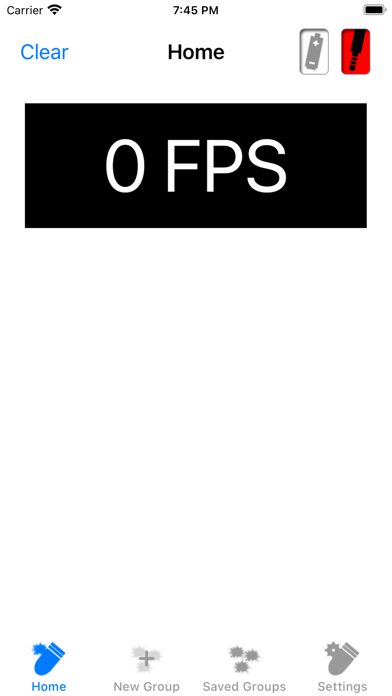
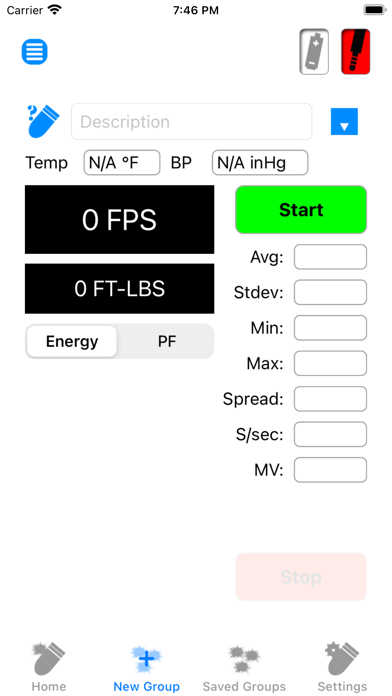
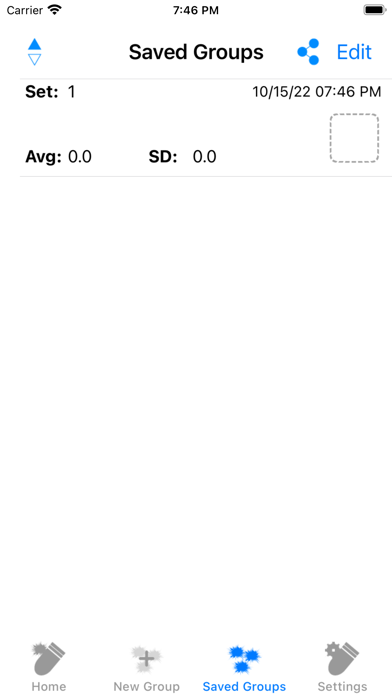
App Description
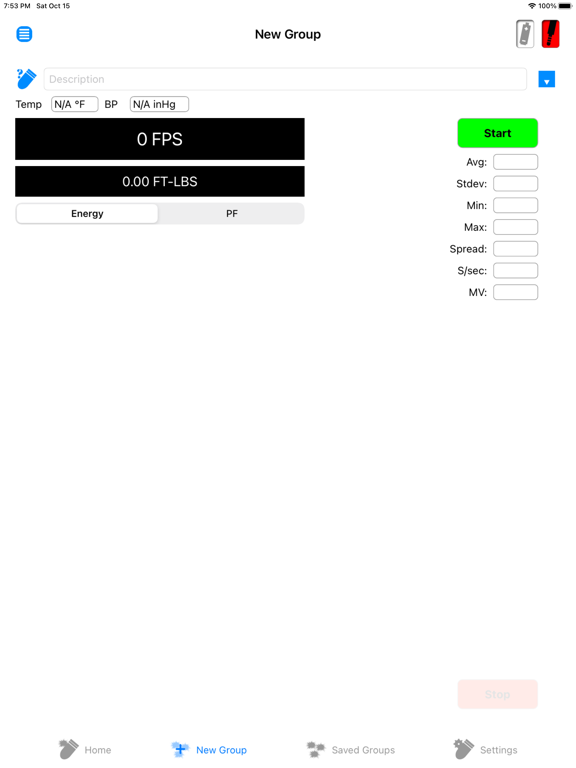
The Ballistic Chronograph app is for use with the Caldwell line of Ballistic Chronographs supporting a 3.5mm line-out serial port.
Users running iOS 7 or greater
• When prompted “Caldwell Ballistic Precision Chronograph” Would Like to Access the Microphone - select OK.
• Please ensure that Settings -> Privacy -> Microphone -> Caldwell Ballistic Precision Chronometer is enabled (Access Granted).
Running the app with the setting disabled will result in no shots being seen even though the app is showing it as connected.
Users running version 1.14 or greater
• When prompted “Caldwell Ballistic Precision Chronograph” Would Like to Access the Camera - select OK.
• When prompted “Caldwell Ballistic Precision Chronograph” Would Like to Access Photos - select OK.
• Please ensure that Settings -> Caldwell Ballistic Precision Chronometer -> Camera is enabled (Access Granted).
Chrono G2 users running 1.17 or greater
To enable Bluetooth in the app. In the Chrono Settings - set Bluetooth enabled. If prompted - Turn on Bluetooth to Allow "Caldwell Ballistic Precision Chronograph" to Connect to Accessories. Select Settings. Turn on Bluetooth.
If prompted - Bluetooth is not enabled. Enable Bluetooth to continue. In Settings - Turn on Bluetooth.