EXIF Manager

EXIF Manager Summary
EXIF Manager is a with in-app purchases iOS app in Photo And Video by Essence Computing. Released in Jun 2013 (12 years ago). It has 4.00 ratings with a 1.75★ (poor) average. Based on AppGoblin estimates, it reaches roughly 1.00 monthly active users and generates around $<10K monthly revenue (100% IAP / 0% ads). Store metadata: updated Dec 19, 2025.
Store info: Last updated on App Store on Dec 19, 2025 .
1.75★
Ratings: 4.00
Screenshots
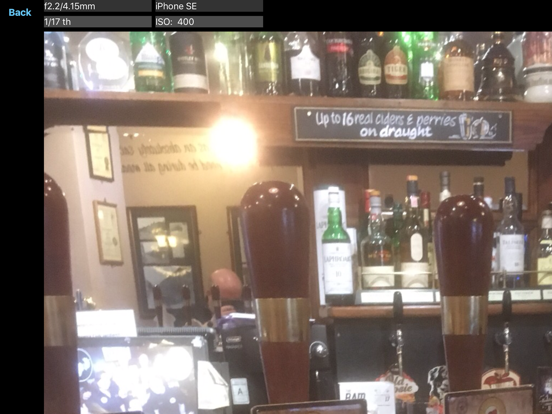
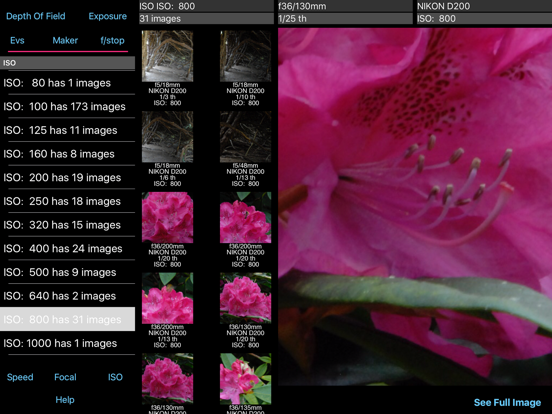
App Description
The EXIF Manager takes all the images on your device and allows you to compare them in 6 different ways - by Exposure Value, by Shutter Speed, by ISO Rating, by f/stop, by focal length and by camera maker.
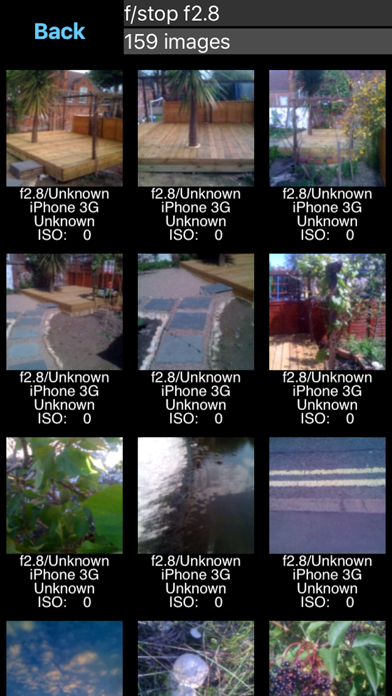
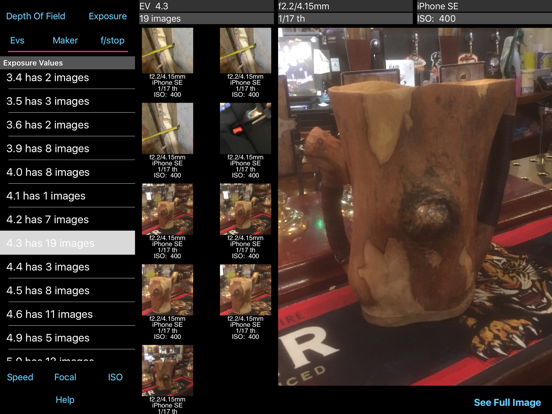
Select one of the various rows in the table and you'll be shown a screen of images with the relevant information underneath each one. You can then select to view just that image to have a better look at it.
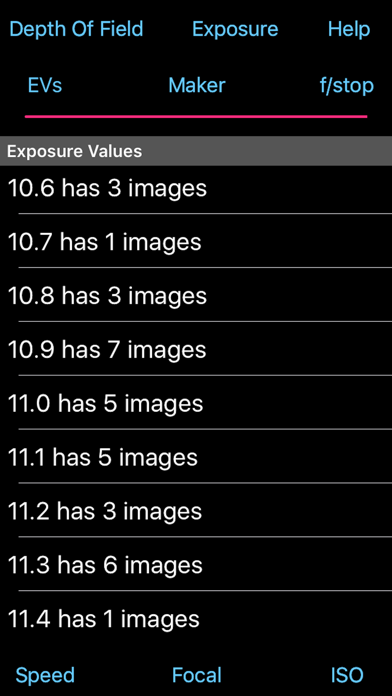
Exposure Value Ordering: Each image was taken assuming a certain level of exposure. The f/stop, focal length, shutter speed and iso were set and you took the image. You hoped you that you got the setting correct and the image was properly exposed, but was it?
Looking at the images by Exposure Value allows you to check what EV was assumed against what was actually achieved. So if for a given EV value 75% of the images look correctly exposed it is the other 25% that you need to look at. These may be either under or over exposed. The App shows you the relevant settings for each image so you can compared the correct ones with the incorrect ones and learn which of the settings of were wrong.
The correctly exposed images can also teach you what setting are required in a similar situation. So when next you're taking pictures in an EV 3 setting (indoors, not particularly bright) you can look at the EV 3 images in the App and check what sort of settings will be required.
Shutter Speed Ordering: All images taken with the same shutter speed are collated together. This is useful to look at to see if the images are correctly exposed. If the images for a shutter speed all appear over exposed or under exposed then you know that you are incorrectly using this speed and you should consider changing your use of this speed or changing other setting to make this speed correct.
Images may also appear blurred with certain shutter speeds and this also points to the use of too low a speed.
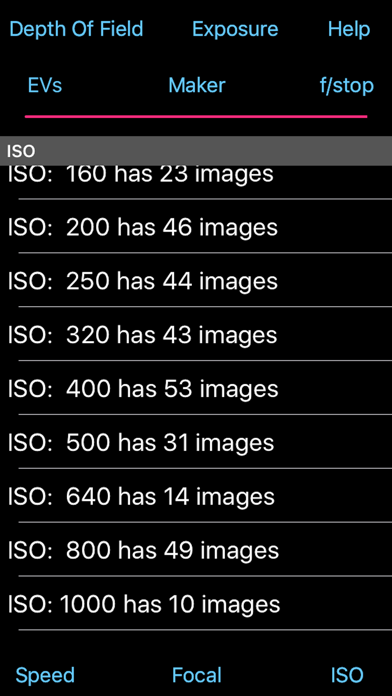
ISO Rating Ordering: Most digital cameras have multiple ISO settings and it can be useful to see which ones were taken with which ISO ratings. You might find that you rely too heavily on one specific ISO setting whereas you should consider using a higher rating to enable you to take fast action or low lighting images.
F/Stop Ordering: Being able to see what images were taken with what f/stop is another way to see whether you have been selecting the correct f/stop for the