Smart Printer - Print App

Smart Printer - Print App Summary
Smart Printer - Print App is a free, ad-supported, with in-app purchases iOS app in Business by Asad Ahsan. Released in Aug 2024 (1 year ago). It has 116 ratings with a 4.57★ (excellent) average. Based on AppGoblin estimates, it reaches roughly 556 monthly active users and generates around $<10K monthly revenue (31% IAP / 69% ads). Store last updated Feb 27, 2026
SDK intelligence: AppGoblin detected 4 development tools(e.g. SDWebImage), 2 ad networks, 1 analytics: product,and 1 business tools integrated into Smart Printer - Print App. View full SDK list →
Smart Printer - Print App SDKs Summary
Smart Printer - Print App was last scanned for SDKs on 2026-03-12. Below is the overview of third-party companies detected in the app. The full list of SDKs, permissions and unknowns is available here.
AppGoblin saw Smart Printer - Print App uses 4 Development Tools
 SDWebImage
 Airbnb Engineering
 Google
 nanopb
AppGoblin saw Smart Printer - Print App uses 1 Analytics: Product
 Firebase
AppGoblin saw Smart Printer - Print App uses 2 Ad Networks
 AdMob
AdMobAppGoblin saw Smart Printer - Print App uses 1 Business Tools
 RevenueCat
4.57★
Ratings: 116
Screenshots



App Description
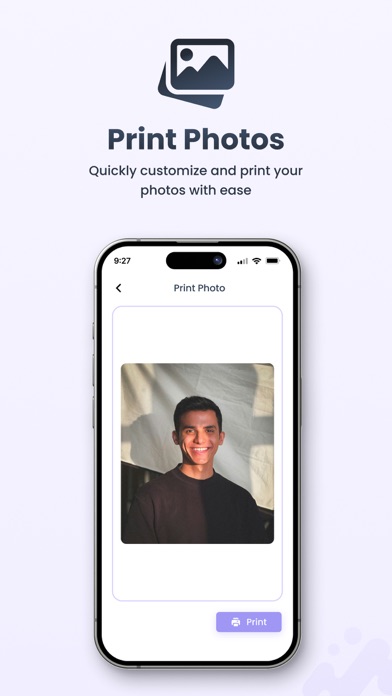
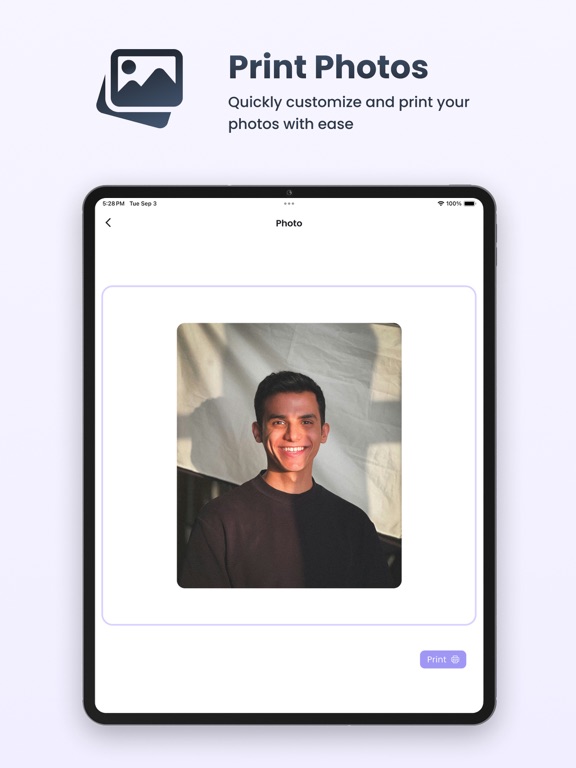
This smart printer app helps you to print your documents, photos and webpages easily. Scan a new document or annotate it, select your printer and scan your document within seconds. Print photos and share them with family and friends.
For Wireless Printers app, you can now instantly iprint and scan your files directly from your printer app. No need to download any additional apps or printing tools. It works seamlessly with almost any WiFi, Bluetooth, or USB printer, allowing you to print photos, images, web pages, PDFs, and documents anytime, anywhere.
Key Features of Smart Printer app:
• iPrint and scan directly from your device to almost any inkjet, laser, or thermal printer.
• Print photos and images in JPG, PNG, GIF, and WEBP formats.
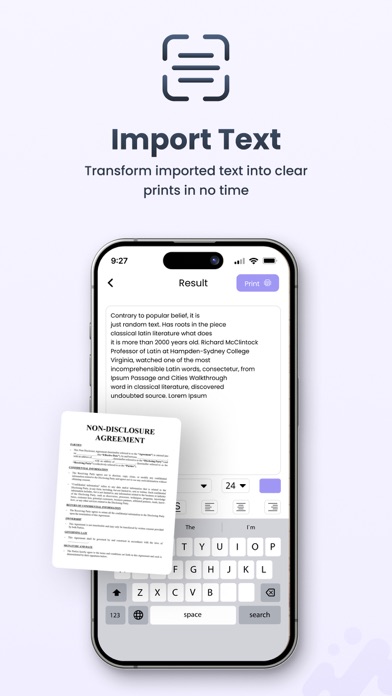
• Print files, PDF and documents.
• Print multiple images per sheet.
• Print websites (HTML pages) accessed through the built-in web browser.
• Print on WiFi, Bluetooth, or USB-OTG-connected printers.
Easy Setup and Connection:
Setting up your printer is straightforward with printer app. Simply connect your printer to the same Wi-Fi network as your device, and app will automatically detect and configure it for immediate use. This quick and easy setup process ensures you can start printing without unnecessary delays, making your experience smooth and efficient.
Versatile Printing Options:
Whether you need to iprint and scan documents, photos, or web pages, printer app has you covered. It supports multiple file formats, including PDF, JPEG, PNG, and more. This versatility ensures that you can handle a variety of printing tasks with ease.
Bluetooth Printing:
Prefer a direct connection? Printer app supports Bluetooth printing, allowing you to print files from your device without relying on a Wi-Fi network. This is perfect for quick and convenient printing on the go, providing flexibility and ease of use when you need it most.
Print from Multiple Devices:
Share your printer with family, friends, or colleagues. iPrint and scan app allows multiple devices to connect and print to the same printer, making it ideal for home and office environments where multiple users need access.
Secure Printing:
Security is a priority. Printer app ensures that your documents are transmitted securely to the printer, protecting your sensitive information from unauthorized access. Enjoy peace of mind knowing that your data is safe an