FormConnect ProMax

FormConnect ProMax Summary
FormConnect ProMax is a mobile iOS app in Business by FormConnections, Inc.. Released in Jan 2026 (4 months ago). Store metadata: updated Jan 31, 2026.
Store info: Last updated on App Store on Jan 31, 2026 .
0★
Ratings:
Screenshots

App Description
The app for Managing Forms and Distributing them across the enterprise.
FormConnect ProMax is our most powerful solution yet, designed specifically for organizations that require a centralized, web-based app to manage complex form distribution and multi-user collaboration. Building upon the robust automation of our FormConnect Pro+ app, the FormConnect ProMax introduces a dedicated server environment for seamless synchronization across the entire enterprise.
FormConnect ProMax bridges the gap between mobile and web users, allowing seamless sharing of forms between team members, regardless of the device they are using. With this new platform, organizations can ensure smooth collaboration between iOS, Mac, and web users.
Why FormConnect ProMax?
Enterprise Team Management:
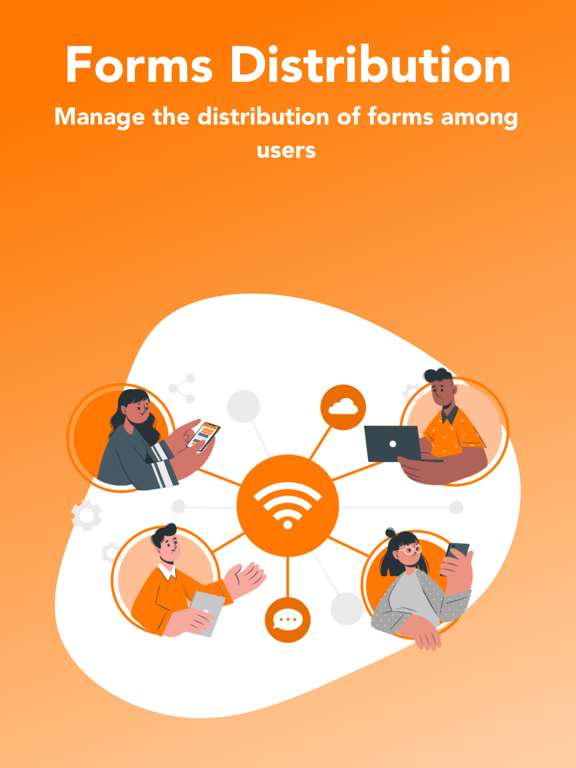
ProMax is built for scale. Administrators can create thousands of users, assign roles, and manage groups from any web browser or iOS app. Control exactly who sees which forms and manage their permissions with granular precision manage the distribution of forms across their entire organization. Push updated form templates to specific groups or individuals, ensuring the entire team is always working with the most updated form. The FormConnect ProMax app allows you to oversee data collection, view real-time submissions, and manage system settings.
Multi-Platform Support:
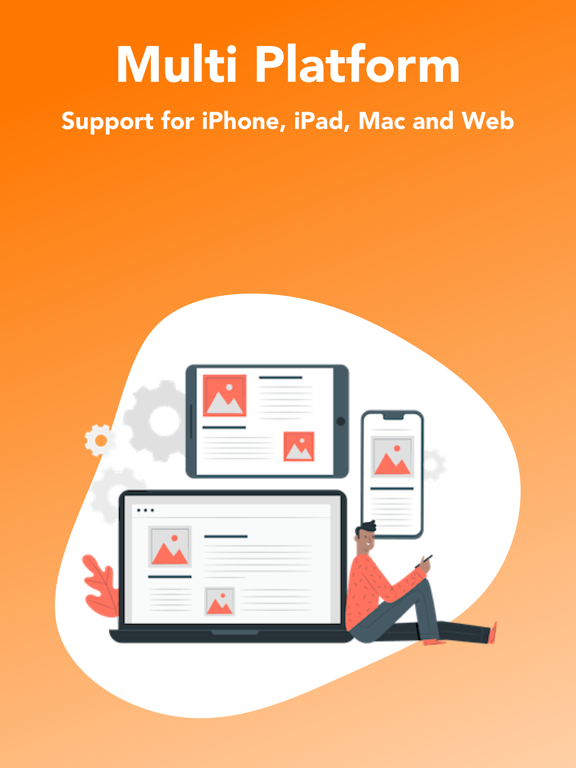
Access your forms where you work. FormConnect ProMax supports native clients for iPhone, iPad, and Mac, along with support for PCs through a full-featured Web Browser interface. Work offline in remote areas and sync your data the moment you're back online.
Bi-Directional Syncing:
FormConnect ProMax includes a dedicated FormConnect server that stores all your forms and data. Whether you are on an iPad in the field or a PC in the office, your data is uploaded and downloaded automatically, providing team members with instant access to their forms and records.
Professional Design:
• Form Customization - Customize your form using a diverse range of field types including text, dates, checkboxes, radio buttons, drop-down menus, photos, logos, tables, barcodes, and GPS.
• Unlimited Number of Form Templates - Create an unlimited number of form templates.
• Multi-Platform Deployment - Design once and deploy your form on multiple platforms (iPad, iPhone, Mac, Web).
Form Management Control:
• Centralized Server: Secure stora