Libre by Abbott

Libre by Abbott Summary
Libre by Abbott is a free iOS app in Medical by Abbott Labs. Released in Mar 2025 (1 year ago). It has 206K ratings with a 4.58★ (excellent) average. Based on AppGoblin estimates, it reaches roughly 869K monthly active users . Store last updated Apr 29, 2026
Recent activity: 2.1K new ratings this week View trends →
SDK intelligence: AppGoblin detected 3 development tools(e.g. Facebook),and 1 analytics: product integrated into Libre by Abbott. View full SDK list →
Libre by Abbott SDKs Summary
Libre by Abbott was last scanned for SDKs on 2026-08-06. Below is the overview of third-party companies detected in the app. The full list of SDKs, permissions and unknowns is available here.
 Facebook
 Sentry.io
 Airbnb Engineering
 Braze
Braze4.58★
Ratings: 206K
Screenshots

App Description
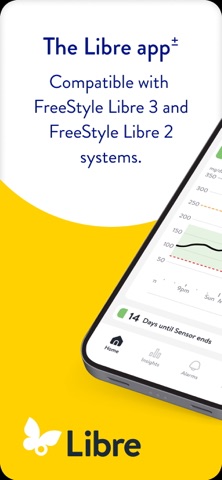
Libre app[±] is a continuous glucose-monitoring (CGM) app that helps people living with diabetes track their glucose.
Compatible with FreeStyle Libre 2 and 3 system sensors.
Why Libre app:
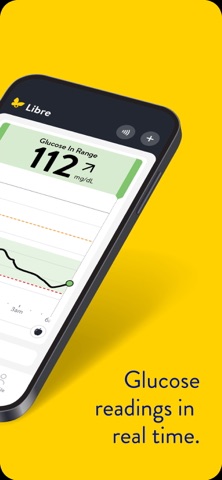
• Readings automatically update on your phone[±] every minute.
• Insights, a tap away. Designed to easily find readings, trends, and settings.
COMPATIBILITY
Compatibility may vary between operating systems. Learn more about compatible phones and devices at https://www.freestyle.abbott/us-en/support.html.
APP INFORMATION
Libre app[±] is intended for measuring glucose levels in people with diabetes age 4+ when used with FreeStyle Libre 2 and FreeStyle Libre 3 sensors, and for people with diabetes age 2+ when used with FreeStyle Libre 2 Plus and FreeStyle Libre 3 Plus sensors. For more information, refer to the user’s manual, accessible in the app.
Consult a healthcare professional to confirm if this product is right for you or if you have questions about how to use this product to make treatment decisions.
±. For information about device compatibility, see https://www.freestyle.abbott/us-en/support.html
ǂ. Libre Assist is a feature within Libre app that uses generative artificial intelligence to provide information on how foods could impact your glucose levels. Generative artificial intelligence may not always be accurate, and it should not be used to make treatment decisions.
◊. Do not use the smartwatch app for treatment decisions. Follow the Libre app instructions on your smartphone.
ø. Glucose data and alerts appear on your smartwatch only when your phone is in range of the sensor. Alerts are mirrored from the Libre phone app. Ensure your phone settings are enabled to receive notifications.
*. Notifications will only be received when alarms settings are enabled and turned on and sensor is within 20 feet (FreeStyle Libre 2 system) 33 feet (FreeStyle Libre 3 system) unobstructed of the reading device.
π. The user’s device must have internet connectivity for glucose data to automatically upload to LibreView and to transfer to connected LibreLinkUp app users.
µ. LibreView data management software is intended for use by both patients and healthcare professionals to assist people with diabetes and their healthcare professionals in the review, analysis, and evaluation of historical glucose meter data to support effective diabetes management. LibreView softwa