Lightune: AI Filter Match

Lightune: AI Filter Match Summary
Lightune: AI Filter Match is a free, with in-app purchases iOS app in Photo And Video by 杨杨 戴. Released in Sep 2024 (2 years ago). Store last updated May 9, 2026
Lightune: AI Filter Match SDKs Summary
App not yet scanned for SDKs.
0★
Ratings: 0
Screenshots


App Description
Lightune is an on-device AI photo editor built for creative post-production. All AI processing and image editing run directly on your device, with no need to upload your photos to the cloud. Create professional-looking edits while keeping your images private.
From AI Color Match, depth blur, photo repair, and Magic Sky to filters, effects, local adjustments, and advanced color tools, Lightune is designed around local processing. Your photos stay yours, and you can keep editing even offline.
Local AI, privacy first
• All AI features run on device: AI Color Match, background blur, photo repair, Magic Sky, and more.
• No photo upload required: your images do not need to be sent to cloud servers during editing.
• Works offline: keep editing without an internet connection.
• Protect creative privacy: ideal for personal photos, portraits, and private materials.
AI and smart creative tools
• AI Color Match: analyze the color, lighting, and mood of a reference image, then apply a similar look to your photo.
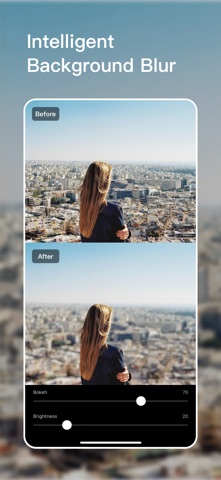
• Depth Blur: manually adjust the blur center and style to make the subject stand out naturally.
• Photo Repair: remove blemishes, spots, and distracting elements for a cleaner image.
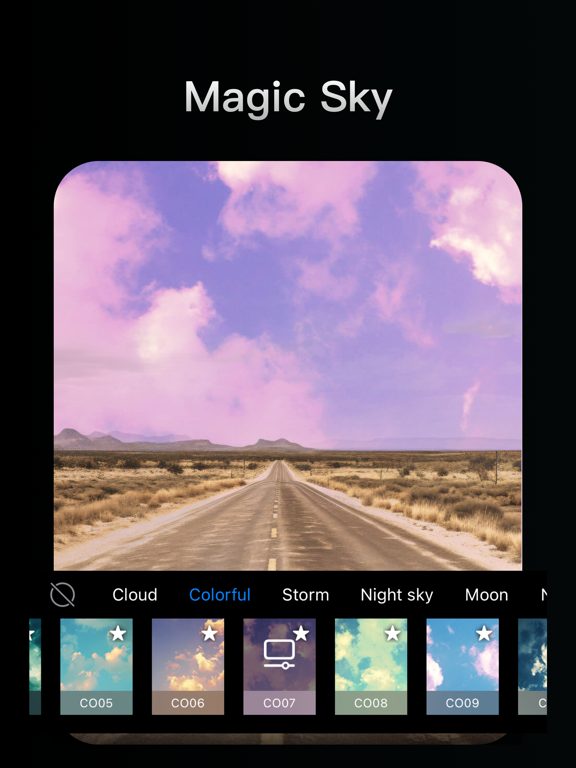
• Magic Sky: replace the sky with clear skies, sunsets, starry scenes, and more.
• Auto Enhance: quickly improve exposure, color, and overall image balance.
Professional editing tools
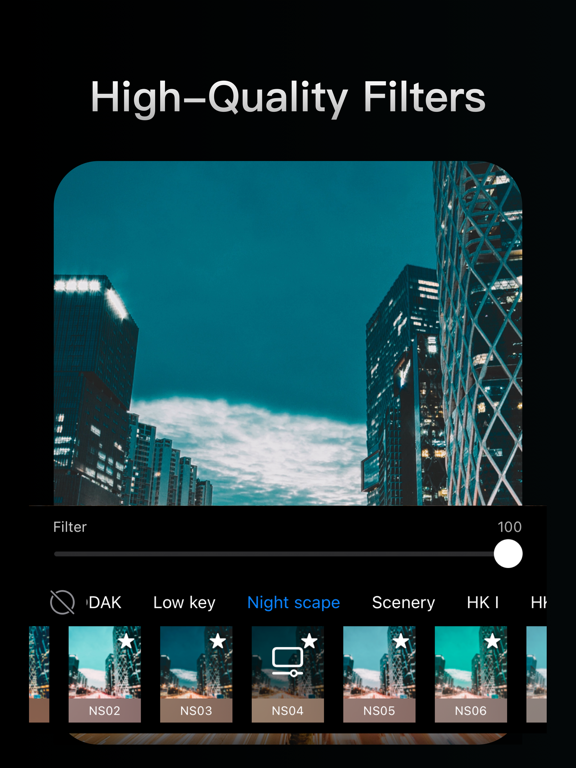
• 300+ filters and 100+ effects, including film, vintage, portrait, landscape, light leaks, grain, and glow.
• Local adjustments with radial, linear, and brush controls.
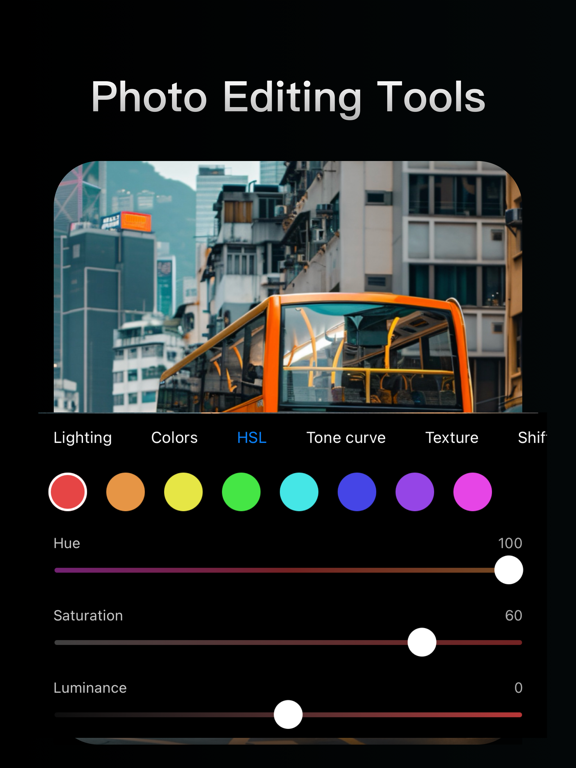
• Black & white, HSL, curves, texture, tone, chromatic aberration, vignette, optical correction, and skin tone protection.
• Undo and draft editing state, so you can continue editing or restore the original look.
Try Lightune and create professional photo edits with private, on-device AI.
Subscription notice:
Unless you cancel your subscription at least 24 hours before the end of the current period, it will automatically renew at the agreed price and duration. Your Apple ID will be charged within 24 hours before the end of the current period. You can manage or cancel your subscription in your App Store account settings. If you purchase a subscription, any unused portion of a free trial or promotional period, if offered, may be forfeited. By subscribing, you agree to our Terms of Service and Privacy Polic