Security Camera - Smart Home

Security Camera - Smart Home Summary
Security Camera - Smart Home is a with in-app purchases iOS app in Lifestyle by Security 360. Released in Dec 2024 (1 year ago). It has 1.1K ratings with a 4.60★ (excellent) average. Based on AppGoblin estimates, it reaches roughly 4.7K monthly active users and generates around $<10K monthly revenue (100% IAP / 0% ads). Store metadata: updated Sep 12, 2025, version 104.
Recent activity: 17 new ratings this week View trends →
Data tracking: SDKs and third-party integrations were last analyzed on Jun 3, 2026.
Store info: Last updated on App Store on Sep 12, 2025 (version 104).
SDKs, Trackers & Permissions
Security Camera - Smart Home was last scanned for SDKs 2026-06-03. Below is the overview of third party companies detected in the app. The full list of raw SDKs, app permissions and unknown SDKs is available here.
 Google
 nanopb
 Alamofire
 Snap
Snap Firebase
App Details
App Store
Ads & App-Ads.txt
AppGoblin SDK Scans
4.6★
Ratings: 1.1K
Screenshots


App Description
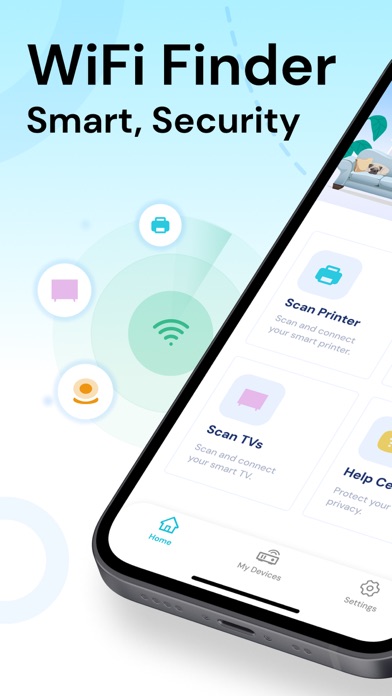
Welcome to Security Camera - Smart Home an intelligent app designed specifically for home network security and device management. Our core feature is comprehensive network device scanning and risk assessment, helping you ensure the safety of your home network while conveniently managing all your smart devices. This means you can effortlessly control every smart device in your home and swiftly identify and resolve potential security vulnerabilities.
Network Security Scanning
Camera Finder offers robust network security scanning capabilities that deeply analyze your home's network environment. It automatically detects all devices on the network and conducts detailed risk assessments for each one. If any abnormalities or potential threats are identified, the app promptly alerts you to take action, safeguarding your network's security.
Printer Device Scanning and Connectivity
Our app quickly identifies and connects to printers within your network. With a few simple steps, you can easily perform wireless printing without the need for complex setup processes. This feature makes home office tasks simpler and more efficient.
Network Camera Scanning
Camera Finder supports automatic scanning of network cameras, assisting you in using and managing your home security system.
TV Device Scanning
With Camera Finder, you can also swiftly identify TV devices connected to your home network.
FAQ
To help users better understand and operate the app, we have included a comprehensive FAQ section. Whether you have questions about device connectivity or network security, you’ll find detailed answers here. This feature ensures you have reliable reference materials at your disposal whenever you encounter issues during use.
Camera Finder is not just a tool; it’s your reliable assistant for home network security and device management. Download now to experience a worry-free smart living.
How Our Subscriptions Work:
- Trial: A year-long subscription includes a 14-day free trial, while monthly subscriptions come with a 7-day free trial. Both can be canceled without charge within 24 hours before the trial ends.
- Payment: Your iTunes Account will be charged after you confirm the purchase.
- Auto-renewal:Auto-renewal is enabled by default. You can turn it off anytime before 24 hours prior to the end of your current subscription period. Within 24 hours of the end of your curr