Smart Printer App:Print & Scan

Smart Printer App:Print & Scan Summary
Smart Printer App:Print & Scan is a with in-app purchases iOS app in Business by Pando Tech. Released in Jan 2025 (1 year ago). It has 3.4K ratings with a 4.49★ (good) average. Based on AppGoblin estimates, it reaches roughly 20.4K monthly active users and generates around $<10K monthly revenue (100% IAP / 0% ads). Store metadata: updated Jun 25, 2026, version 65.
Recent activity: 14 new ratings this week View trends →
Data tracking: SDKs and third-party integrations were last analyzed on May 29, 2026.
Store info: Last updated on App Store on Jun 25, 2026 (version 65).
SDKs, Trackers & Permissions
Smart Printer App:Print & Scan was last scanned for SDKs 2026-05-29. Below is the overview of third party companies detected in the app. The full list of raw SDKs, app permissions and unknown SDKs is available here.
AppGoblin saw Smart Printer App:Print & Scan uses 1 Development Tools
 Reachability
App Details
App Store
Ads & App-Ads.txt
AppGoblin SDK Scans
4.49★
Ratings: 3.4K
Screenshots


App Description
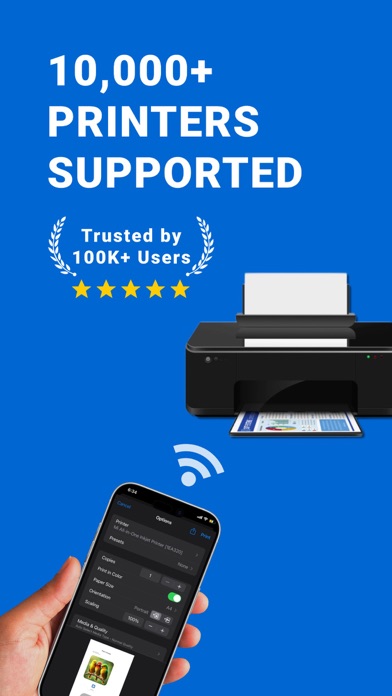
Support for 10000+ Models of Wireless Mobile WiFi Printers
With just one smart printer app, printing has never been easier!
Key Features:
Wide Compatibility, Easy Printing
Supports over 10000 printer models. No matter what pro brand you use, you can easily connect. Whether you’re using a laserjet or any other type, this app handles it all.
Worry-Free Driver Installation, Fast and Efficient
No more hassle with downloading printer driver files! The universal iPrint app has improved automatic detection and installation features—just one click is all it takes, making it a pro choice for users. This way, you can enjoy hassle-free PRINT functionality and eliminate complex setups.
Lightning-Fast Connection, Print Anytime, Anywhere
With just a few simple steps, you can quickly establish a connection between your phone and sprocket printer, achieving the ultimate experience of “click to PRINT.” Whether you’re at home or on the go, it’s always smart to have this app ready.
User Reviews:
@Barr: "The smart printer app is incredibly convenient! It supports all the common printer brands, including my HP laserjet. Now I only need this one app for all my printing needs. No more downloading multiple apps!"
@Drogend: "This app has made printing documents much easier for me. The connection is swift, and the setup is simple—highly recommended! I've also used my sprocket printer with it, and it works seamlessly!"
Contact Information:
App Feedback: Settings - Feedback
Thank you for using the iPrint smart printer app! If you encounter any issues, please provide feedback through the above method.
Membership Services:
Terms of Use: https://www.apple.com/legal/internet-services/itunes/dev/stdeula/