Compress Photos Size Image

Compress Photos Size Image Summary
Compress Photos Size Image is a free, with in-app purchases iOS app in Photo And Video by Dzine Media. Released in Mar 2025 (1 year ago). It has 13 ratings with a 4.54★ (excellent) average. Based on AppGoblin estimates, it reaches roughly 11 monthly active users and generates around $<10K monthly revenue (100% IAP / 0% ads). Store last updated Nov 22, 2025
Compress Photos Size Image SDKs Summary
App not yet scanned for SDKs.
4.54★
Ratings: 13
Screenshots

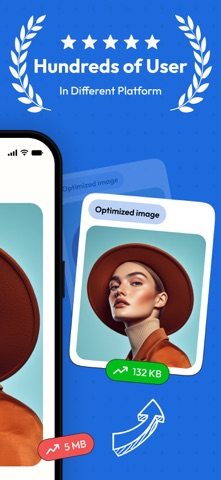


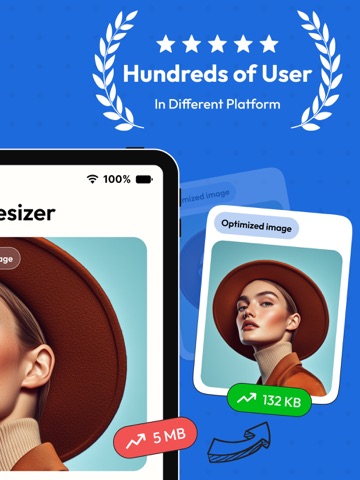
App Description
Image Resizer | Resize, Optimize, & Edit Photos Efficiently!
Need to resize images instantly and easily? Our image resizer is the perfect tool for both general users and professionals. It doesn’t matter whether you want to resize a single image or a complete batch of photos in one go; you can rely on our image editor. This app offers everything you need to make image editing convenient and customizable.
Key Features of Image Resizer
Resize Images with Ease
Users can easily resize a single or a complete batch of images in just a few clicks. You can easily adjust dimensions to your preferred size or select from predefined options for instant results.
Quality Adjustment
Easily customize and personalize your images with our adjustable quality settings. Users can easily reduce file size to make their images more shareable or to enhance clarity for better detail.
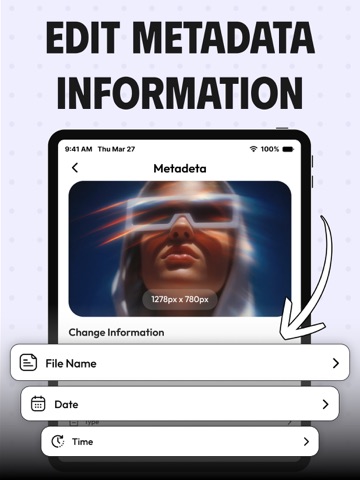
Metadata Editing
You can also modify metadata like date, time, title, author, description, and even GPS data without any hassle. This makes our app ideal for photographers, creators, or anyone who needs to manage image information.
File Name Customization
The image resizer application can also allow you to rename your resized images in batches with the premium version of the app. This way, you can easily organize and categorize images in your gallery effortlessly.
Batch Processing
Users of our app can easily edit and resize multiple images at once, which makes it great for users with large collections of photos to manage.
Free Options Offered by Image Resizer
The image resize comes with a basic version. The free features of our app include:
• Resize and adjust the quality of a single image.
• Batch-resizing for multiple photos.
• Edit image metadata (title, description, date, etc.).
• Save and share your resized images.
• It has a simple user interface with easy navigation and editing tools.
Premium Features (Unlock with Subscription/Payment)
• Rename multiple image files in bulk within seconds.
• Get access to additional resizing features and quality enhancement options.
• Access to advanced metadata editing options.
• No ads for a better view and usability experience.
Control Your Images with the Image Size App
• Crop your pictures in standard and inverse cropping modes by using pixels, inches, and even percentages.
• Adjust the size and position of the crop fr