Document Scanner & PDF Scanner

Document Scanner & PDF Scanner Summary
Document Scanner & PDF Scanner is a free, with in-app purchases iOS app in Productivity by Identiq Infotech. Released in Dec 2025 (10 months ago). Store last updated May 31, 2026
Document Scanner & PDF Scanner SDKs Summary
App not yet scanned for SDKs.
0★
Ratings: 0
Screenshots



App Description
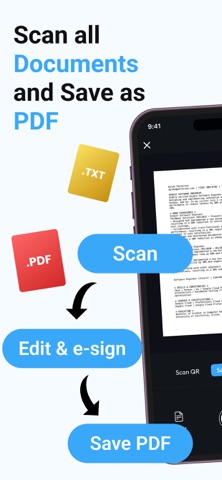
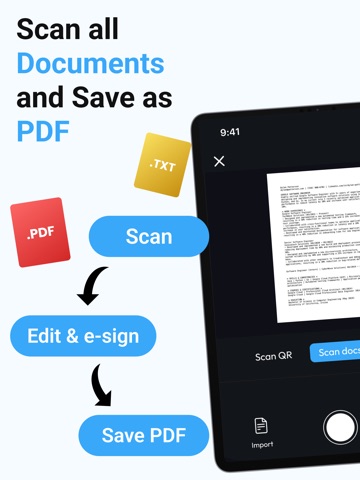
Document Scanner & PDF Scanner turns your iPhone into a fast, simple scanner for everyday documents. Scan receipts, notes, contracts, ID cards, invoices, and more into clear PDF files in seconds. Organize everything in folders, sign documents, and share files anytime from one easy app.
Scan documents in seconds
• Scan receipts, contracts, notes, invoices, ID cards, and other documents with your camera
• Save scans as PDF or image files with clear, readable quality
• Quickly capture paperwork for work, school, travel, and personal use
Organize files your way
• Create folders to keep important documents neatly sorted
• Rename, move, and manage files with a simple interface
• Find recent scans faster and keep everything in one place
Edit, sign, and share
• Add your handwritten signature to documents for quick eSign use
• Share scans by email, messaging apps, or cloud storage
• Print documents in just a few taps when needed
More than a basic scanner
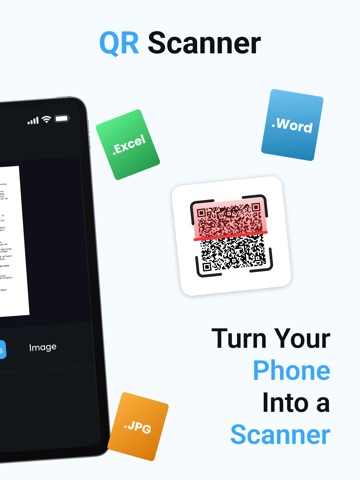
• Scan documents, photos, and QR codes from one app
• Convert scans into optimized PDF files that are easy to store and share
• Use a clean, smooth experience designed for daily document tasks
Whether you are a student, professional, freelancer, or business user, Document Scanner & PDF Scanner helps you stay organized and go paperless wherever you are.
Subscriptions
Monthly – $0.99 per month
Upgrade to Premium to remove ads and enjoy an uninterrupted scanning experience. Auto-renews monthly.
Yearly – $9.99 per year
Upgrade to Premium to remove ads and enjoy an uninterrupted scanning experience. Auto-renews yearly.
Payment & Renewal
Payment will be charged to your Apple ID account at confirmation of purchase.
Subscriptions automatically renew unless cancelled at least 24 hours before the end of the current billing period.
You can manage or cancel your subscription anytime in your Apple ID account settings.
For more details on managing subscriptions, visit:
https://support.apple.com/en-us/118428
Terms of Use:
https://sites.google.com/view/document-scanner-pdf-editor-to/home
Privacy Policy:
https://sites.google.com/view/document-scanner-privacy/home
Thank you for choosing us. For feedback or support, contact us at developer@identiqinfotech.com