Templates for Canva - DesiGN

Templates for Canva - DesiGN Summary
Templates for Canva - DesiGN is a free, with in-app purchases iOS app in Productivity by Graphic Node. Released in Feb 2026 (8 months ago). It has 6.00 ratings with a 4.17★ (good) average. Based on AppGoblin estimates, it reaches roughly 43 monthly active users and generates around $<10K monthly revenue (100% IAP / 0% ads). Store last updated Sep 24, 2026
Templates for Canva - DesiGN SDKs Summary
App not yet scanned for SDKs.
4.17★
Ratings: 6.00
Screenshots


App Description
* Requires a Canva account (Free or Pro), iOS 15 or later, and internet access.
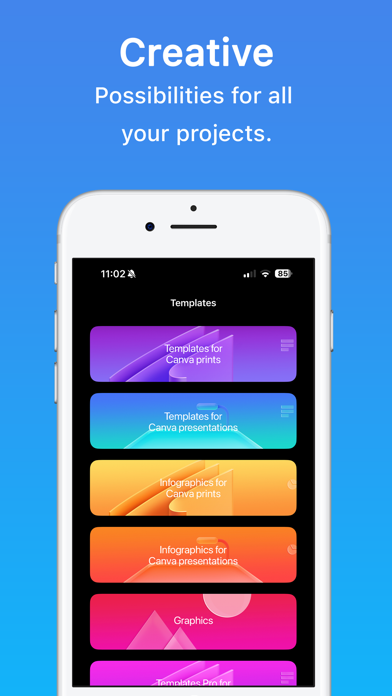
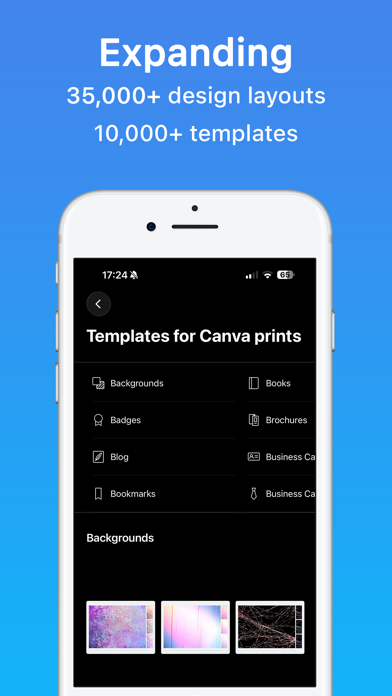
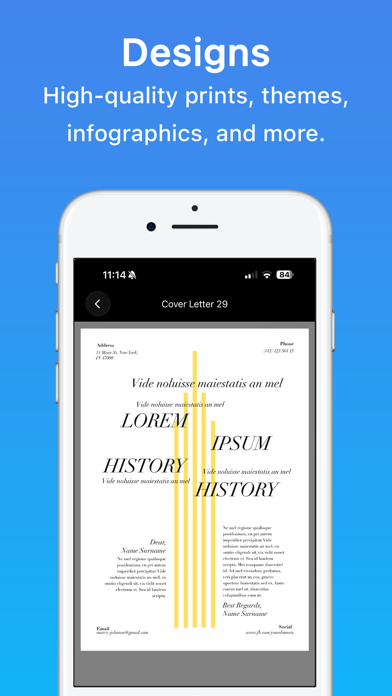
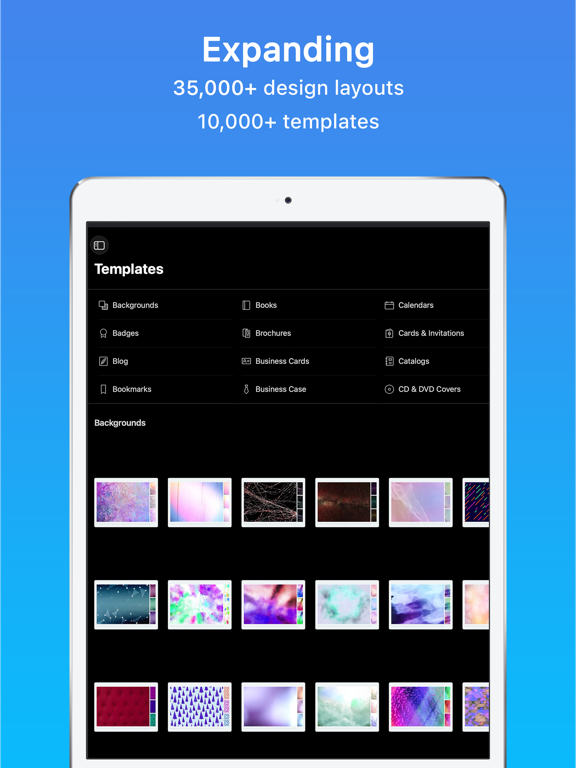
Templates for Canva - DesiGN is your curated library of professional designs ready to open and edit in Canva. Browse prints, presentations, graphics, and infographics — then customize them with your text, photos, and brand colors in seconds.
• Browse templates for prints, presentations, graphics, and infographics
• Open any design in Canva with one tap
• Search by keyword and mark favorites
• New designs added regularly
• First item in every category is free to try
The collection includes social posts, flyers, brochures, presentations, infographics, logos, and more. Each template opens in Canva where you can edit text, swap images, recolor elements, and export as PNG, JPG, PDF, or video.
Subscription:
The first 3 days are on the house and then you can get it in affordable monthly or annual plans!
Subscribe to unlock the full library and all future updates.
• Your payment will be charged to your iTunes Account as soon as you confirm your purchase.
• You can manage your subscriptions and turn off auto-renewal from your Account Settings after the purchase.
• Your subscription will renew automatically unless you turn off auto-renew at least 24 hours before the end of the current period.
• The cost of renewal will be charged to your account 24 hours prior to the end of the current period.
• When canceling a subscription, your subscription will stay active until the end of the period. Auto-renewal will be disabled, but the current subscription will not be refunded.
• Any unused portion of a free trial period, if offered, will be forfeited when purchasing a subscription.
Instructions to manage your auto-renewing subscriptions can be found here: https://support.apple.com/en-us/HT202039
Privacy Policy: http://graphicnode.com/privacypolicy/
Terms of Use: http://graphicnode.com/termsandconditions/
Help us develop the best app available in the store! If you have found a bug, got a suggestion, or want a new feature, email us at: support@graphicnode.com