Speech tо Text: Voice Recorder

Speech tо Text: Voice Recorder Summary
Speech tо Text: Voice Recorder is a free, with in-app purchases iOS app in Tools by Volodymyr Strohush. Released in Feb 2026 (5 months ago). It has 3.00 ratings with a 3.33★ (mixed) average. Based on AppGoblin estimates, it reaches roughly 16 monthly active users and generates around $<10K monthly revenue (100% IAP / 0% ads). Store last updated Jul 17, 2026
Speech tо Text: Voice Recorder SDKs Summary
App not yet scanned for SDKs.
3.33★
Ratings: 3.00
Screenshots



App Description
Speech to Text is your AI-powered voice recorder for capturing conversations, turning audio into text, and finding the moments that matter.
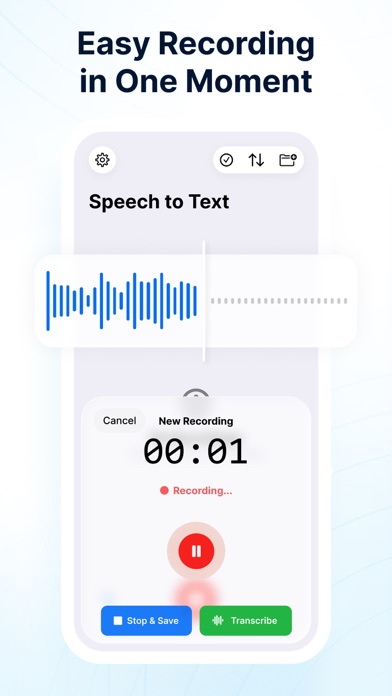
Record meetings, lectures, interviews, ideas, and important conversations without constantly taking notes. Start recording on your iPhone or Apple Watch, mark key moments while people are speaking, and receive a structured transcript with speakers, timestamps, summaries, and action items.
Focus on listening. Speech to Text remembers the details.
RECORD FROM IPHONE OR APPLE WATCH
Start and stop recordings directly from your iPhone or Apple Watch. Use the Apple Watch app, watch-face complication, Siri, or supported shortcuts for faster access.
HIGHLIGHT WHAT MATTERS
Hear something important? Tap Highlight Moment on your iPhone or Apple Watch.
The app captures 30 seconds before and 30 seconds after your tap. Highlights appear separately in the transcript, helping you return to decisions, deadlines, ideas, questions, and action items in seconds.
WHAT YOU CAN DO
- Record long conversations with the screen locked
- Start and stop recordings from Apple Watch
- Highlight important moments during recording
- Convert audio into structured text
- Automatically distinguish between speakers
- Generate summaries, key points, and action items
- Replay audio from highlighted moments
- Search inside recordings and transcripts
- Export transcripts to Notion, Google Docs, PDF, or Markdown
- Save recordings locally or sync them across your devices
BACKGROUND RECORDING
Keep recording while your iPhone is locked or while you use other apps. Capture long conversations without keeping the screen active.
AI TRANSCRIPTION
Turn audio into readable paragraphs with timestamps. Get a clean transcript instead of a wall of unformatted text.
SPEAKER RECOGNITION
Automatically distinguish between voices, making it easier to understand who said what in meetings, interviews, and group conversations.
SMART SUMMARIES
Get the essential information without reading the entire transcript. AI can identify main topics, conclusions, decisions, action items, follow-up questions, and highlighted moments.
SEARCH AND REPLAY
Search for a word, topic, person, or decision inside hours of audio. Open the matching transcript section and replay the recording from that moment.
EXPORT ANYWHERE
Export transcripts and notes to Notion, Google Docs, PDF, Markdown, or ot