BlurIt: Face Blur & Redact

BlurIt: Face Blur & Redact Summary
BlurIt: Face Blur & Redact is a free, with in-app purchases iOS app in Photo And Video by Quentin Dommerc. Released in Feb 2026 (7 months ago). It has 1.00 ratings with a 5.00★ (excellent) average. Based on AppGoblin estimates, it reaches roughly 1.00 monthly active users and generates around $<10K monthly revenue (100% IAP / 0% ads). Store last updated Aug 11, 2026
BlurIt: Face Blur & Redact SDKs Summary
App not yet scanned for SDKs.
5★
Ratings: 1.00
Screenshots


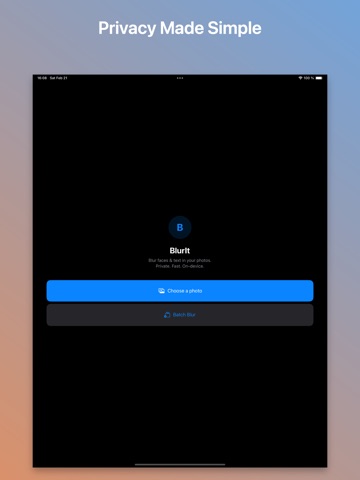


App Description
Blur faces, censor screenshots, and redact PDFs before sharing — all on your iPhone.
BlurIt automatically detects faces, text, license plates, and sensitive details using on-device AI. No cloud uploads, no ads, no tracking.
PRIVACY-FIRST REDACTION
Your photos and PDFs never leave your device. BlurIt processes everything locally, works offline, and collects no data.
AUTO FACE & TEXT DETECTION
Open a photo and BlurIt finds faces, text, license plates, addresses, names, and other sensitive details automatically. Review every detection before export.
REDACT PHOTOS, SCREENSHOTS & PDFs
Clean up screenshots, hide license plates, anonymize group photos, and redact multi-page PDFs before sending them.
8 BLUR & CENSOR STYLES
Choose Gaussian blur, pixelate, mosaic, black bar, color fill, frosted glass, emoji cover, swirl, or noise.
BATCH BLUR
Select up to 50 photos, auto-detect faces and text, review uncertain results, and export everything at once.
MANUAL CONTROL
Use rectangle selection, freehand brush, per-region styling, inverse blur, resize handles, and undo/redo for precise edits.
EXIF & METADATA STRIPPING
Remove hidden photo metadata like GPS location and camera details from exports.
NO SUBSCRIPTION
Use BlurIt for free. Upgrade once to unlock all styles, PDF redaction, batch blur, per-region customization, inverse mode, and no watermark.
Download BlurIt and protect your privacy before you share.