Authenticator© App

Authenticator© App Summary
Authenticator© App is a free, ad-supported, with in-app purchases iOS app in Tools by To Ngoc Mai. Released in Apr 2026 (5 months ago). It has 830 ratings with a 4.60★ (excellent) average. Based on AppGoblin estimates, it reaches roughly 6.8K monthly active users and generates around $<10K monthly revenue (69% IAP / 31% ads). Store last updated Oct 8, 2026
Recent activity: 57 new ratings this week View trends →
SDK intelligence: AppGoblin detected 6 development tools(e.g. Google), 4 ad networks, 1 analytics: product,and 1 analytics: attribution integrated into Authenticator© App. View full SDK list →
Authenticator© App SDKs Summary
Authenticator© App was last scanned for SDKs on 2026-07-10. Below is the overview of third-party companies detected in the app. The full list of SDKs, permissions and unknowns is available here.
 Google
 AppLovin
 AdMob
AdMob Snap
Snap Airbnb Engineering
 nanopb
 Alamofire
 Firebase
 Adjust
4.6★
Ratings: 830
Screenshots
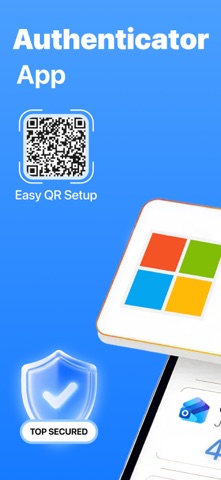
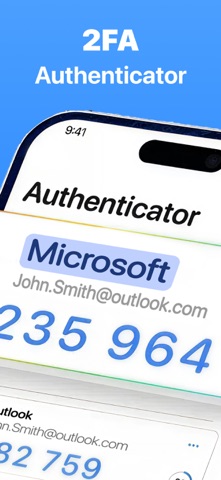
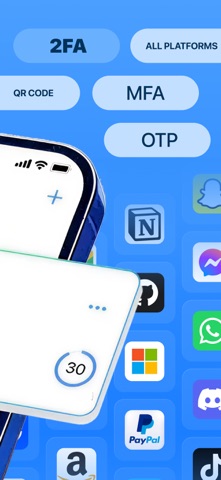


App Description
Authenticator© App – Secure Your Accounts with 2FA & OTP Protection
Keep your online accounts secure with Authenticator, an easy-to-use app for two-factor authentication (2FA). Whether you’re logging into your email, social media, or banking apps, Authenticator provides the additional layer of security you need by generating time-based one-time passwords (TOTP) directly on your device. Unlike SMS codes, TOTP codes are not vulnerable to interception, ensuring that your accounts are safe even in the event of a phone hack or SIM swap.
Key Features:
Secure 2FA and OTP Verification
Authenticator generates time-sensitive one-time passwords that enhance the security of your online accounts. The app supports a wide range of platforms, including Google, Microsoft, Facebook, Instagram, Twitter (X), LinkedIn, PayPal, Amazon, eBay, Dropbox, Snapchat, Pinterest, Reddit, and many more. These dynamic verification codes automatically refresh every 30 seconds to ensure your account stays protected.
Easy Account Setup
Setting up your accounts is a breeze. Simply scan a QR code or enter a secret key manually to quickly integrate any supported service with two-factor authentication. Get started with enhanced security in just a few easy steps.
Seamless Access Anytime, Anywhere
Authenticator generates your verification codes directly on your device. No internet connection? No problem! Whether you're at home, on the go, or in an area with weak service, your 2FA codes are always ready to help you sign in securely.
Full Control Over Your Accounts
Organize and manage all your accounts with ease. Edit account names, update secret keys, or remove accounts that are no longer needed – all from one centralized location in the app.
Advanced Security with Biometrics or PIN
Protect your authentication codes with Face ID, Touch ID, or a PIN. You can also enable auto-lock to automatically secure the app when it's not in use, ensuring that your data stays private and safe from unauthorized access.
Password Storage and Management
Keep your website and app login details organized in a dedicated password storage section. Easily create, edit, and manage credentials for quick access, so you don't have to remember every password.
Private In-App Browser
Browse securely with the app's built-in browser, which does not track your browsing history or save cookies. This ensures that your on