Image Compressor - ImageShrink

Image Compressor - ImageShrink Summary
Image Compressor - ImageShrink is a free, with in-app purchases iOS app in Photo And Video by 云涛 贾. Released in Jun 2026 (4 months ago). Store last updated Aug 30, 2026
Image Compressor - ImageShrink SDKs Summary
App not yet scanned for SDKs.
0★
Ratings: 0
Screenshots




App Description
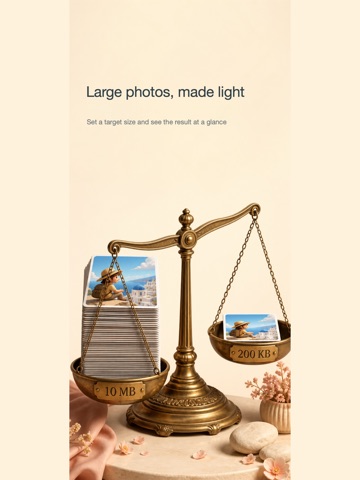
Compress photos to a specific file size and resize images to exact pixel dimensions.
This app is designed for online applications, government forms, exam registrations, ID photos, and websites that require strict image specifications.
Whether you need a photo under 50KB, 100KB, or 200KB, or an exact size such as 295 × 413 pixels, the app helps you prepare a suitable image without repeated trial and error.
Compress to a Target File Size
Enter the maximum file size you need, and the app automatically adjusts image quality and resolution to keep the exported file within that limit.
Useful for:
• Images under 50KB, 100KB, or 200KB• Online registration requirements• Government and application forms• ID photo and document uploads• Email and website attachments
Resize to Exact Pixels
Set a custom width and height, including:
• 295 × 413 pixels• 300 × 400 pixels• 480 × 640 pixels• Any other custom dimensions
Choose between Fit and Fill modes to control how the image is resized and cropped.
Multiple Image Formats
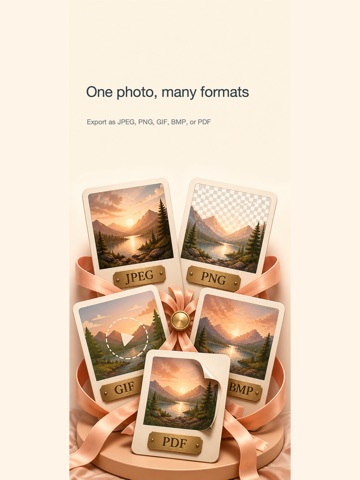
Supports common formats including JPEG, PNG, GIF, HEIF, BMP, TIFF, and PDF.
You can also convert HEIC photos from an iPhone into JPG files that are easier to upload to many websites.
ID Photo Templates
Choose from standard photo templates, including:
• One-inch photos• Two-inch photos• Chinese ID photo sizes• Japanese ID photo sizes• US visa photos• Other common specifications
Select a template to quickly apply the required size and aspect ratio.
Fine Rotation Adjustment
In ID photo mode, make small rotation adjustments to correct slightly tilted photos.
Adjustable Image Quality
Fine-tune the compression quality to balance image clarity and file size.
Great for:
• Government and online applications• Exams and registration forms• School and employment documents• Passport, visa, and ID photos• Websites requiring exact pixels or file sizes• HEIC-to-JPG conversion• Everyday photo compression and resizing
Adjust the file size, pixels, format, and ID photo dimensions in one convenient workflow.