My Notes Safe
My Notes Safe Summary
My Notes Safe is a ad-supported, with in-app purchases iOS app in Tools by 炜 桂. Released in Aug 2013 (12 years ago). It has 90 ratings with a 3.89★ (average) average. Based on AppGoblin estimates, it reaches roughly 363 monthly active users and generates around $<10K monthly revenue (30% IAP / 70% ads). Store metadata: updated Feb 3, 2026.
Store info: Last updated on App Store on Feb 3, 2026 .
3.89★
Ratings: 90
Screenshots
App Description
My Notes Safe is the ultimate security-focused note-taking app for iPhone and iPad, designed to keep your private thoughts and sensitive information securely locked away from prying eyes with multiple layers of protection.
Comprehensive Security
- Flexible Lock Options: Secure your notes with a Numeric PIN, Complex Password, or convenient Pattern Lock.
- Decoy Password: Protect your real data with a clever decoy password, perfect for situations where you're pressured to reveal access.
- Instant Auto-Lock: The app automatically locks and returns to the login screen when you receive a call, notification, or switch apps, ensuring constant privacy.
Powerful and Intuitive Features
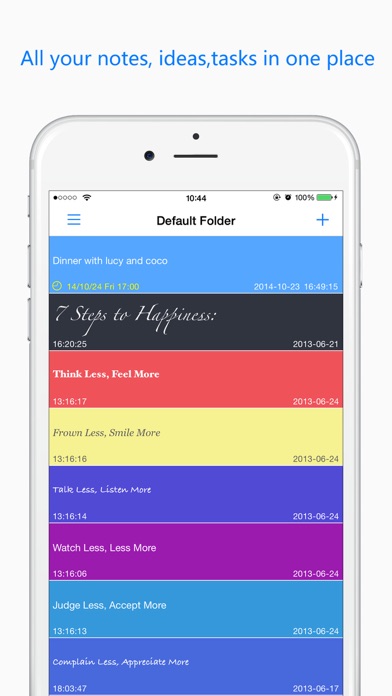
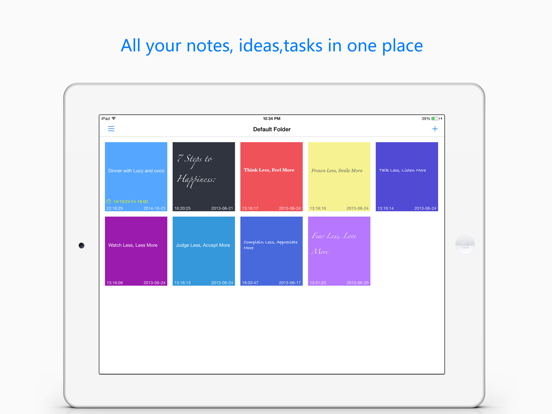
- Quick Capture: Open the app and start typing immediately to create a new secure note.
- Swipe Gestures: Swipe right on any note for quick actions like formatting, copying, setting a reminder, or deletion.
- Effortless Organization: Long-press and drag to reorder your notes freely and intuitively.
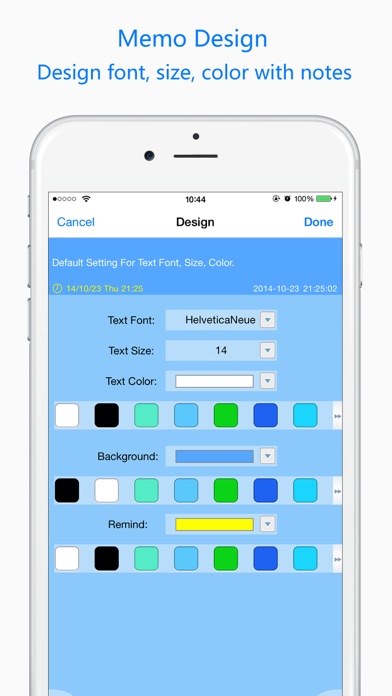
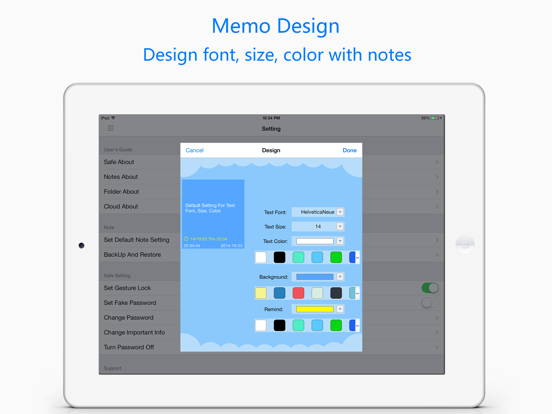
- Full Personalization: Customize each note with different fonts, colors, and background colors to match your style.
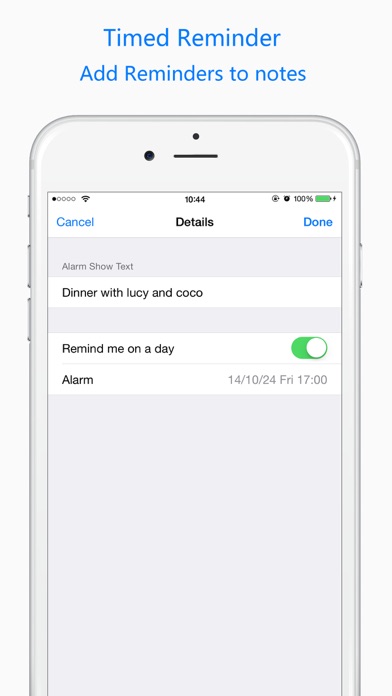
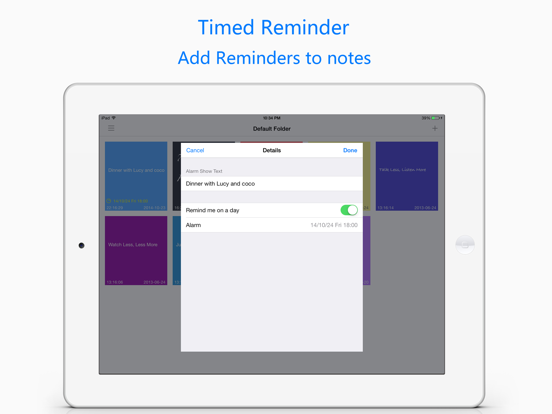
- Time-Based Reminders: Set alerts for important notes and to-dos to ensure you never miss a deadline.
- Smart Sidebar: Use the left menu for quick navigation between folders and settings.
Backup and Restore
- Cloud Backup: Securely back up your data to iCloud, Dropbox, Google Drive, or OneDrive.
- Easy Recovery: Restore all your notes and settings to a new device quickly and seamlessly.
Get Started Instantly
- Built-In Guide: Find all the help you need with the integrated user guide and FAQs.
Feedback and Support
We highly value your experience. For any questions or suggestions, please contact our support team directly at awfsksk@gmail.com. We are committed to providing you with prompt and helpful assistance.