Smart Copy: Clipboard History
Smart Copy: Clipboard History Summary
Smart Copy: Clipboard History is a mobile iOS app in Productivity by Lukas Rossi. Released in Dec 2013 (12 years ago). Store metadata: updated Dec 12, 2020.
Store info: Last updated on App Store on Dec 12, 2020 .
0★
Ratings: 0
Screenshots

App Description
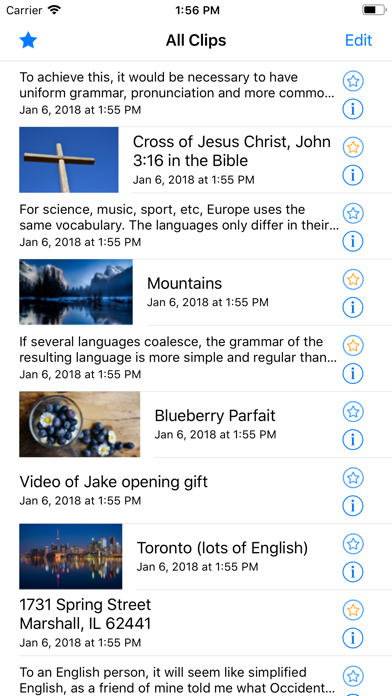
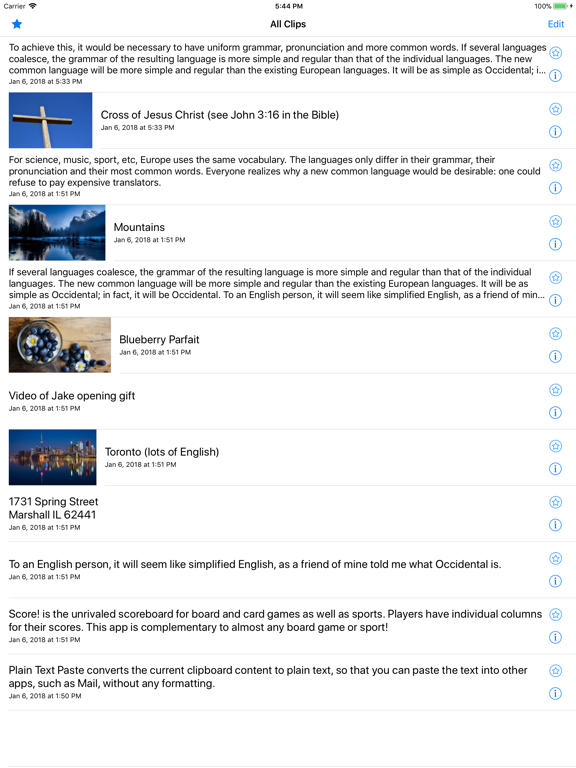
Smart Copy is a powerful clipboard history manager that keeps history of the items you copy. Easily view and re-copy items previously in the clipboard, and sync it all with iCloud (optional)! Copy from any app, open Smart Copy, and the item will be added to the history.
~ Features ~
• View your Copy history
• Re-copy items back to the clipboard
• Copy on one device, paste on another device! (iCloud)
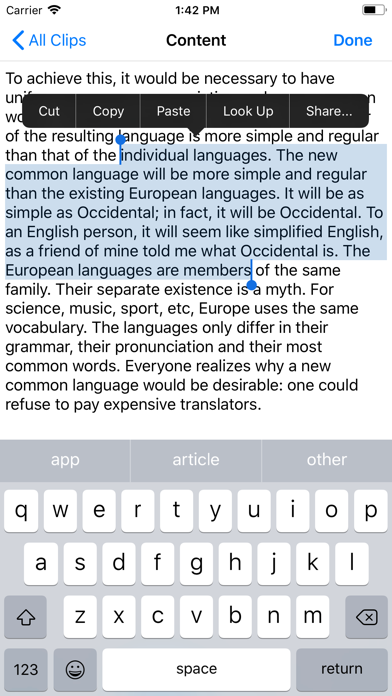
• Edit text that you copied
When have you tapped “Paste” only to find what you're looking for is gone? Never again! You now have a history of your previously-copied items. Simply open Smart Copy, and the copied item will be added to the history.
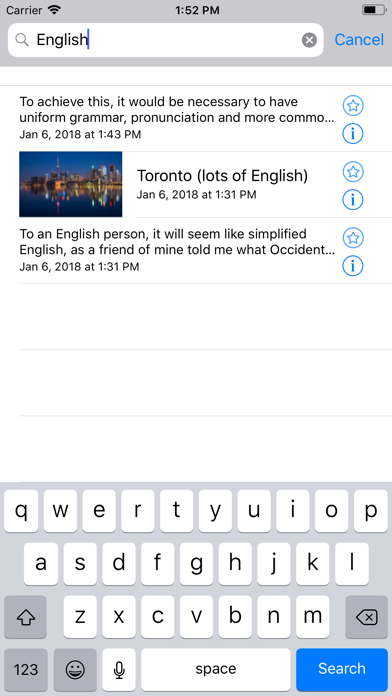
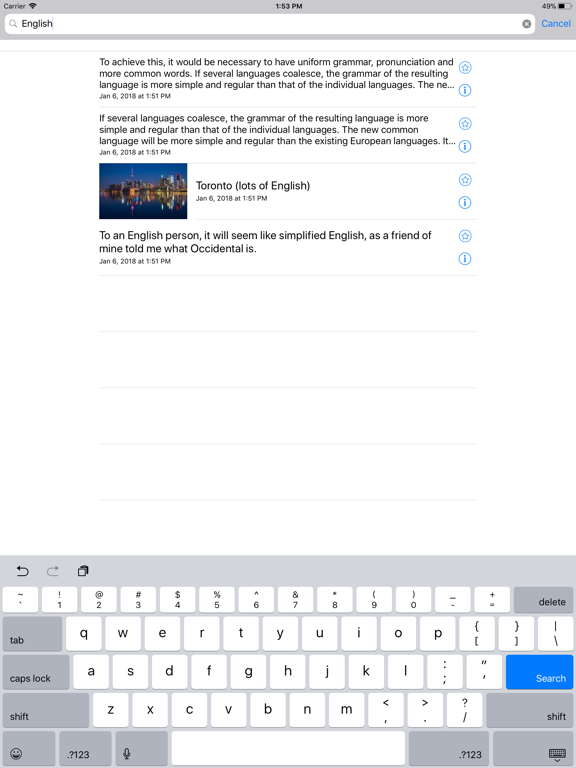
Smart Copy attempts to store virtually anything in your clipboard, including rich text, images, movies, PDF, archives, and more! Star your frequently-used items for easy access in the favorites section. You can even search your previously-copied items!
~ More features ~
• Text options: Search, send text message, email, and plain text copy.
• Image options: Add to Photo Album or print image
• Keep your frequently-accessed items in the favorites section
• Search your previously-copied items
• Sync & backup your Copy history (iCloud)
• Tired of pasting text into an app such as Mail, only to find that the text is too large or the wrong color? Copy a text entry as plain text, removing all formatting.
• Stores as many clipboard item representations as possible for a high quality paste. Easily view details of the stored data.
Take control of your clipboard by using Smart Copy!