Simply Scan documents

Simply Scan documents Summary
Simply Scan documents is a ad-supported, with in-app purchases iOS app in Productivity by James Hudson. Released in Sep 2013 (12 years ago). It has 13 ratings with a 4.54★ (excellent) average. Based on AppGoblin estimates, it reaches roughly 37 monthly active users and generates around $<10K monthly revenue (22% IAP / 78% ads). Store metadata: updated Jun 6, 2023.
Store info: Last updated on App Store on Jun 6, 2023 .
4.54★
Ratings: 13
Screenshots

App Description
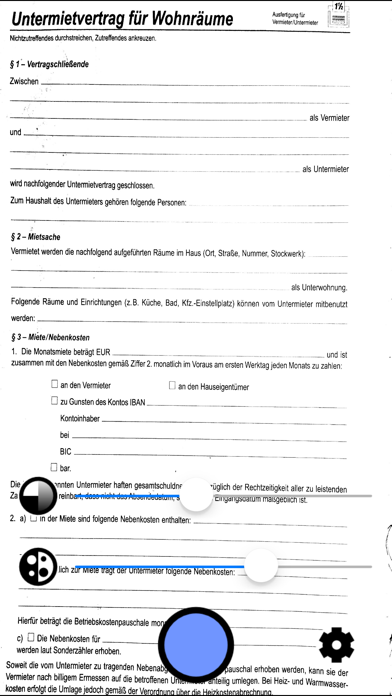
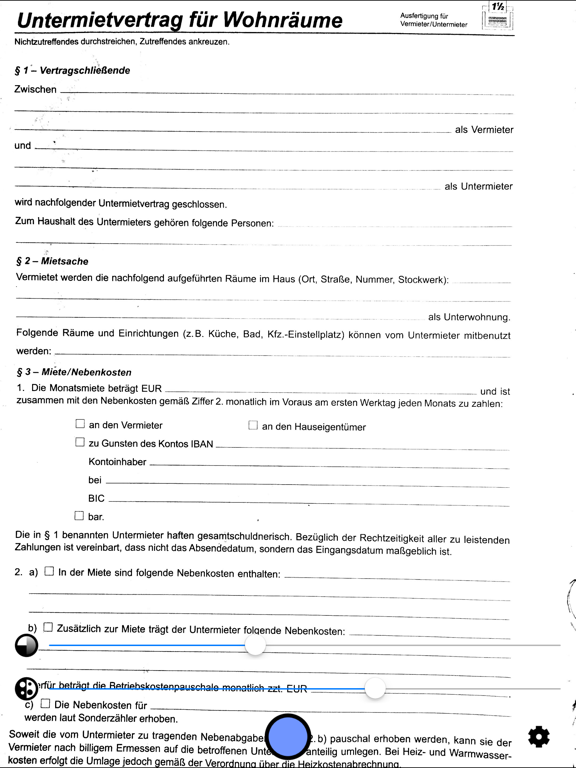
Instantly scan documents with your iPhone or iPad camera, ready to be printed, filed or emailed. Other apps are slow and complicated, have too many controls, make you sign up for services, or require you to edit and tweak every page. None of that here: just line up the document and click! The scans are automatically stored in your camera roll.
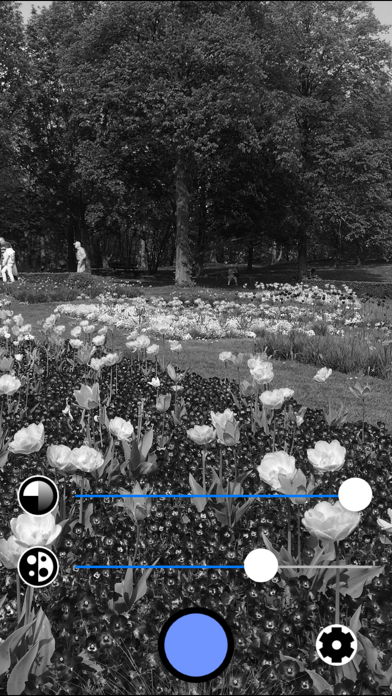
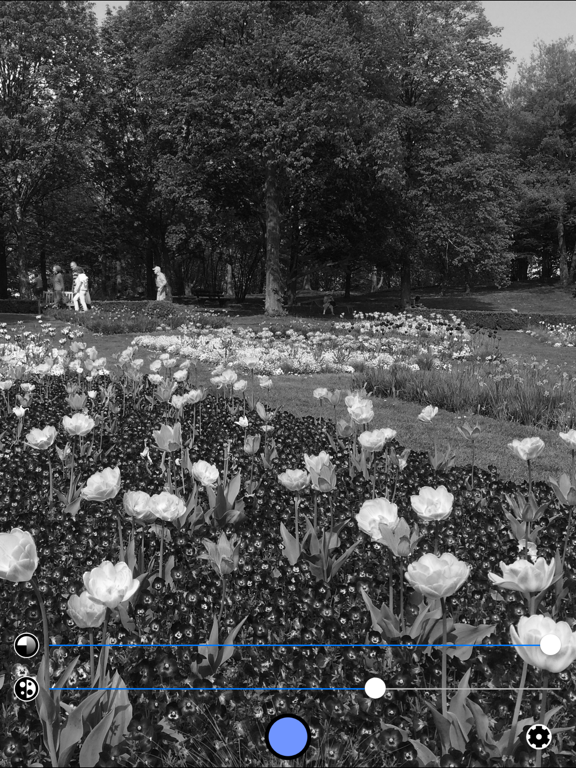
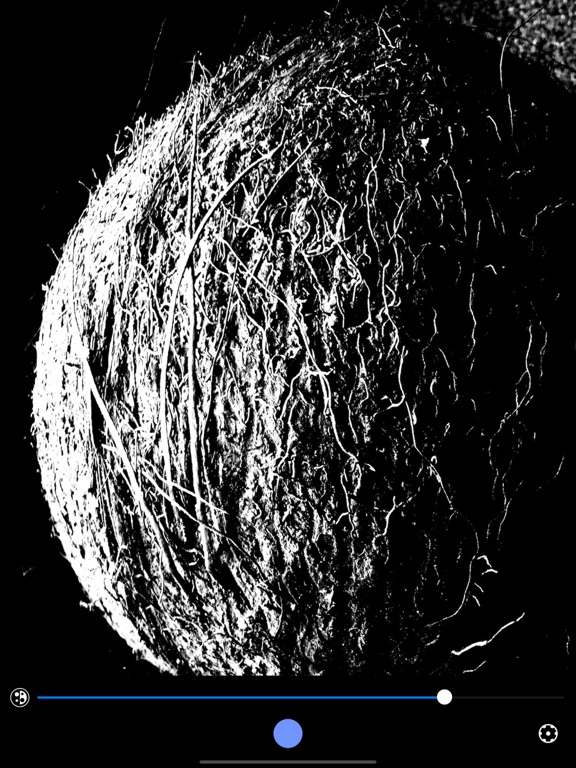
Photography is also a popular use for this app. Simply Scan out-hipsters all the hipster photo apps if you use it to take gritty black-and-white photos.
Features
• super-fast realtime filter lets you see how your scans will look instantly.
• captures printable pages even in bad lighting conditions.
• saves high-quality scans at the maximum native camera resolution.
• rapid capture: line up the next page instantly while the previous page is saving.
• saves straight to its own photo album, ready for emailing, printing, or filing.
• adjust whiteness level in realtime, if needed.
• automatic conversion to grayscale, ready for printing.
• optional "256 shades" add-on to turn Simply Scan into a high-powered black-and-white camera with full grayscale control.
• sleek, minimal look - no glitter and chrome.
It works like this:
1. Hold your device over the page you want to scan.
2. If needed, adjust the whiteness slider to get clear text and images.
3. Press the camera shutter button.
4. Repeat step 3 for every page.
5. Go to the "Scans" album in your photo roll to share, print, or store your scans.
Note, you need to give permission for Simply Scan to access your photo library. This can be changed later in the Settings app.
"Kokosnuss" scans by Dean Whitbread.