Intune Company Portal

Intune Company Portal Summary
Intune Company Portal is a free iOS app in Business by Microsoft Corporation. Released in Nov 2013 (12 years ago). It has 2M ratings with a 4.63★ (excellent) average. Based on AppGoblin estimates, it reaches roughly 8.9M monthly active users . Store last updated Sep 16, 2026
Recent activity: 1.3K new ratings this week View trends →
SDK intelligence: AppGoblin detected 3 development tools(e.g. Alamofire) integrated into Intune Company Portal. View full SDK list →
Intune Company Portal SDKs Summary
Intune Company Portal was last scanned for SDKs on 2026-08-02. Below is the overview of third-party companies detected in the app. The full list of SDKs, permissions and unknowns is available here.
 Alamofire
 ReactiveX
 Microsoft
4.63★
Ratings: 2M
Screenshots
App Description
Microsoft Intune helps organizations manage access to corporate apps, data, and resources. Company Portal is the app that lets you, as an employee of your company, securely access those resources.
Before you can use this app, make sure your IT admin has set up your work account. Your company must also have a subscription to Microsoft Intune.
Company Portal helps simplify the tasks you need to do for work:
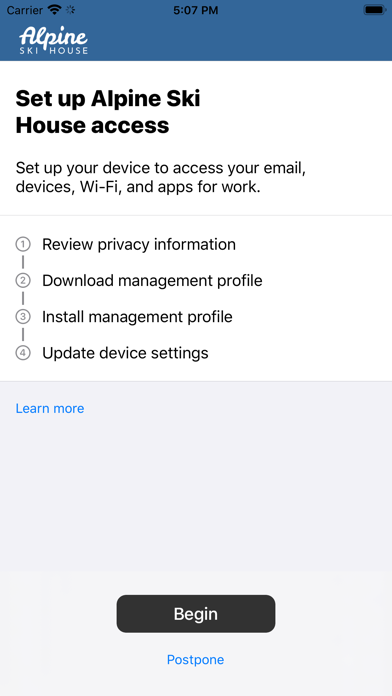
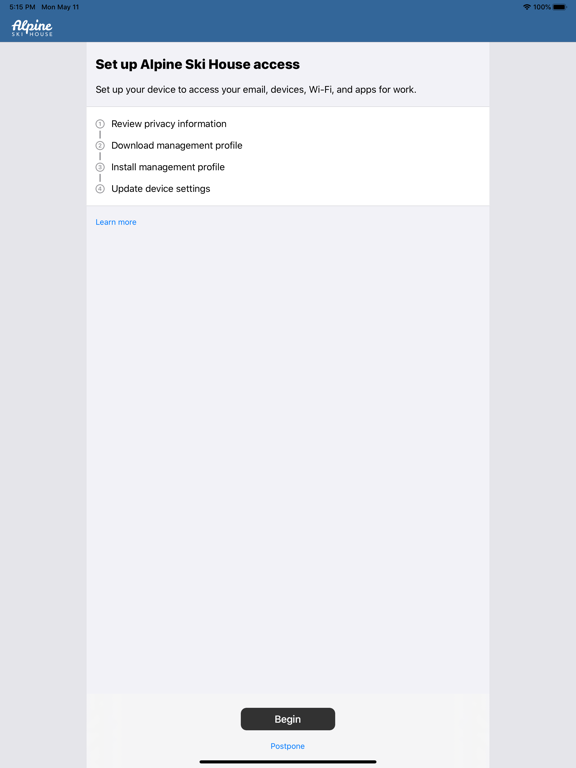
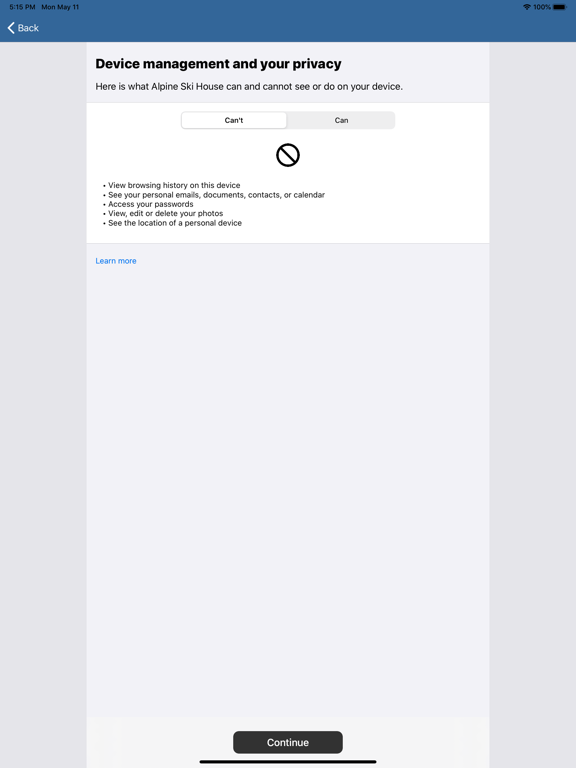
• Enroll your device to access corporate resources, including Office, email, and OneDrive for Business
• Quickly reset the password to your work account if you should forget it
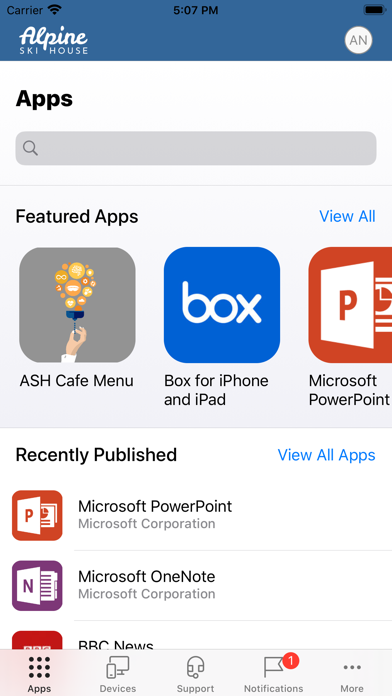
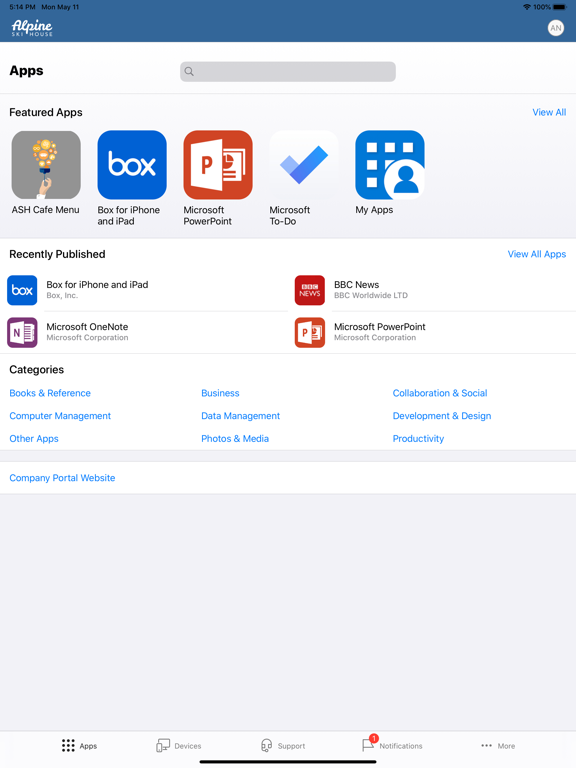
• Find apps that will help you with your daily tasks as provided by your company
• View and manage all your enrolled devices – and wipe them yourself if they get lost or stolen
• Get help from your IT department with easy-to-find contact information
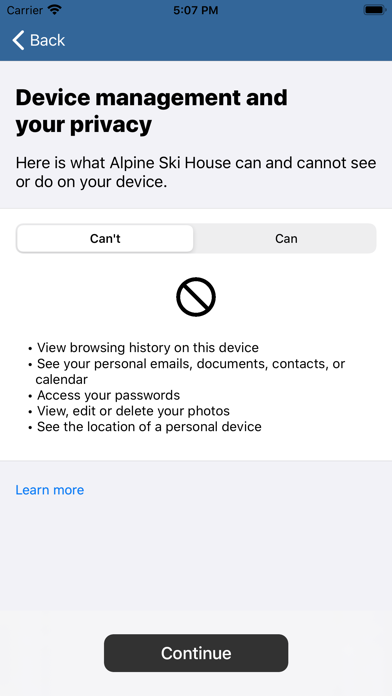
A note about Intune: every organization has different access requirements, and will use Intune in ways that they determine will best manage their information. Some functionality might be unavailable in certain countries. If you have questions about how this app is being used within your organization, your company’s IT administrator should have those answers for you. Microsoft, your network provider, and your device’s manufacturer do not know how Intune will be used by your organization.