Aquinas Audio Summa

Aquinas Audio Summa Summary
Aquinas Audio Summa is a free, with in-app purchases iOS app in Books And Reference by WGQM Partners, LLC. Released in Dec 2013 (12 years ago). It has 7.00 ratings with a 4.86★ (excellent) average. Based on AppGoblin estimates, it reaches roughly 14 monthly active users and generates around $<10K monthly revenue (100% IAP / 0% ads). Store last updated Jun 8, 2023
Aquinas Audio Summa SDKs Summary
App not yet scanned for SDKs.
4.86★
Ratings: 7.00
Screenshots



App Description
*Get it once in the app store, and will work on both your iPad and iPhone*
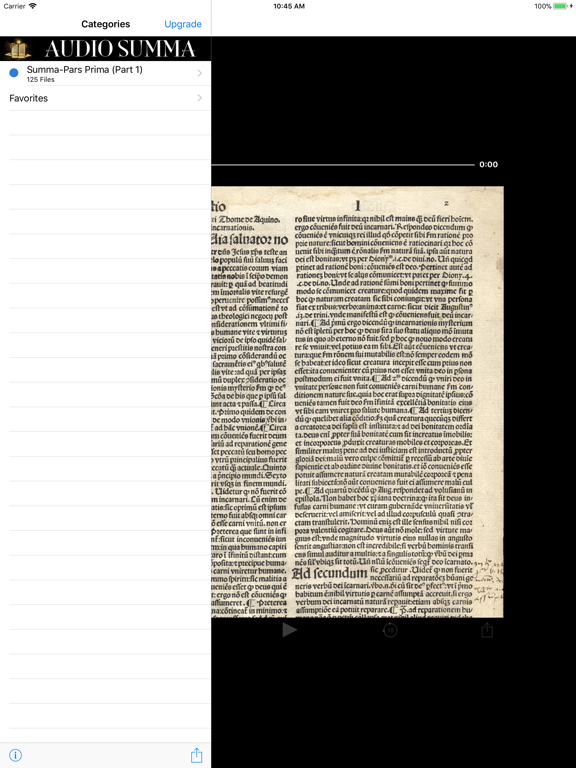
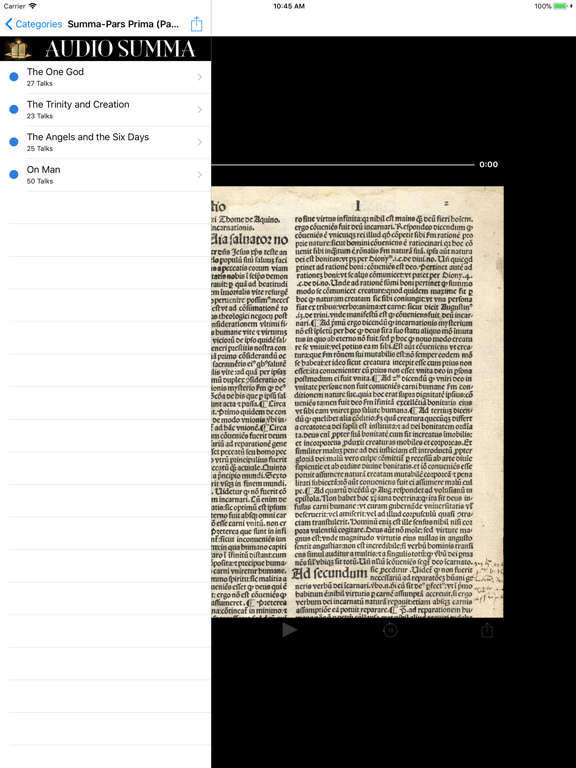
An audio presentation of Part 1 of the most famous work of St. Thomas Aquinas, the Summa Theologica (best known simply as "The Summa") written between 1265–1274. The Summa's topics follow a cycle: the existence of God, God's creation, Man, Man's purpose, Christ, the Sacraments, and back to God. The entire work covers this cycle in three main parts known as Pars Prima (Part 1), Pars Secundae (Part 2), and Pars Tertia (Part 3). This app is ONLY Part 1 (Pars Prima), consisting of five sections (The One God, The Blessed Trinity and Creation, The Angels and the Six Days, On Man, and On Divine Government), covering 126 questions. This audio presentation is read from the translation by the Fathers of the English Dominican Province.
Will work on your iPad as well as your iPhone (see instructions below).
Download the app for free and sample some of these audio sermons. Upgrade to the full version to have unlimited access to the complete library of talks.
HOW IT WORKS
These MP3s are streamed, not downloaded, so they take up no storage space on your device. A connection is required for the MP3 to play properly. To own these MP3s to manage yourself, go to our website and join the download service.
REINSTALL OR PUT ON iPAD
If you need to reinstall this app or wish to add it to another iPhone, iPad or iPod Touch, download the free version, select the "Upgrade" button, and go through the purchase process again. If using the same iTunes account, you will not actually be charged again.
HAVING PROBLEMS?
*If you experience any problem, first try uninstalling and reinstalling the app. You have to go through the purchase process again, but you are not actually charged again if using the same iTunes account*
To learn more about our other Catholic audio apps, or to download our MP3 libraries, visit www.catholicvault.com.