Poison Maps - Northern Europe

Poison Maps - Northern Europe Summary
Poison Maps - Northern Europe is a with in-app purchases iOS app in Maps And Navigation by CCS Ltd. Released in Dec 2013 (12 years ago). It has 1.00 ratings with a 5.00★ (excellent) average. Based on AppGoblin estimates, it reaches roughly 1.00 monthly active users and generates around $<10K monthly revenue (100% IAP / 0% ads). Store metadata: updated Apr 4, 2018.
Store info: Last updated on App Store on Apr 4, 2018 .
5★
Ratings: 1.00
Screenshots




App Description
Poison Maps (“POIs on Maps”) is the ultimate app for finding Points of Interest anywhere in Germany, Scandinavia & the Benelux countries. It includes millions of POIs and thousands of miles of routes, all stored on your device for use even when offline.
The app contains every possible category of POI: hotels, banks, toilets, tourist attractions, hills, towns, transport, hospitals, churches, schools, libraries, civic buildings, rescue services, fuel stations, restaurants, bars, shops, leisure, parking and much much more.
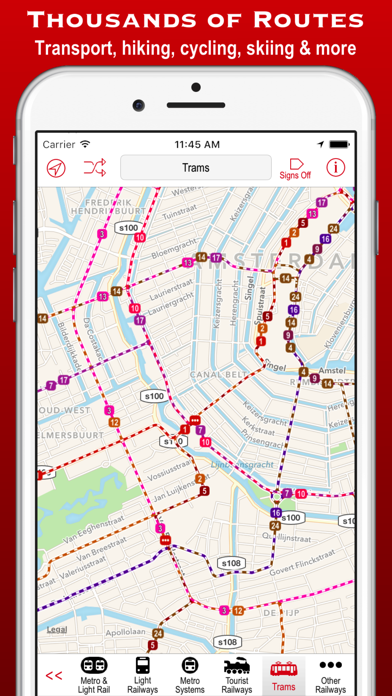
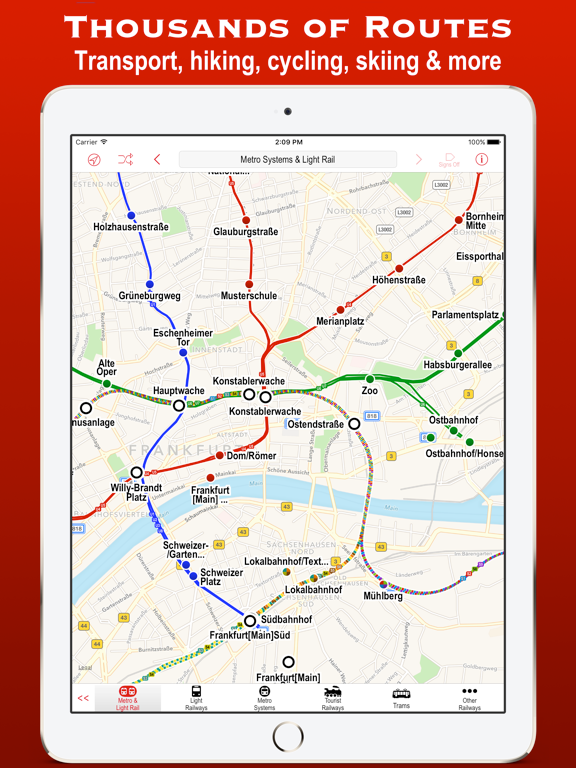
It also contains hundreds of thousands of miles of colour-coded routes, such as railways, subway maps, bus routes, cycle routes, hiking trails and ski pistes. The POIs and routes are all taken from the fantastic OpenStreetMap project.
The app includes many unique features:
• a toolbar at the bottom of the screen that allows you to display what you want in just 2 or 3 taps;
• signs pointing to offscreen POIs, so that you never miss a nearby POI;
• compass, radar and scanner modes that display the nearest POIs in different ways;
• a unique gesture that allows rapid panning by temporarily zooming out (using 3D Touch when available);
• back and forward buttons that help you retrace what you have looked at (like on a browser);
• an Apple Watch app that shows what you want in only a few taps (or just one tap of the complication);
Compass mode simply shows signs to the POIs. This is particularly useful when you just want to know what is around you or which way to head, and you haven’t got time to inspect a map, such as when cycling or hiking. It also works offline and is perfect for people who hate maps: they just follow the sign to where they want to go. It is also great at viewpoints to identify what hills, towns and structures you can see.
Radar mode and Scanner modes are similar but also include a map that rotates around the current position. They include radar “rings” to show the distances from the current position. Scanner mode uniquely positions the GPS dot at the bottom of the screen so that you can see much more information in the direction that you are pointing.
The unique panning gesture requires just one touch of one finger instead of the multi-finger gymnastics required by the traditional “pinch to zoom” approach (although that is still available). It also provides a quick way of zooming out and b